Describe a demo. Walnut captures it.
The Autocapture agent does the clicking. Plus Walnut Live, and hovers and menus captured as you go.
- Product
- Walnut
- Sent from
- walnut.io
- Sent
No dark-mode styles — this email renders the same in a dark client.
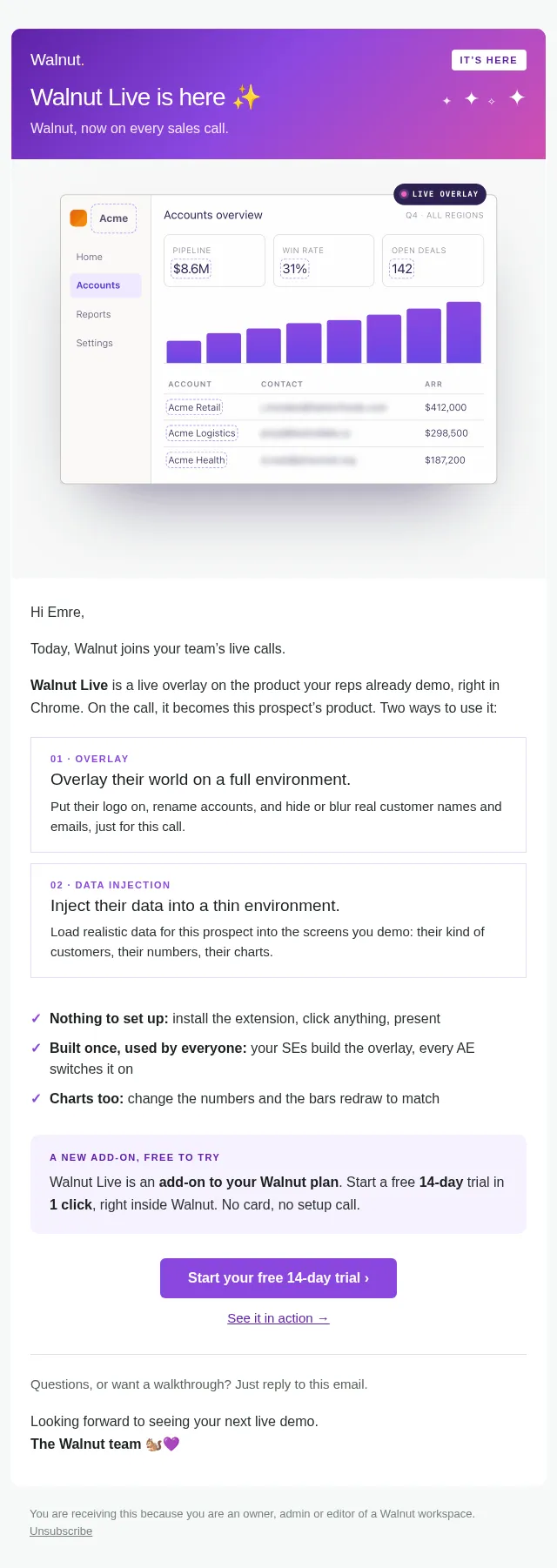
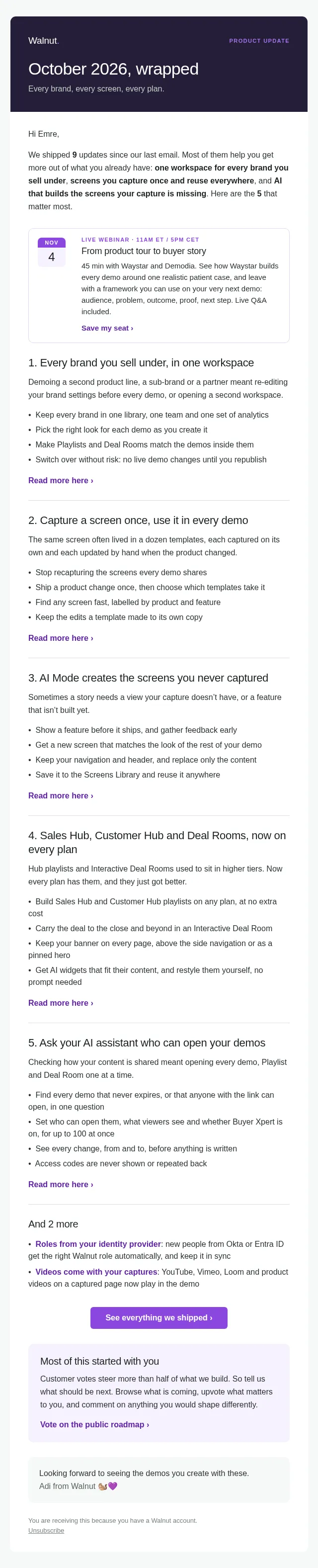
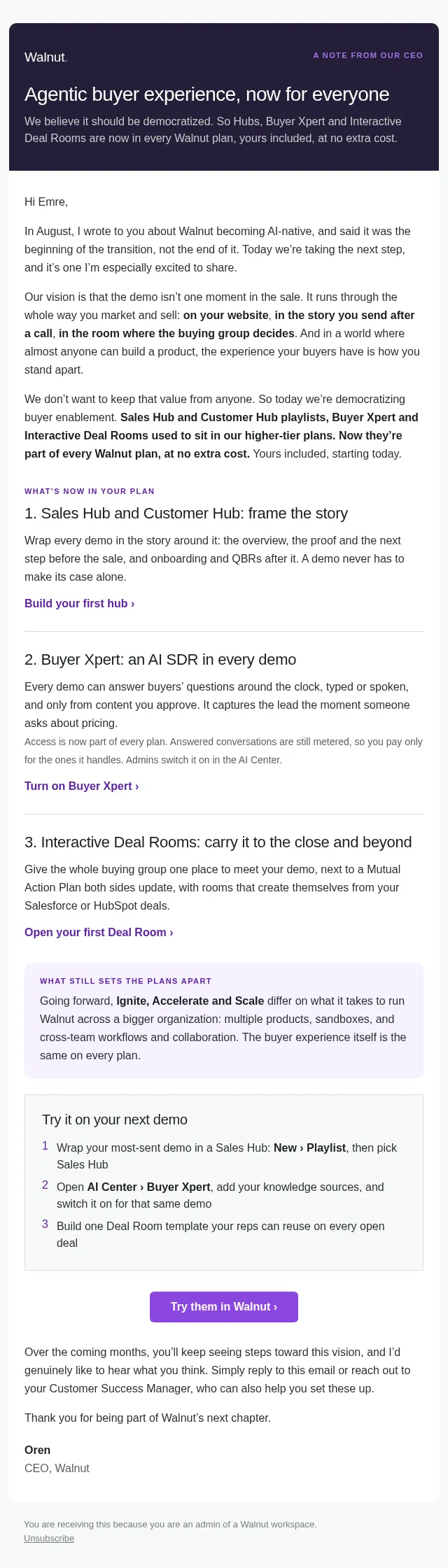
The Autocapture agent does the clicking. Plus Walnut Live, and hovers and menus captured as you go. Walnut. PRODUCT UPDATE Describe a demo. Walnut captures it. Plus Walnut Live, demos that click like your product, and viewer feedback. Hi Emre, We shipped 12 updates since our last email. The biggest one changes how a demo gets made: describe it, and an agent captures it for you. You can also personalize your real product on a live call, capture your product’s hovers and menus as you go, and hear from every prospect who finishes your demo. Here are the 5 that matter most. 1. Describe a demo. The agent captures it for you Capturing a demo meant clicking through every screen yourself, one flow at a time. Now the Autocapture agent does the clicking. [Image] • Describe the demo you want, and get a captured template back • Turn a Loom or Vimeo recording, a PDF deck or an old demo into a fresh one on your live product • Approve the story before a single screen is captured • Steer it mid-run, or stop and keep every screen it already has Start from My Library › New › Template, or from Agent mode in the Chrome extension. Read more here › 2. Walnut Live: your real product, personalized on the call Some buyers want to see the real product, but your demo account is full of test data and someone else’s logo. [Image] • Show the prospect’s logo and believable data in your real product • Hide or blur anything you’d rather not screen-share • Set it up once, switch it on before every call • Your product’s real data stays untouched Walnut Live is an add-on. Admins can start a 14-day free trial in one click. Start your free trial › · Read more here › 3. Your product’s interactivity, captured Hovers, dropdowns and side panels are what make your product feel real, but they came back as extra screens or not at all. [Image] • Capture hovers, dropdowns, side panels and dialogs just by opening them as you capture • Viewers open them with a click or hover, just like your real product • Capture a menu once, and it works on every screen it appears on • Menus inside panels, guided demos and modern apps all work now Click Record states during Story Capture. Read more here › 4. Hear from every prospect who finishes your demo A prospect finished your demo, then went quiet, and you never found out what landed. [Image] • Get a star rating and a comment the moment they finish • Catch their questions while the deal is still warm • Read the answer in your “someone viewed your demo” email • See exactly what they did before they wrote itRead more here › 5. Your AI assistant does the busywork Branding partner content and building a Playlist for one buyer meant opening item after item in the app. [Image] • Rebrand a whole partner folder in one ask • Get a buyer-ready Playlist, built from your own library • Launch a feature with an announcement Demo, links and videos included • Tag your library by just askingRead more here › And 4 more • AI Compose: sharper guide copy that keeps your font, size and colour • Branching playlists: rename items on the canvas and fold every survey in one click • FAB conversion rate: see how often viewers click your floating button, in Insights and from your AI assistant • Favorite folders: star a Library folder and open it straight from your homepage See everything we shipped › Want a say in what we build next? Customer votes steer more than half of what we build. Submit your own ideas on our product roadmap, upvote the ones that matter to you, and comment on anything you would shape differently. Submit an idea › Looking forward to seeing the demos you create with these. Adi from Walnut 🐿💜 You are receiving this because you have a Walnut account. Unsubscribe
- Accession
- nse/walnut/2026-11-25/7645
- From
- Adi from Walnut · adi.bo@walnut.io
- Sent
- 25 November 2026 · 14:00 UTC