October, wrapped: every brand, every screen, every plan
Branding Themes, a Screens Library, Hubs on every plan, and a live session on Nov 4.
- Product
- Walnut
- Sent from
- walnut.io
- Sent
No dark-mode styles — this email renders the same in a dark client.
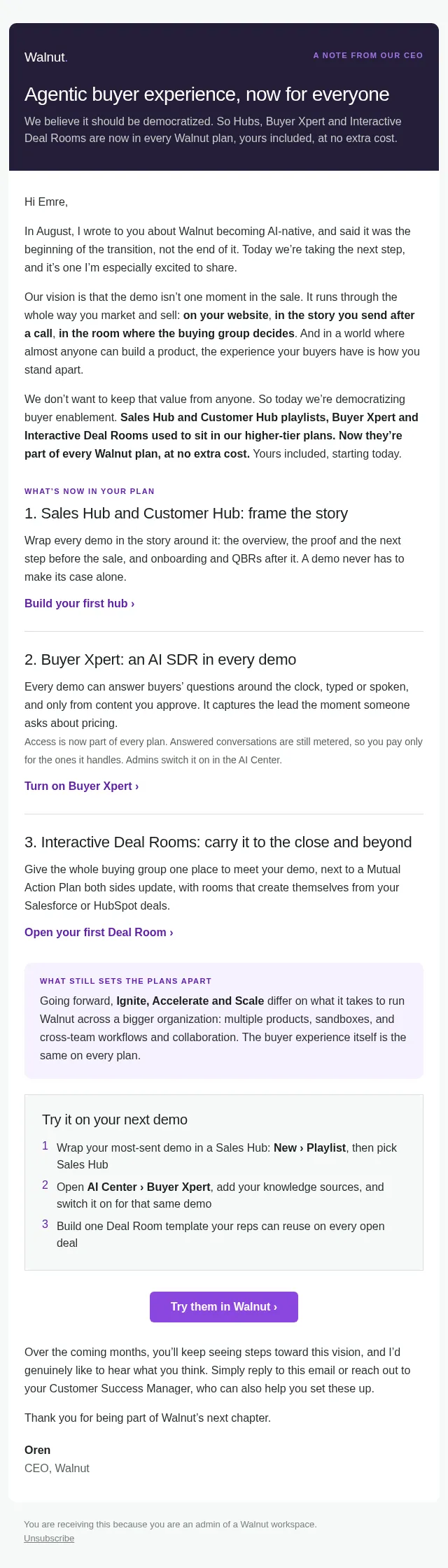
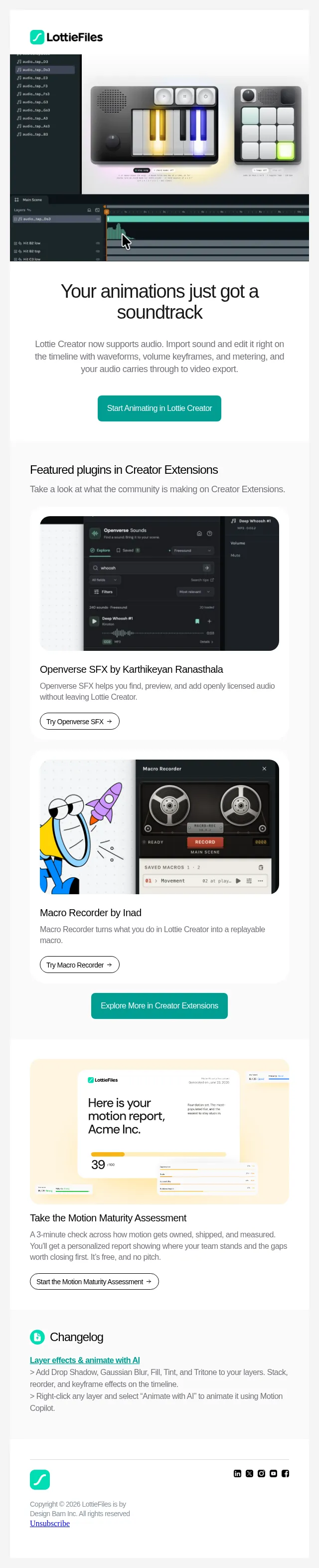
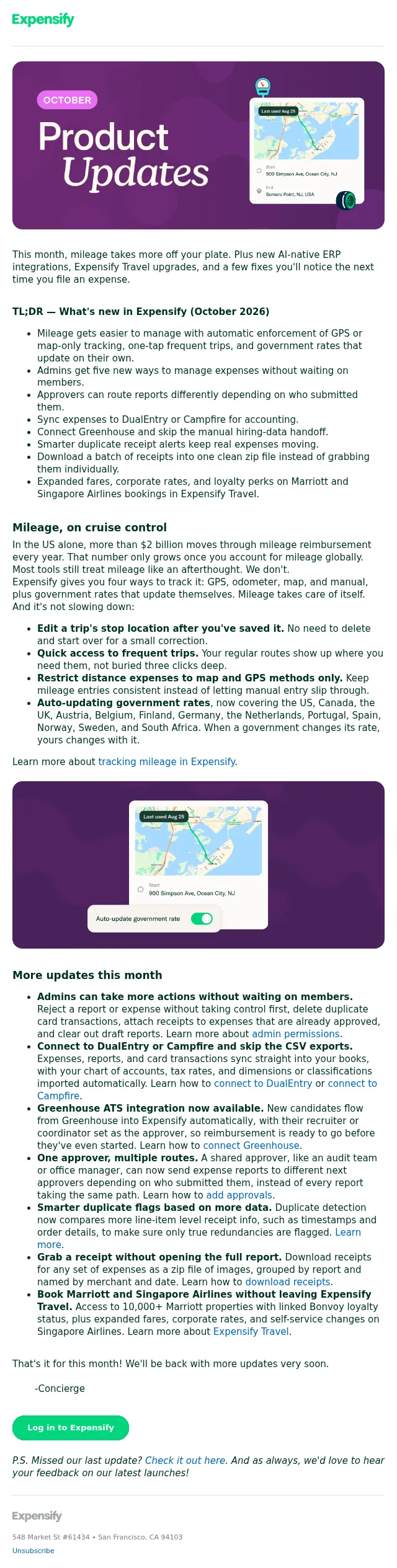
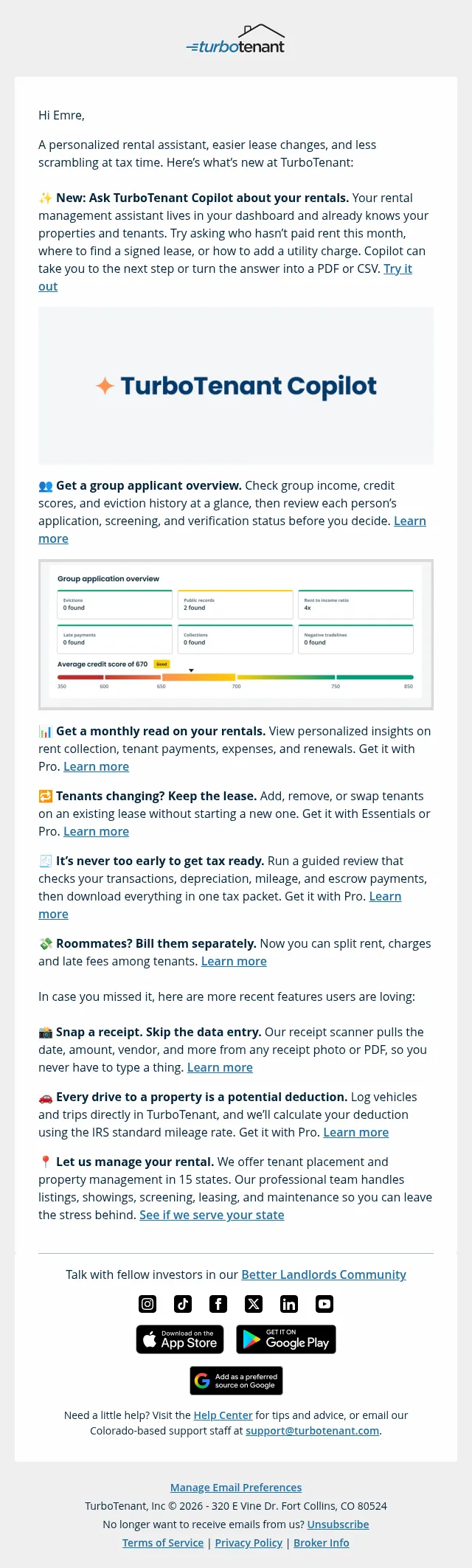
Branding Themes, a Screens Library, Hubs on every plan, and a live session on Nov 4. Walnut. PRODUCT UPDATE October 2026, wrapped Every brand, every screen, every plan. Hi Emre, We shipped 9 updates since our last email. Most of them help you get more out of what you already have: one workspace for every brand you sell under, screens you capture once and reuse everywhere, and AI that builds the screens your capture is missing. Here are the 5 that matter most. NOV 4 LIVE WEBINAR · 11AM ET / 5PM CET From product tour to buyer story 45 min with Waystar and Demodia. See how Waystar builds every demo around one realistic patient case, and leave with a framework you can use on your very next demo: audience, problem, outcome, proof, next step. Live Q&A included. Save my seat › 1. Every brand you sell under, in one workspace Demoing a second product line, a sub-brand or a partner meant re-editing your brand settings before every demo, or opening a second workspace. • Keep every brand in one library, one team and one set of analytics • Pick the right look for each demo as you create it • Make Playlists and Deal Rooms match the demos inside them • Switch over without risk: no live demo changes until you republishRead more here › 2. Capture a screen once, use it in every demo The same screen often lived in a dozen templates, each captured on its own and each updated by hand when the product changed. • Stop recapturing the screens every demo shares • Ship a product change once, then choose which templates take it • Find any screen fast, labelled by product and feature • Keep the edits a template made to its own copyRead more here › 3. AI Mode creates the screens you never captured Sometimes a story needs a view your capture doesn’t have, or a feature that isn’t built yet. • Show a feature before it ships, and gather feedback early • Get a new screen that matches the look of the rest of your demo • Keep your navigation and header, and replace only the content • Save it to the Screens Library and reuse it anywhereRead more here › 4. Sales Hub, Customer Hub and Deal Rooms, now on every plan Hub playlists and Interactive Deal Rooms used to sit in higher tiers. Now every plan has them, and they just got better. • Build Sales Hub and Customer Hub playlists on any plan, at no extra cost • Carry the deal to the close and beyond in an Interactive Deal Room • Keep your banner on every page, above the side navigation or as a pinned hero • Get AI widgets that fit their content, and restyle them yourself, no prompt neededRead more here › 5. Ask your AI assistant who can open your demos Checking how your content is shared meant opening every demo, Playlist and Deal Room one at a time. • Find every demo that never expires, or that anyone with the link can open, in one question • Set who can open them, what viewers see and whether Buyer Xpert is on, for up to 100 at once • See every change, from and to, before anything is written • Access codes are never shown or repeated backRead more here › And 2 more • Roles from your identity provider: new people from Okta or Entra ID get the right Walnut role automatically, and keep it in sync • Videos come with your captures: YouTube, Vimeo, Loom and product videos on a captured page now play in the demo See everything we shipped › Most of this started with you Customer votes steer more than half of what we build. So tell us what should be next. Browse what is coming, upvote what matters to you, and comment on anything you would shape differently. Vote on the public roadmap › Looking forward to seeing the demos you create with these. Adi from Walnut 🐿💜 You are receiving this because you have a Walnut account. Unsubscribe
- Accession
- nse/walnut/2026-10-29/5465
- From
- Adi from Walnut · adi.bo@walnut.io
- Sent
- 29 October 2026 · 14:00 UTC