
Userlist Email Examples
userlist.com · 13 emails · last email 4 days ago
Latest: A Martian has entered your inbox
- All
- Educational 6
- Welcome 1
- Onboarding 1
- Activation Nudge 1
- Upgrade Prompt 1
- Feature Launch 1
- Newsletter 1
- Nurture 1
A Martian has entered your inbox
Susie celebrates progress
Susie stops chasing perfection
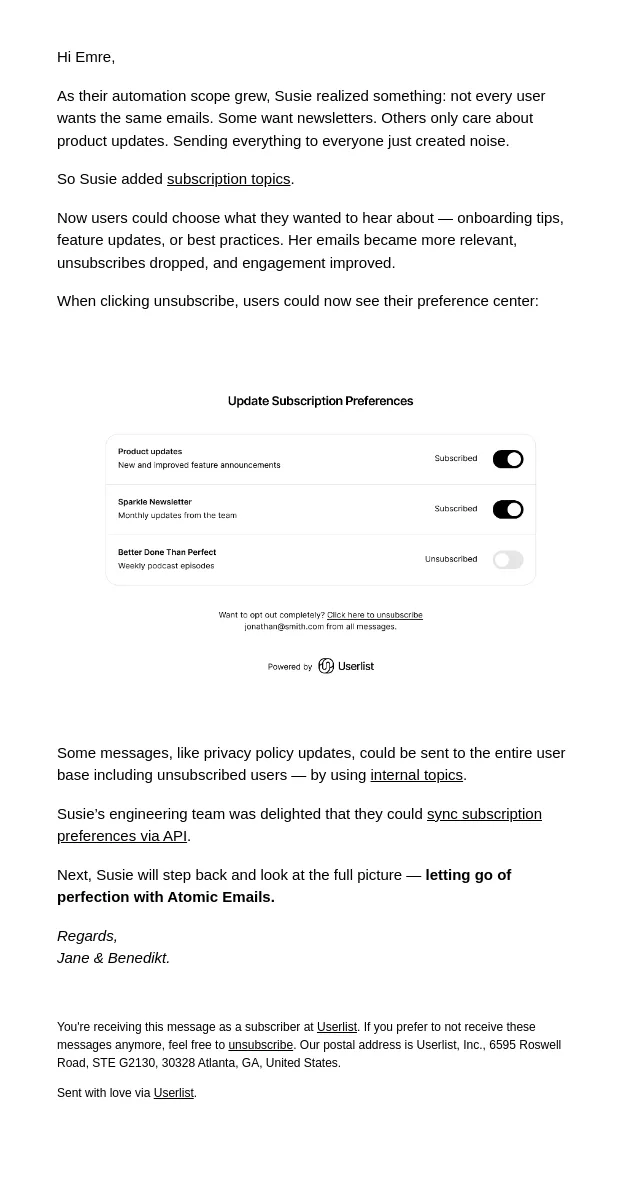
Susie gives users control
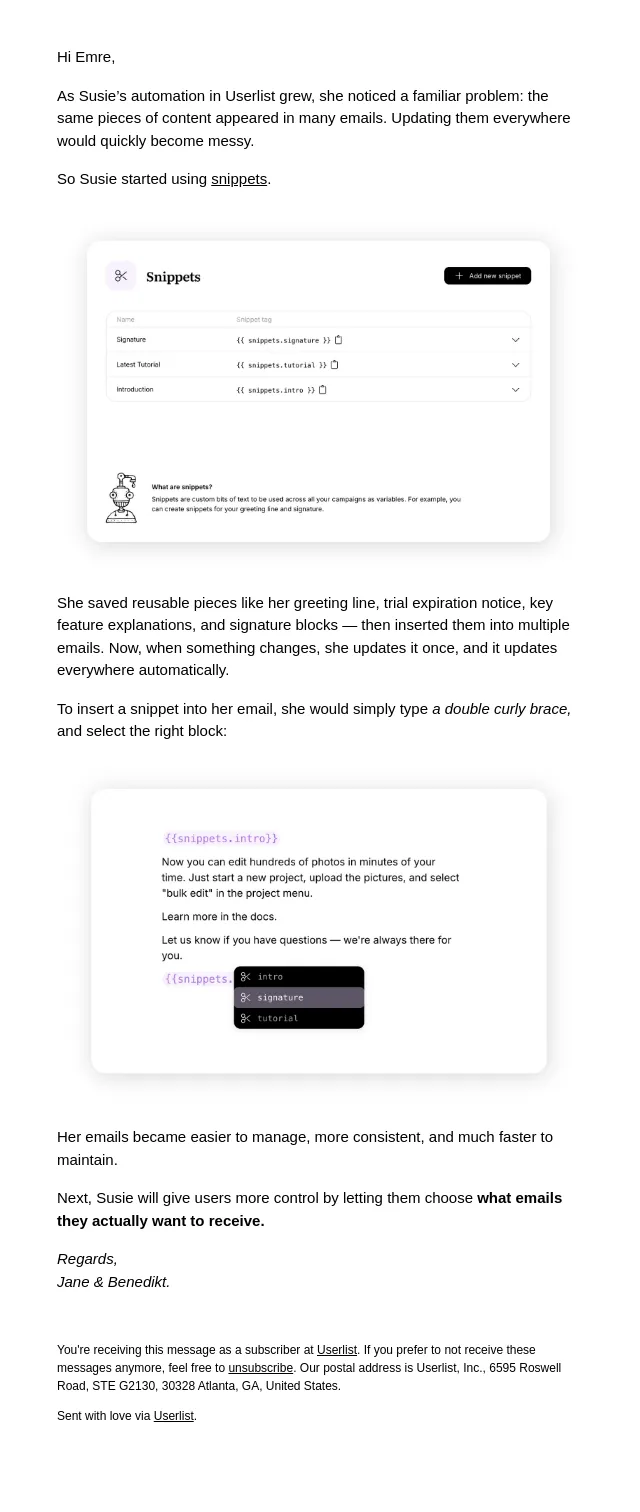
Susie saves time with snippets
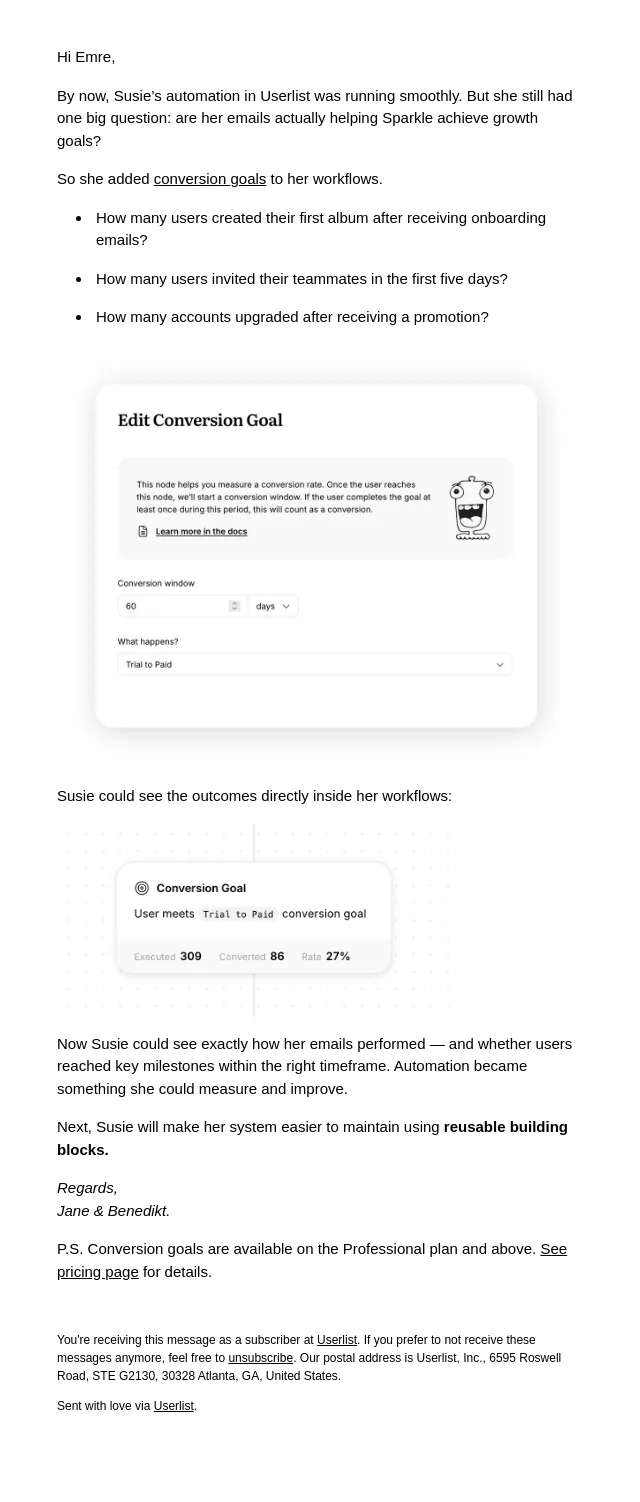
Susie measures conversions
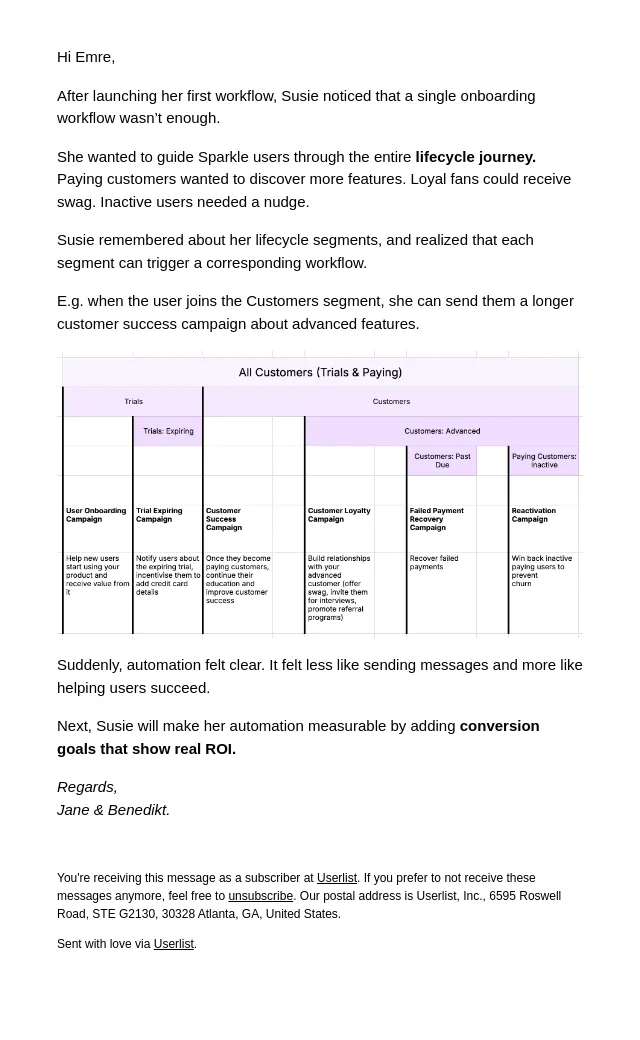
Susie maps the lifecycle journey
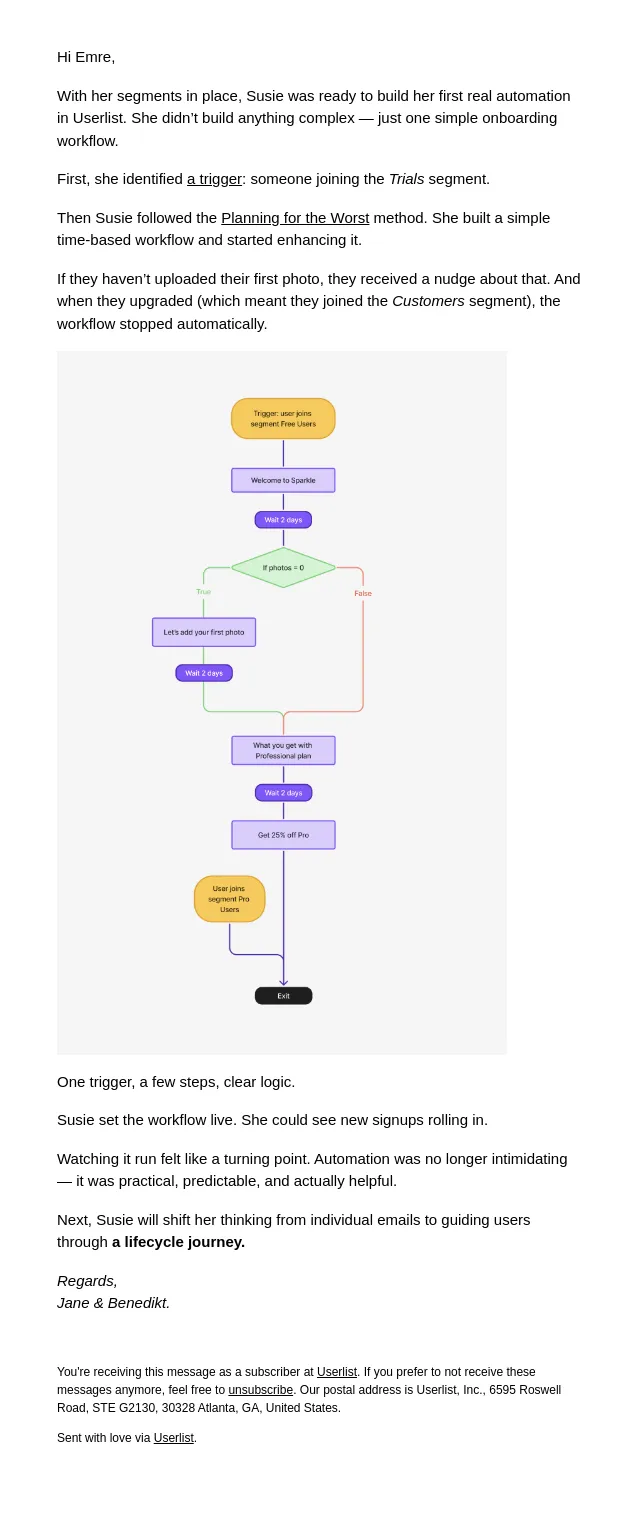
Susie builds her first workflow
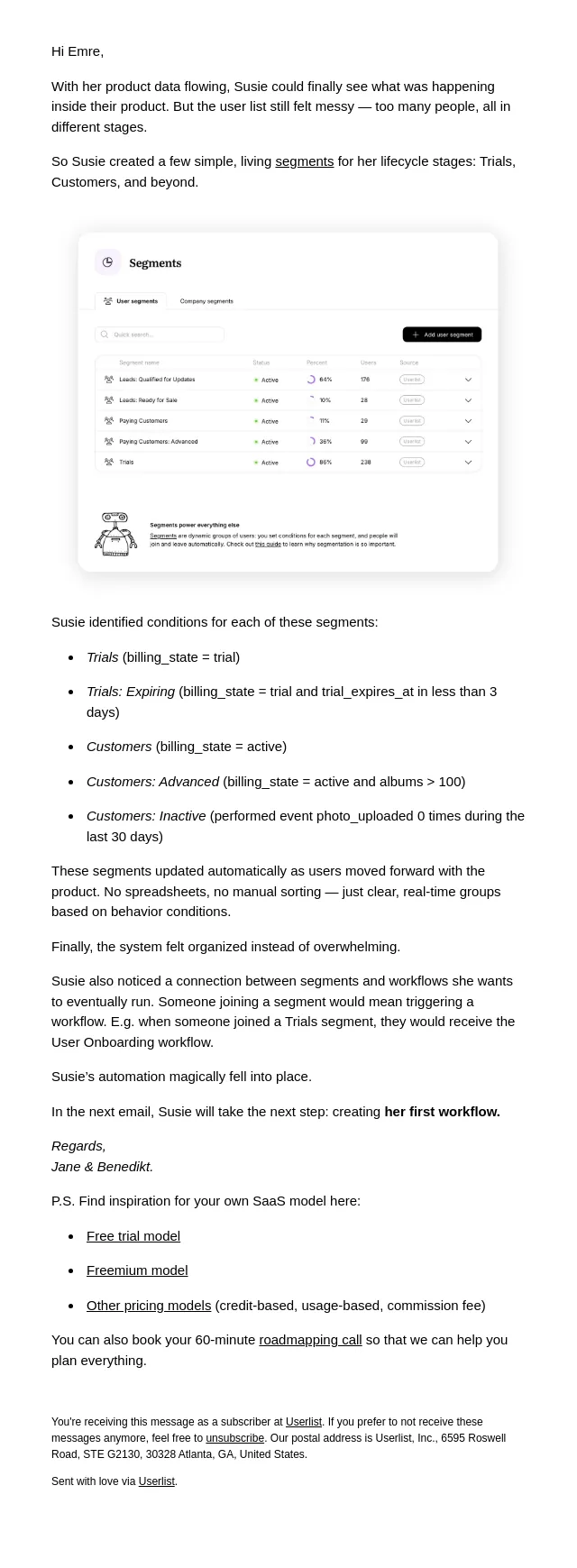
Susie finds clarity with segments
How can we earn your trust?
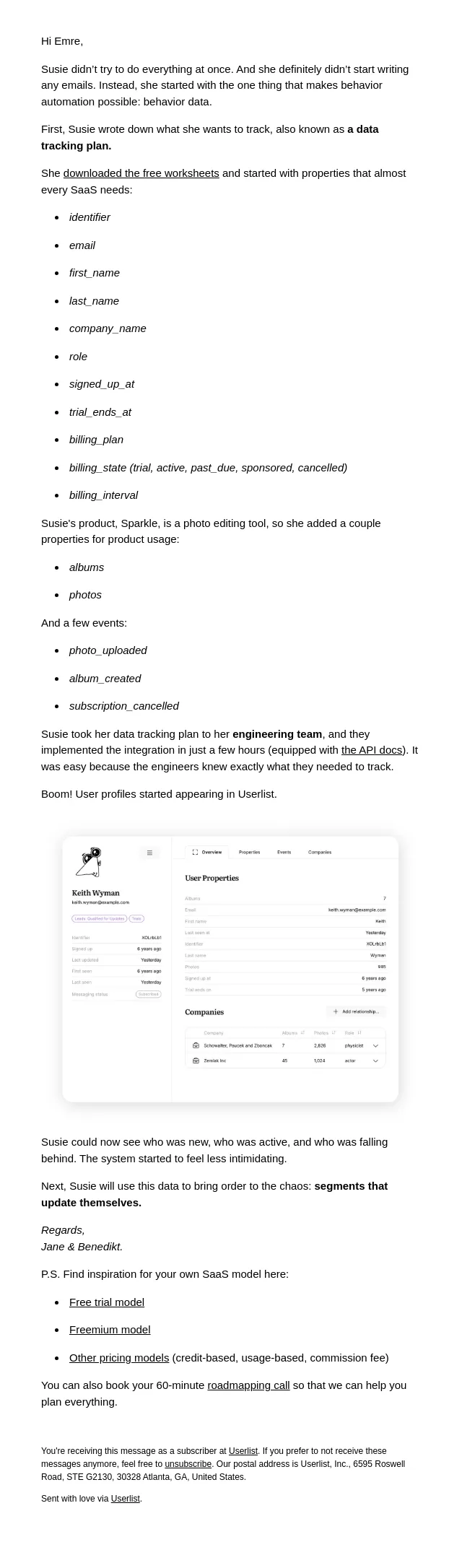
Susie starts with data
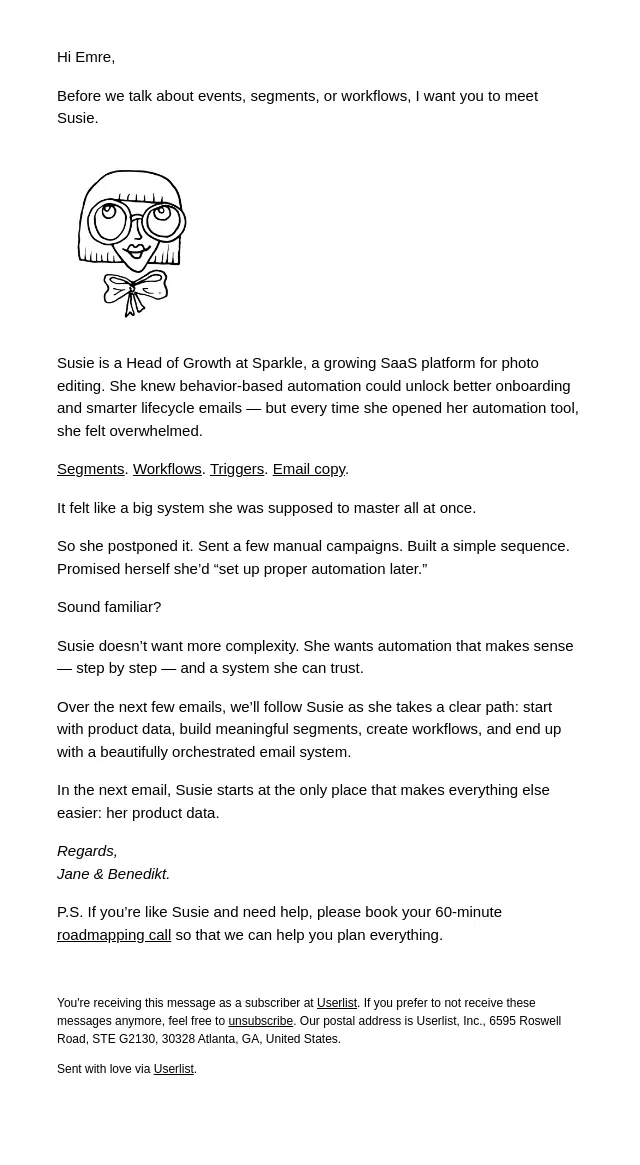
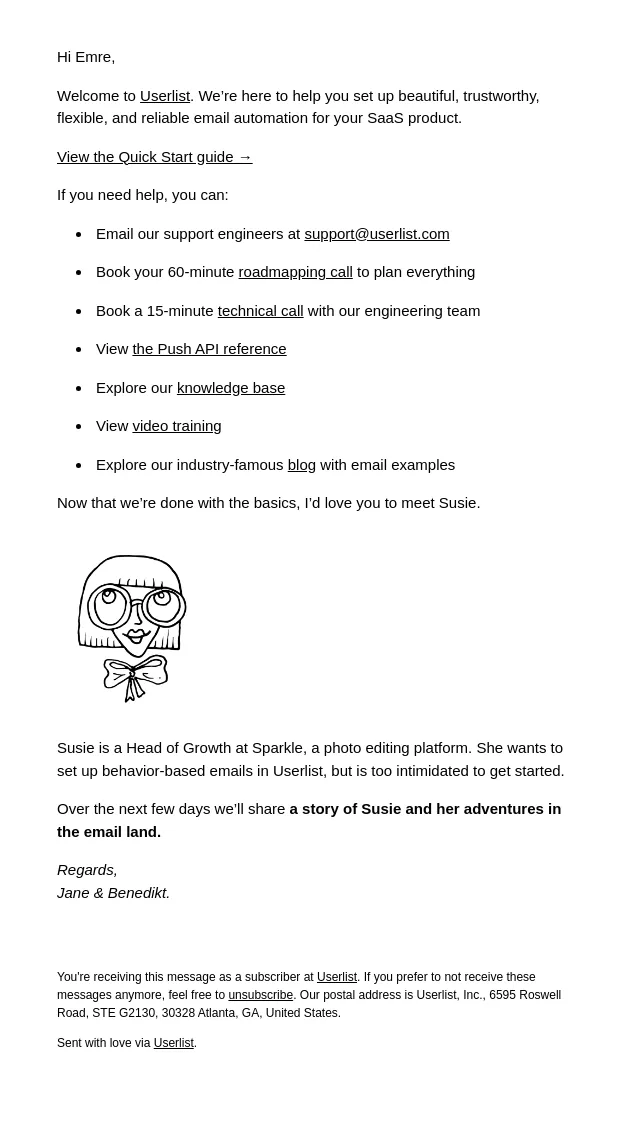
Meet Susie
Welcome to Userlist
About Userlist’s email
Measured across 13 of their emails against all 4607 in the archive:
- Subject lines average 4 words, where the archive median is 7.
- A typical send carries 2 images, against 5 archive-wide.
- They link out 4 times per email, against 7 archive-wide.
- The copy reads at about US grade 8.7, against 6.9 for the archive.
Frequently asked
How many Userlist emails are in this archive?
13 emails, captured between 2026-10-08 and 2026-10-25. Each one is stored with its subject line, preheader and full HTML.
What kinds of emails does Userlist send?
In this archive: educational (6), welcome (1), onboarding (1), activation nudge (1) and upgrade prompt (1). Every Userlist email is classified against the same closed taxonomy used across the whole site, so the labels mean the same thing on every product page.
What is different about Userlist's emails?
Measured against every email in the archive: Subject lines average 4 words, where the archive median is 7. A typical send carries 2 images, against 5 archive-wide. They link out 4 times per email, against 7 archive-wide. the copy reads at about US grade 8.7, against 6.9 for the archive.
When did Userlist last send an email?
The most recent Userlist email captured here was sent on 2026-10-25. The archive collects continuously, so this page updates itself rather than being republished.
Can I see the full design of Userlist's emails?
Yes. Every email opens as the recipient saw it, rendered from the original HTML rather than a screenshot, so you can read the copy, follow the layout and see how the calls to action are built. Browsing is free and needs no account.