A system that sticks: editable templates, table layout, and more
A system that sticks: editable templates, table layout, and more "> Why my 90-day plan fell apart, and what’s new to help yours.
- Product
- Todoist
- Sent from
- notify.todoist.com
- Sent
Dark-mode styles present, but they keep this email light.
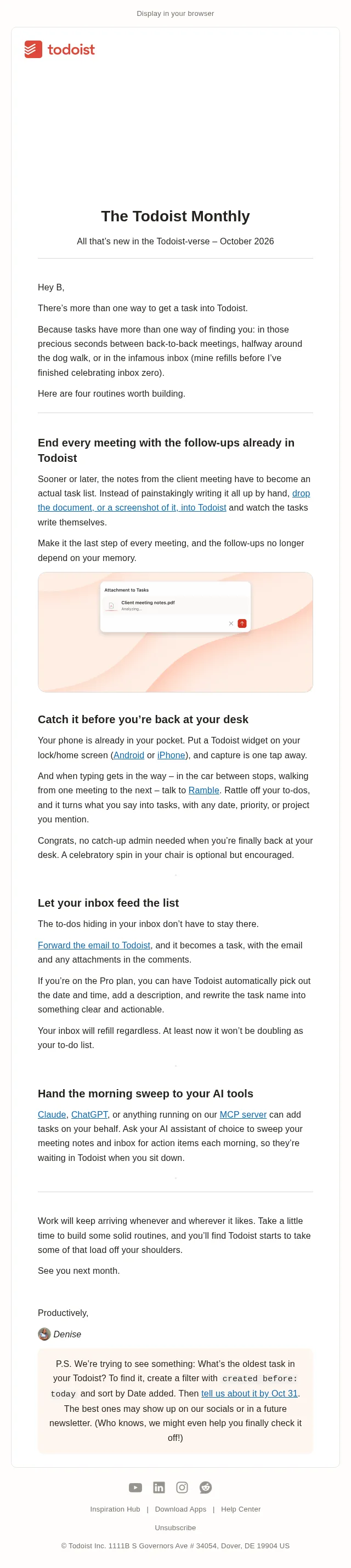
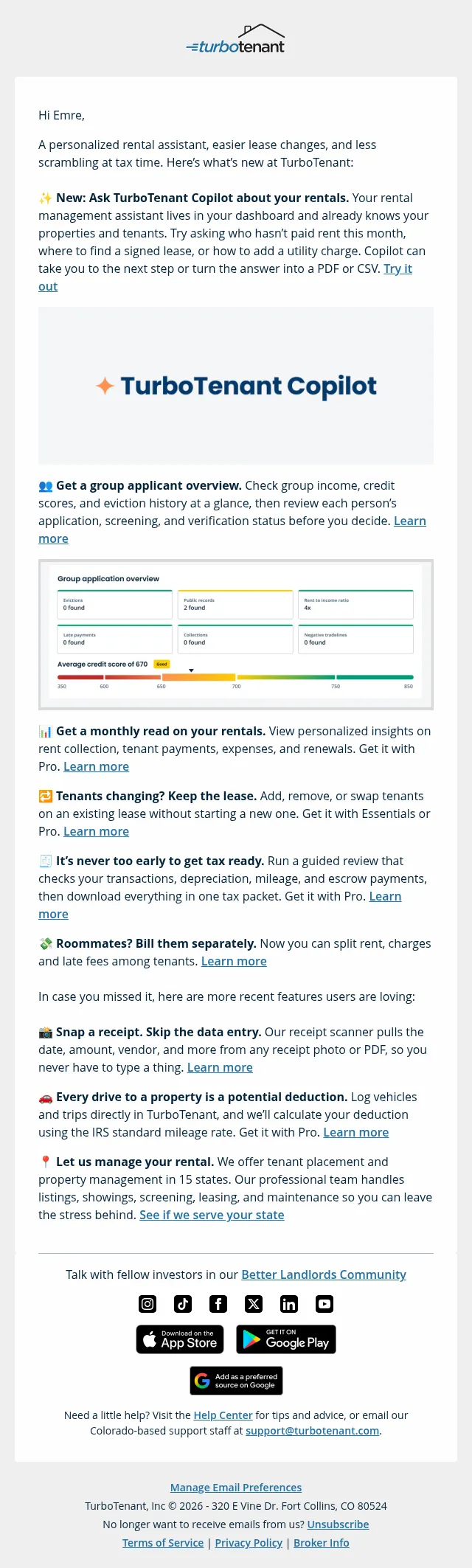
A system that sticks: editable templates, table layout, and more Why my 90-day plan fell apart, and what’s new to help yours. Display in your browser [https://todoist.doist-emails.com/en/emails/todoist/cms/TDMonthly1126?o=eyJmaXJzdF9uYW1lIjoiQiIsInVuc3Vic2NyaWJlX2xpbmsiOiJodHRwczovL2FwcC50b2RvaXN0LmNvbS91bnN1YnNjcmliZT90b2tlbj1leUpoYkdjaU9pSklVekkxTmlJc0luUjVjQ0k2SWtwWFZDSjkuZXlKdFgzUjVjR1VpT2pFc0luVnBaQ0k2TmpFeE16a3hNRE1zSW5OMVlpSTZJbTFoYVd4ZmRXNXpkV0lpTENKcWRHa2lPaUpzVFVOalkwcHBkQ0lzSW1WNGNDSTZNVGsxTXpZMU9ESTBOMzAuNTRacUhYTUp6YVhJNk1HdnN3VkxyWlVvRzgtSzh4U3ktMDBkamowbkRDOCIsInVzZXJfZW1haWwiOiJiLXRvZG9pc3Qta2Uzc2FvQG1haWwubmV3c2xldHRlcnNlYXJjaGVuZ2luZS5jb20iLCJ1c2VyX2lkIjoiNjExMzkxMDMifQ%3D%3D&s=b-z4NJuqXa2tW8cc8OwoRTtziDCmGvsfBlmQy4OZTeQ] Todoist logo [https://todoist.doist-emails.com/_next/static/media/todoist-logo.37ixz0c7g2o0-.png] [https://images.ctfassets.net/5zyjowl7hbbz/3sj5qHQUUWq3f9SjXQc8RF/9958a4d9cf5543e254cf300224cc4a64/Todoist-illustration-new.png?w=440&fm=png] The Todoist Monthly All that’s new in the Todoist-verse – November 2026 -------------------------------------------------------------------------------- Hi B, Alicia here from the Todoist Product Marketing team, dropping in to chat with you this month! 👋 Most of us have built a system that looked perfect on day 1 … and then never opened it again. 😅 When I joined my last startup, I wrote myself a 30-60-90 day plan. It lived in a doc on its own, far from the tasks and conversations happening every day. Keeping it all up to date was on me. Pretty soon, it was a mess of crossed-out lines, ticked boxes and rushed scraps of thought in comments. Everything I had to do was a jumble in my head. Halfway through my first 90 days, my plan was left in the dust. 🥴 When your task system fits how you work, it’s like having an extra teammate whose only job is keeping you focused on what’s next. All the energy you were spending on “am I on track?” and “what’s falling through the cracks?” can pour into your best creative thinking. The Todoist Product team has been busy shipping lots of things you asked for, especially to help you feel supported by your perfect task system! 🎉 Log in to Todoist [https://app.todoist.com/?utm_source=todoist&utm_medium=email&utm_campaign=2026_11_todoist_monthly] -------------------------------------------------------------------------------- Let your templates change with you Your wish is granted – templates are now editable! 🎉 Your routines get a little better every time you run them… now your templates keep up. Update your project kickoff template once, and every new project starts from the latest version. On web or desktop, edit a template just like a project. When you save a project as a template, it opens straight into edit mode. Clear out the one-off tasks there, and next time you start from a clean copy. [https://images.ctfassets.net/5zyjowl7hbbz/2wsGhllg9glkRcMF5xs4lX/64af39eaa4b3927e0ac12a2f868c62f1/templates-video-thumbnail.png?w=1000&fm=png]https://supercut.ai/share/teamtodoist/d9ry4JW4QSeqlXIcYfWH0Y?utm_source=todoist&utm_medium=email&utm_campaign=2026_11_todoist_monthly See how editable templates work → [https://www.todoist.com/help/todoist/features/introduction-to-templates-in-todoist-uofJ8i40M?utm_source=todoist&utm_medium=email&utm_campaign=2026_11_todoist_monthly] Let’s talk: what should templates do next? Kaitlin, our Product Manager for templates, walks through a few ideas [https://supercut.ai/share/teamtodoist/lmJBuUlOgCzHsrBDOWGZz5?utm_source=todoist&utm_medium=email&utm_campaign=2026_11_todoist_monthly] we’re exploring next, like templates that fill in the right dates each time you use them. If you’d like to try new template features early and tell us what works, take the survey → [https://todoist.typeform.com/to/rYmPZKcp?utm_source=todoist&utm_medium=email&utm_campaign=2026_11_todoist_monthly] [https://images.ctfassets.net/5zyjowl7hbbz/fqw13dbYm2jBU5GR4YFGJ/80afe01de5e16f24e046b5356a44b9c4/templates-help-us-decide.png?w=1000&fm=png]https://supercut.ai/share/teamtodoist/lmJBuUlOgCzHsrBDOWGZz5?utm_source=todoist&utm_medium=email&utm_campaign=2026_11_todoist_monthly Meet Todoist Automations 🚀 and start each day already caught up What if … * your morning “what needs my attention?” check was waiting for you before your coffee finished brewing? * every starred email turned into a Todoist task with a due date? * the hour you spend catching up each morning went into your best creative thinking? Todoist Automations (beta) takes care of routine tasks like these. Connect Automations [https://www.todoist.com/help/automations/get-started/connect-todoist-automations-to-chatgpt-claude-and-other-mcp-clients-0zotSjxm6?utm_source=todoist&utm_medium=email&utm_campaign=2026_11_todoist_monthly] to an AI assistant like Claude or ChatGPT, then describe the routine you want. Your assistant sets it up in Todoist once, and Automations runs it the same way every day. 🔂 Automations is included in the Pro plan (usage limits may apply after the beta), and we’d love to hear what you think! [https://images.ctfassets.net/5zyjowl7hbbz/6Cj3vCNEaIdpQKFZXA7blN/10cc6bac95594d9e66cf990f14354fc5/solo-automations.png?w=1000&fm=png]https://automations.todoist.com/?utm_source=todoist&utm_medium=email&utm_campaign=2026_11_todoist_monthly Set up your first automation [https://automations.todoist.com/?utm_source=todoist&utm_medium=email&utm_campaign=2026_11_todoist_monthly] Know you’re on track at a glance with table layout You asked for a table view, and it’s here! 🙌 Table view lines up every task’s date and priority in its own column. Sort by deadline to see what’s next, or by priority to see what matters most. When plans shift, change a date or priority right in the table. To try it on web or desktop, open any project and choose Table in the view options. Table layout comes with the Pro plan. That’s one less doc to keep up to date! [https://images.ctfassets.net/5zyjowl7hbbz/3f7reqUwMSITbZ5PUD2Ddk/1feecf657d55e5d92cb8b49c31b23893/solo-table.png?w=1000&fm=png]https://www.todoist.com/help/todoist/features/use-the-table-layout-in-todoist-WHCRjI3af?utm_source=todoist&utm_medium=email&utm_campaign=2026_11_todoist_monthly See how table layout works → [https://www.todoist.com/help/todoist/features/use-the-table-layout-in-todoist-WHCRjI3af?utm_source=todoist&utm_medium=email&utm_campaign=2026_11_todoist_monthly] Get to your top priorities in one tap What’s the project you open the most on your phone? Keep it right in your tab bar! Any project, filter, or label can now be one of your 5 tabs in the mobile app. Hold down a tab to swap it, then drag the tabs into the order you use them. A good place to start is a filter [https://www.todoist.com/help/todoist/features/introduction-to-filters-V98wIH?utm_source=todoist&utm_medium=email&utm_campaign=2026_11_todoist_monthly] for today’s most important tasks (today & p1). Give it a tab, and they’re waiting there every morning! [https://images.ctfassets.net/5zyjowl7hbbz/7viSVB20x0fBZ63mAq7trg/12e8c07679b2c4f6bd11ba27fbcbb0a7/solo-tabs.png?w=1000&fm=png]https://www.todoist.com/help/todoist/features/customize-the-todoist-navigation-bar-L4qpkI0xj?utm_source=todoist&utm_medium=email&utm_campaign=2026_11_todoist_monthly See how to customize your tab bar → [https://www.todoist.com/help/todoist/features/customize-the-todoist-navigation-bar-L4qpkI0xj?utm_source=todoist&utm_medium=email&utm_campaign=2026_11_todoist_monthly] -------------------------------------------------------------------------------- If I wrote that 90-day plan again today, I’d put it in a Todoist table and give it its own tab on my phone. I’m pretty sure day 45 me would have been a lot calmer. Now, if you’ll excuse me, I have an old 90-day plan to finally archive. See you next month! Productively, [https://res.cloudinary.com/doist-emails/image/fetch/f_png/c_scale,h_48,w_48/r_max/https://images.ctfassets.net/5zyjowl7hbbz/2t6LqyHHKwseHuz0qqxlJ2/446074dd833bb3d45210bf818da4e93f/Alicia.png?_a=DATC+pkSZAA0] Alicia P.S. Your routines now come with receipts! Completed recurring tasks stay visible in Today, and in calendar layouts [https://www.todoist.com/help/articles/use-the-calendar-layout-in-todoist-lPHRQTu0o?utm_source=todoist&utm_medium=email&utm_campaign=2026_11_todoist_monthly] on Pro. YouTube [https://todoist.doist-emails.com/_next/static/media/youtube-grey.0l3_ifcowtjko.png]https://www.youtube.com/channel/UCQ_61yRKscCnkIJBPoR15EA?utm_source=todoist&utm_medium=email&utm_campaign=2026_11_todoist_monthlyLinkedIn [https://todoist.doist-emails.com/_next/static/media/linkedin-grey.3nd5h-rvbo8rm.png]https://www.linkedin.com/showcase/todoist/?utm_source=todoist&utm_medium=email&utm_campaign=2026_11_todoist_monthlyInstagram [https://todoist.doist-emails.com/_next/static/media/instagram-grey.30xe5iuft81cl.png]https://www.instagram.com/todoistofficial?utm_source=todoist&utm_medium=email&utm_campaign=2026_11_todoist_monthlyReddit [https://todoist.doist-emails.com/_next/static/media/reddit-grey.10yn3tc-3upfi.png]https://www.reddit.com/r/todoist/?utm_source=todoist&utm_medium=email&utm_campaign=2026_11_todoist_monthly Inspiration Hub [https://www.todoist.com/inspiration?utm_source=todoist&utm_medium=email&utm_campaign=2026_11_todoist_monthly] | Download Apps [https://www.todoist.com/downloads?utm_source=todoist&utm_medium=email&utm_campaign=2026_11_todoist_monthly] | Help Center [https://www.todoist.com/help?utm_source=todoist&utm_medium=email&utm_campaign=2026_11_todoist_monthly] Unsubscribe [https://app.todoist.com/unsubscribe?token=eyJhbGciOiJIUzI1NiIsInR5cCI6IkpXVCJ9.eyJtX3R5cGUiOjEsInVpZCI6NjExMzkxMDMsInN1YiI6Im1haWxfdW5zdWIiLCJqdGkiOiJsTUNjY0ppdCIsImV4cCI6MTk1MzY1ODI0N30.54ZqHXMJzaXI6MGvswVLrZUoG8-K8xSy-00djj0nDC8] © Todoist Inc. 1111B S Governors Ave # 34054, Dover, DE 19904 US
- Accession
- nse/todoist/2026-11-29/7961
- From
- Alicia from Todoist · no-reply@notify.todoist.com
- Sent
- 29 November 2026 · 18:00 UTC