Quick capture on desktop, reminders in Pro, and views in your own order
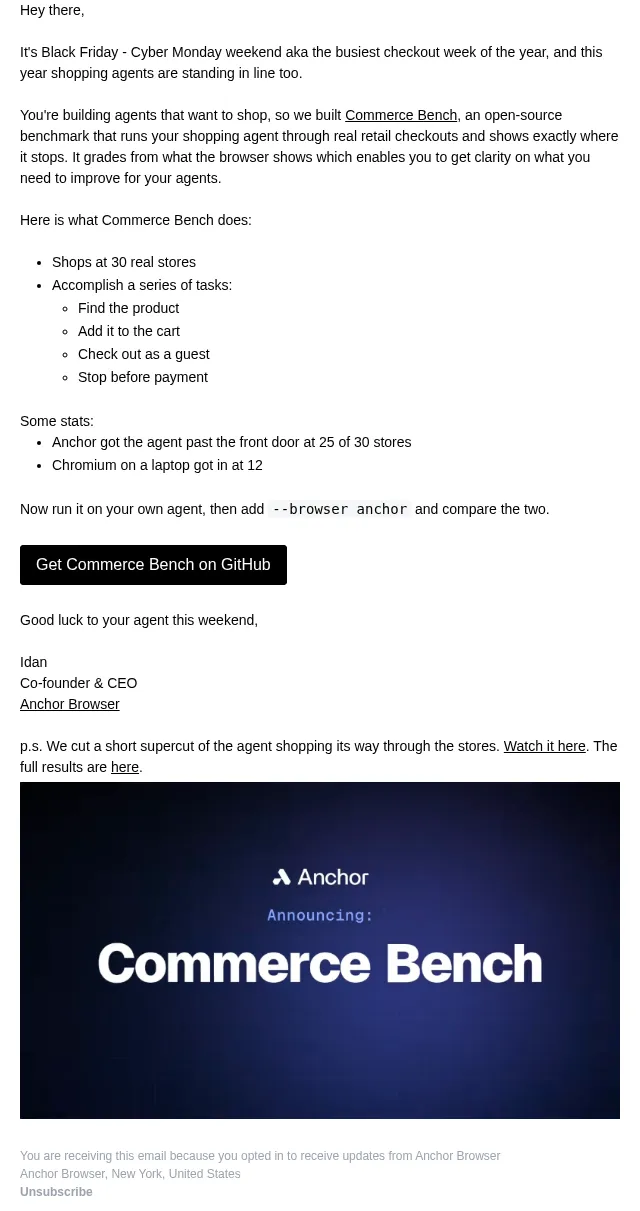
We've brought quick capture to desktop, reminders are now part of Capacities Pro, and you can put any view in your own order. You can also select text across blocks and filter search with @.
- Product
- Capacities
- Sent from
- capacities.io
- Sent
No dark-mode styles — this email renders the same in a dark client.
We've brought quick capture to desktop, reminders are now part of Capacities Pro, and you can put any view in your own order. You can also select text across blocks and filter search with @.
Hi there,
This release is all about removing friction across the app. You can capture a thought from anywhere and put any view in your own order, and reminders are now part of Pro! 🎉
Quick capture on desktop
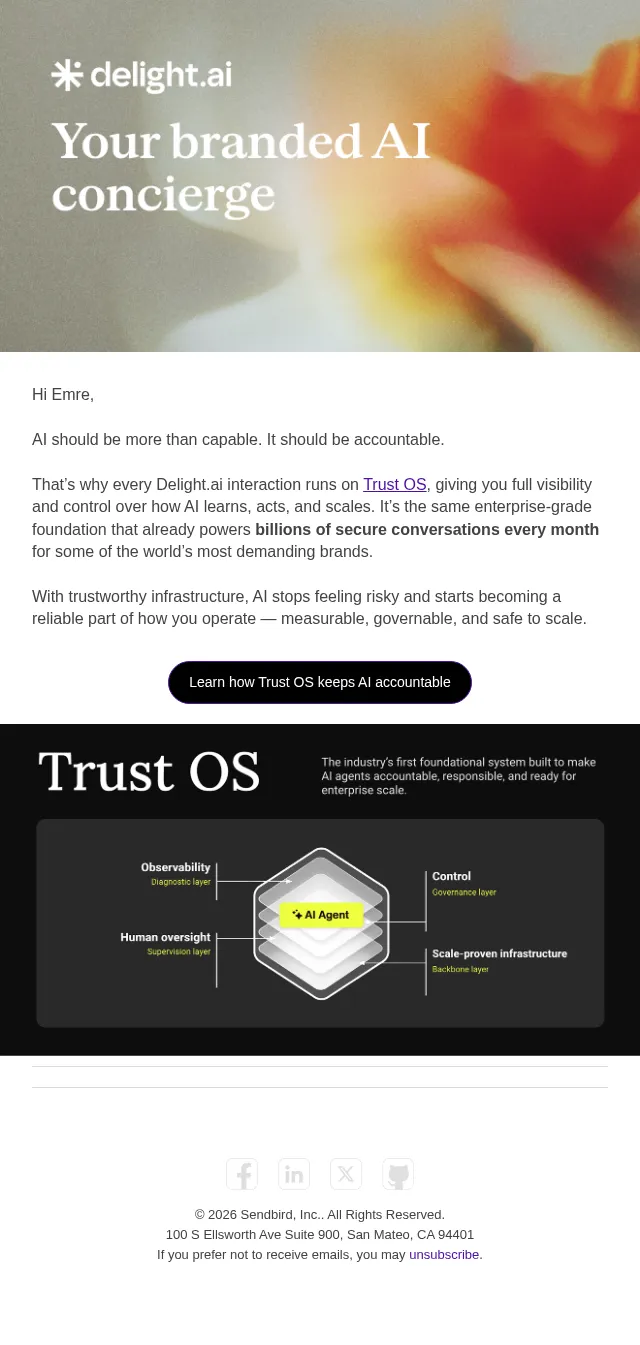
Thoughts turn up anytime, not just when Capacities is open in front of you. Regardless of what you're doing, quick capture on desktop lets you write a note, add a task, or search from anywhere on your computer, without opening the main window.
It supports three modes:
Note: Write a thought and send it to yesterday's, today's, or tomorrow's daily note, to an object you've pinned or opened recently, or to a new object.
Task: With Capacities Pro, add a task for today, tomorrow, or with no date. It goes straight to that space's tasks.
Search: Search one space or all of them, and open a result straight in the app.
When we built it, our aim was to make capture as fast as possible. Quick capture is fully keyboard accessible, so you never need to reach for the mouse.
Press ⌃⌘N for a note, ⌃⌘T for a task, or ⌃⌘K to search. On Windows, use Ctrl+Alt+Shift with N , T , or K . You can also open it from the Capacities icon in the menu bar. If you'd like different shortcuts, you can change them in Settings > Quick Capture , so quick capture fits in with the rest of your infrastructure.
Getting tasks and thoughts out of your head and into Capacities is faster than ever. We hope you love it!
Reminders in Pro
With this release, reminders and notifications are part of Capacities Pro ! 🔔 A reminder sends you a notification at the time you choose, on every device, so you don't miss the things that matter.
Reminders were in early testing for Capacities Believers . Thank you to every Believer who tested them and told us what didn't work. We've used your feedback to make them better! 🙏
Read the reminders guide
Sort any view in your own order
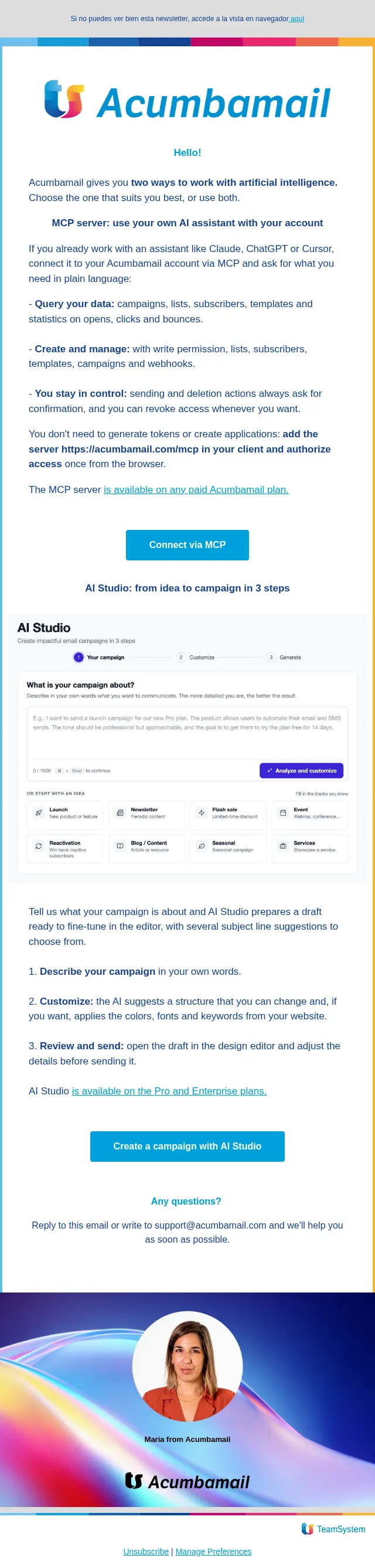
Sometimes the order that matters is the one in your head, not one a sort rule can give you. You can now sort any view of objects by hand, like putting the books you want to read next at the top of your reading list. Drag items into the order you want, or select several and move them together.
This works wherever you see your objects in a view: queries, collections, tags, object type overviews, backlinks, the tasks overview, and the calendar. If a view already has sort rules, Capacities asks before switching to your order, and Re-sort , in Customize view or the sort menu, takes you back to the rules at any time.
Select text across blocks
You can now select text across several blocks, like in most document editors. Start dragging inside a paragraph and keep going into the next blocks, and the editor stays in a text selection mode.
It should work just the way you'd expect. If something doesn't, let us know!
Filter search with @ in the command palette
Search is fastest when you can narrow it down as you type. In the command palette, you can now type @ to filter by object type or tag without leaving the keyboard. If you're looking for The Psychology of Money, type money @books and you'll only see your books. You can add more than one filter, or leave a type or tag out instead.
This replaces the old type filter, where you had to type the full name of an object type.
Read the search guide
Import object types from other spaces
If you use more than one space, you've probably set up the same object types more than once. You can now import object types from another space in Add new object type , so the Book type you've built in your personal space can come with you to a new one. Any object types it links to come along too, or you can use ones you already have. The copies are independent, so a change in one space won't change the other.
Easter egg in the app 🛂
We've hidden an easter egg in the app! 👀 If you've found it, you'll know. Here's a hint: in most cases, it's only one click away.
There's much more that changed. You can read about the full release in our What's new section.
If you like what we're doing at Capacities and you'd like to support us, consider becoming a Believer or sign up for Capacities Pro .
Get Capacities Pro
Become a Believer
If you have any questions, feel free to join our community or
contact us .
You are receiving this email because you signed up for the Capacities Newsletter. You can
unsubscribe
at any time.
© 2026 Capacities. All rights reserved.
Home
Documentation
- Accession
- nse/capacities/2026-11-27/7881
- From
- Steffen from Capacities · noreply@capacities.io
- Sent
- 27 November 2026 · 21:00 UTC