📌 How to Pin from ChatGPT or Claude
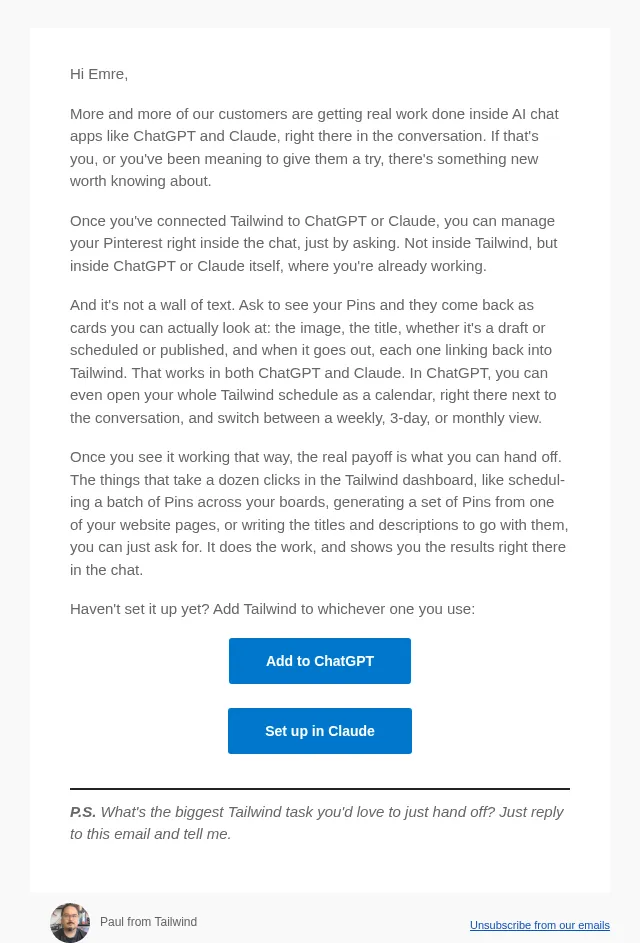
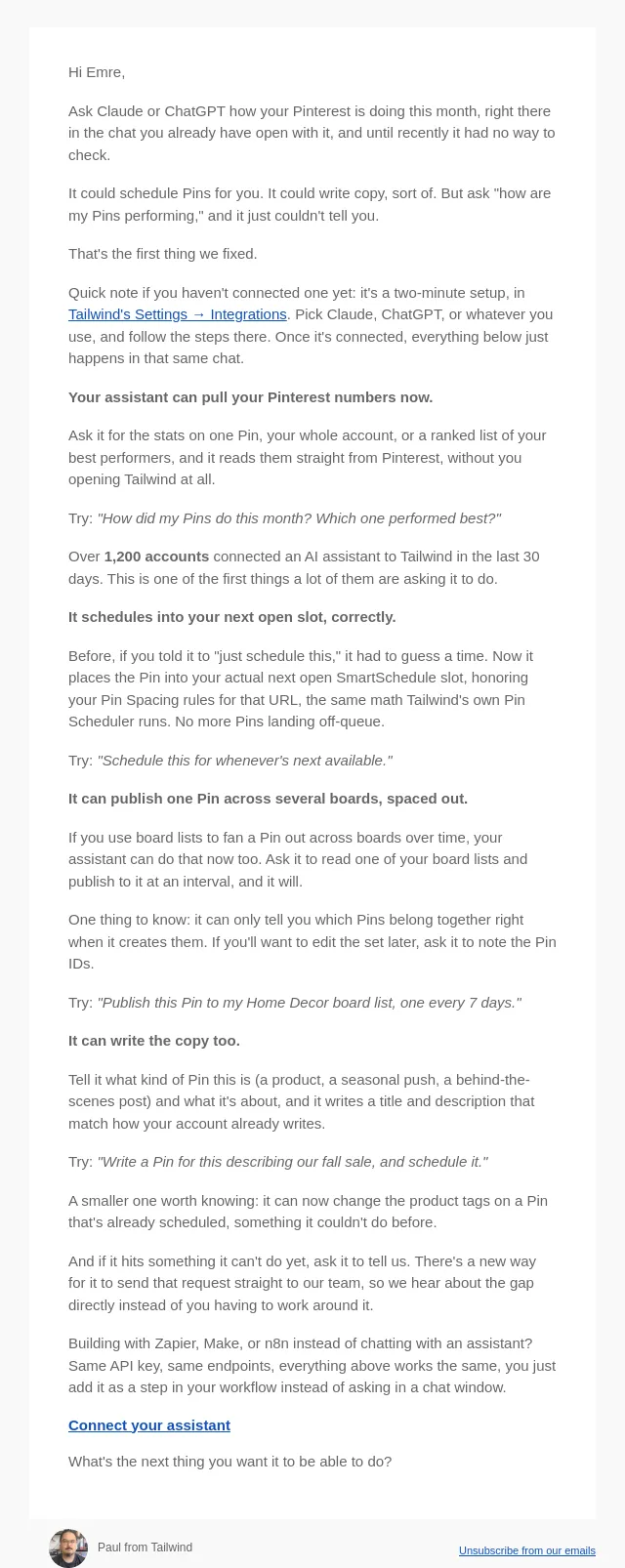
Did you know you can schedule and publish Pins from ChatGPT, Claude, or your AI assistant of choice?
- Product
- Tailwind
- Sent from
- tailwindapp.com
- Sent
No dark-mode styles — this email renders the same in a dark client.
Did you know you can schedule and publish Pins from ChatGPT, Claude, or your AI assistant of choice? Tailwind now has an MCP server — it lets AI assistants and agents connect directly to Tailwind and schedule/publish Pins to Pinterest right inside the workflows you're already running. Setup takes about 2 minutes. You add Tailwind as a custom connector in your assistant's settings, using this server URL: https://mcp.tailwind.ai When you connect, you'll sign in to Tailwind and approve access — no API keys to copy or paste. - Claude (Desktop or web): Settings → Connectors → Add custom connector → paste the URL above → sign in. - ChatGPT: Requires a paid plan (Plus, Pro, Business, or Enterprise) with Developer Mode turned on, then add the connector with the same URL. Full steps here 👇 Step-by-step guide for every client: https://api-docs.tailwind.ai/mcp/setup Your next Pinterest workflow can end with Pins actually scheduled. Questions? Features you want added to the MCP server? Just reply — a human reads these. 😀
- Accession
- nse/tailwindapp/2026-10-27/5239
- From
- Danny from Tailwind · danny@tailwindapp.com
- Sent
- 27 October 2026 · 15:00 UTC