
Tailwind Email Examples
tailwindapp.com · 10 emails · last email 9 days ago
Latest: Invite your niche to Turbo Groups, earn free Turbo Pins
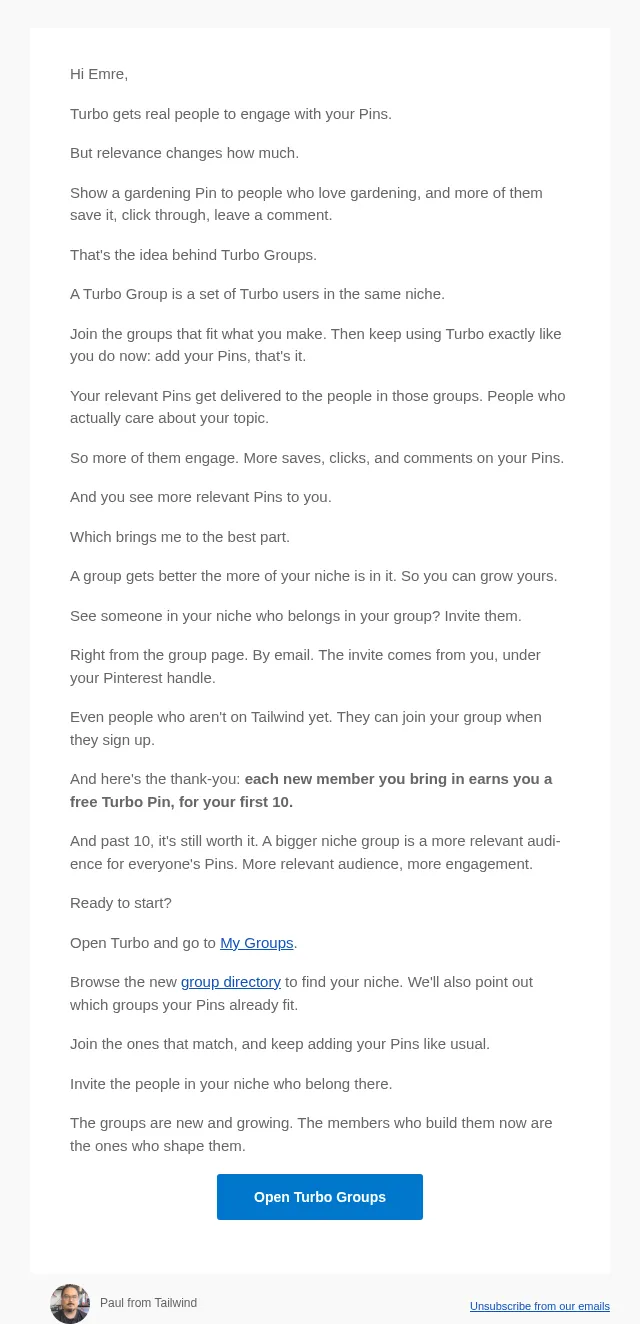
Invite your niche to Turbo Groups, earn free Turbo Pins
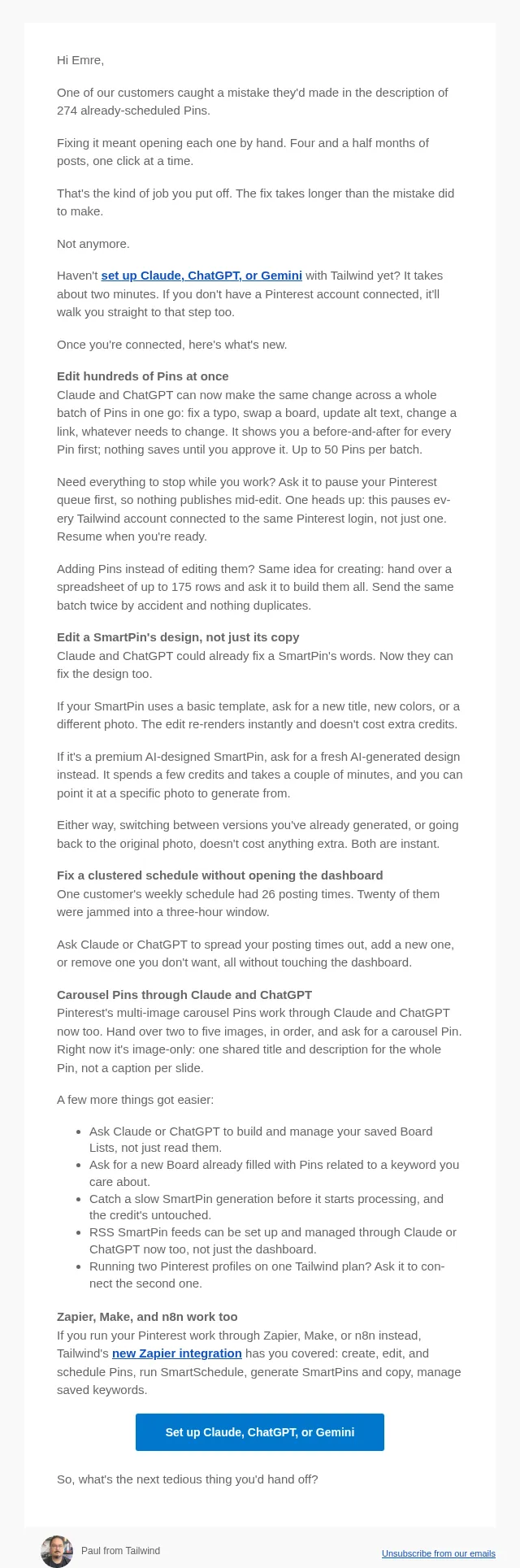
Fix your whole Pinterest queue at once with Claude, ChatGPT... and Zapier!
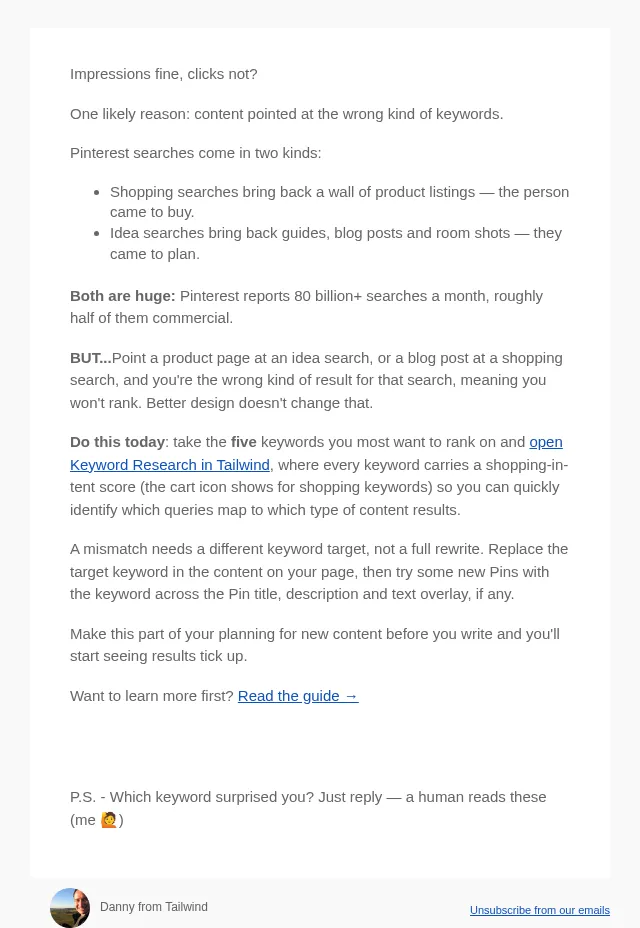
🛒 Check your top 5 keywords for buying intent
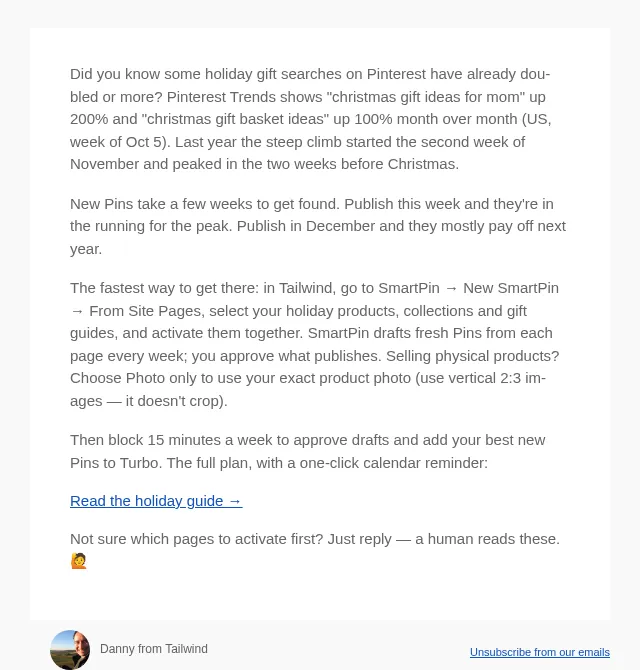
🎁 Activate your holiday Pins this week
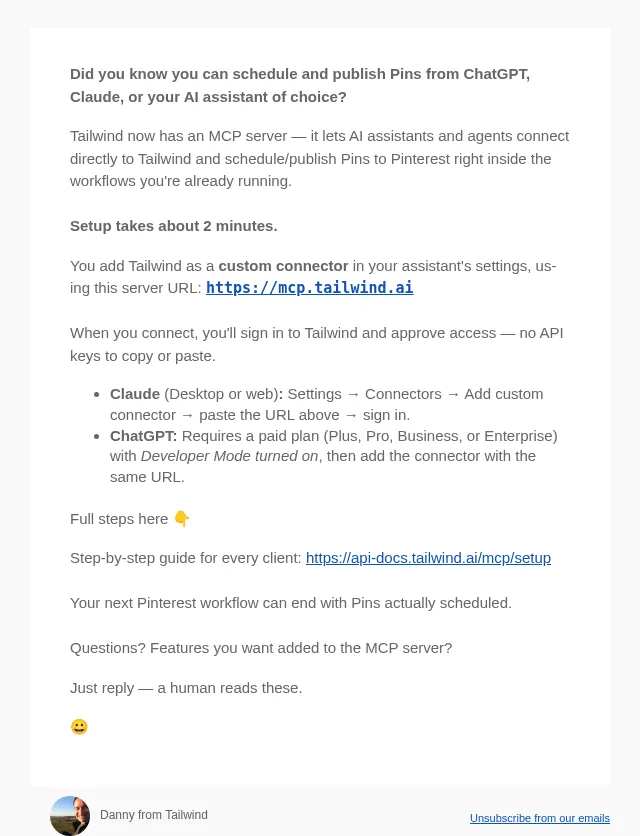
📌 How to Pin from ChatGPT or Claude
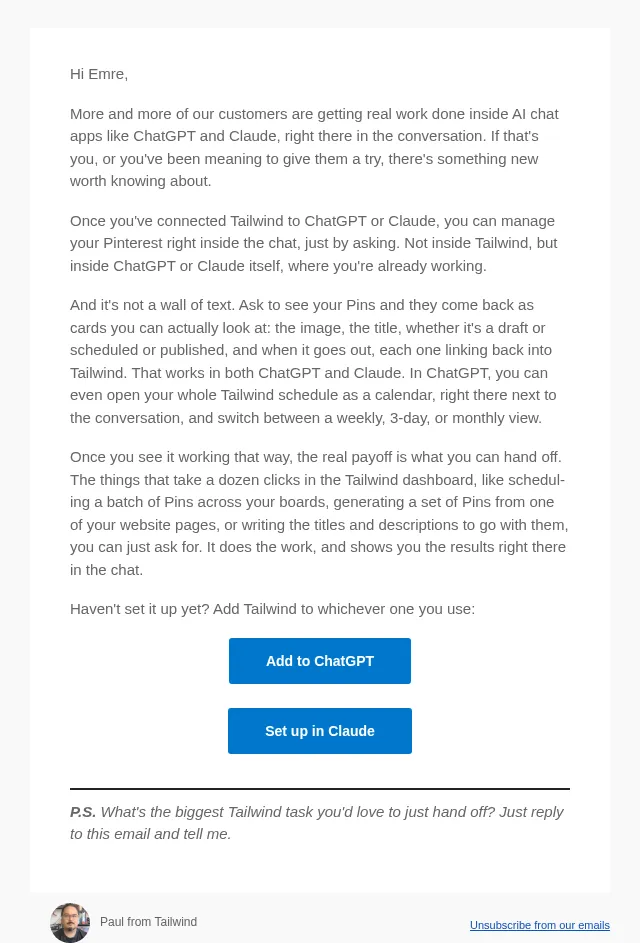
Use Tailwind right inside ChatGPT and Claude
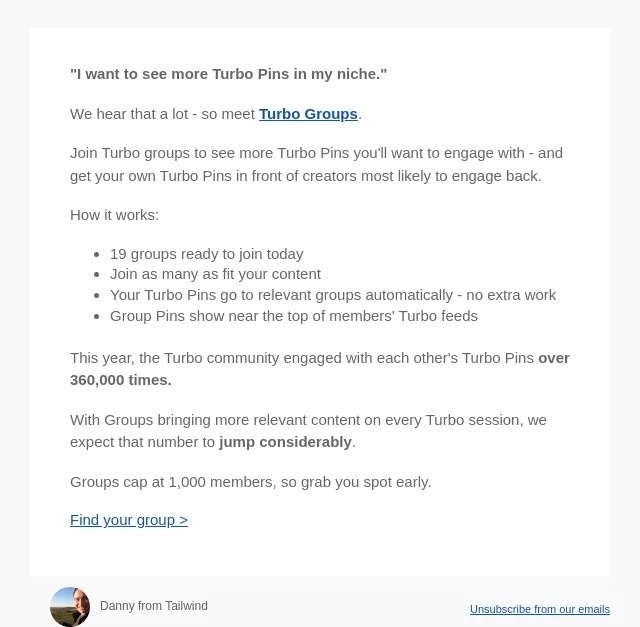
New: Turbo Groups for your niches
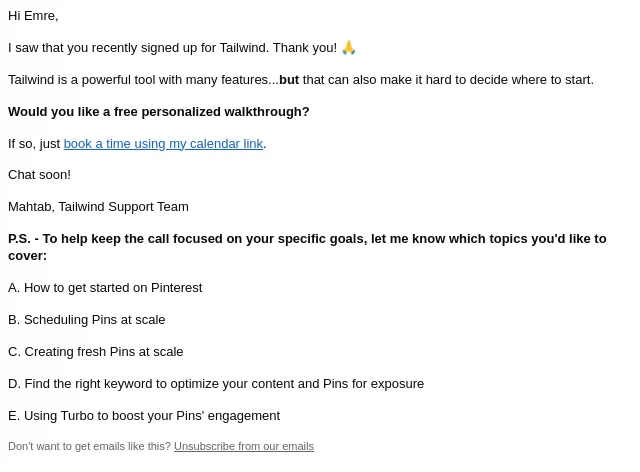
👋 Can I help you get up and running on Tailwind + Pinterest?
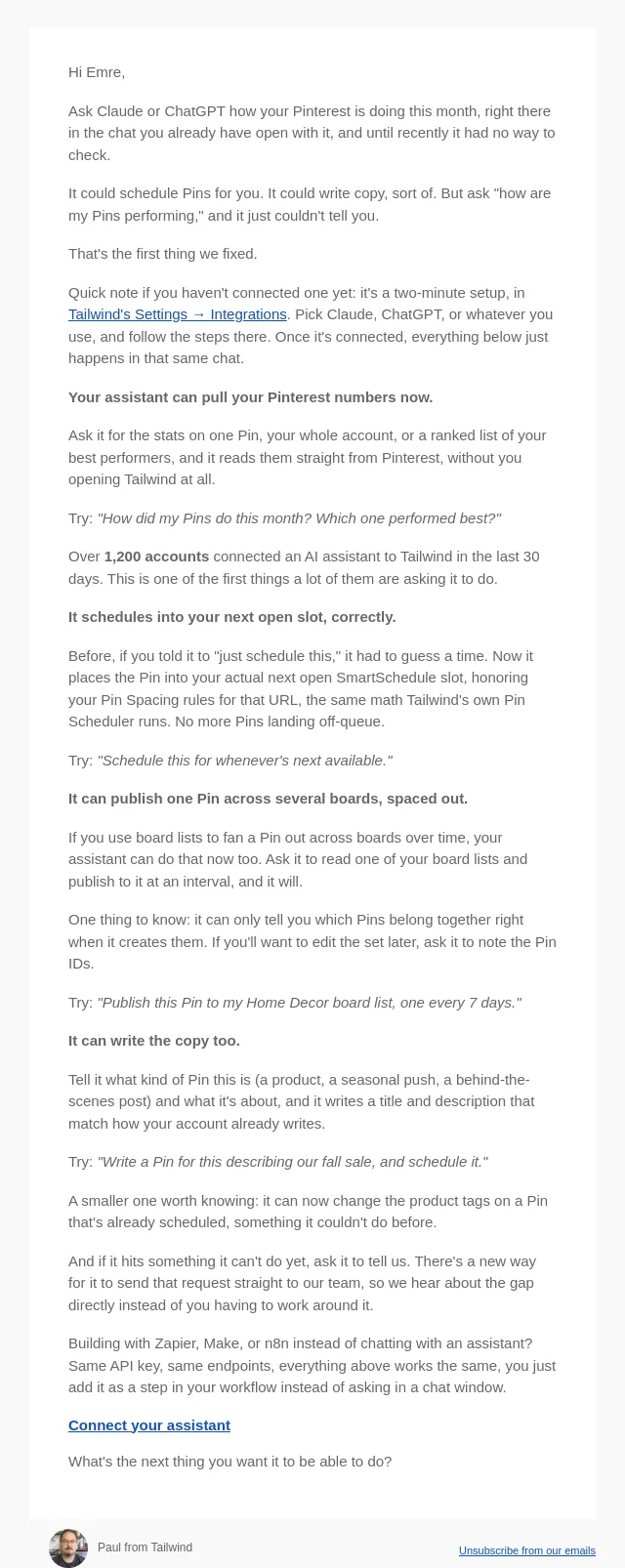
Ask Claude or ChatGPT how your Pinterest is doing
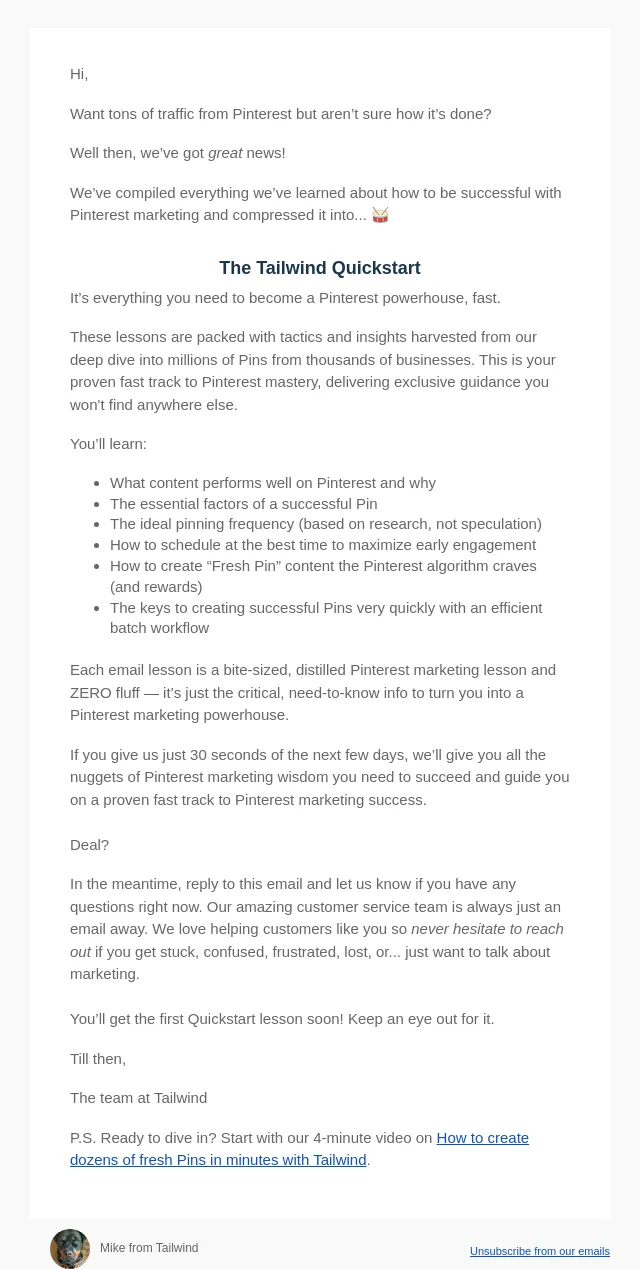
Get results faster with Tailwind Quickstart
About Tailwind’s email
Measured across 10 of their emails against all 6556 in the archive:
- Their emails run about 249 words, against an archive median of 173.
- A typical send carries 1 images, against 5 archive-wide.
- They link out 2 times per email, against 7 archive-wide.
Frequently asked
How many Tailwind emails are in this archive?
10 emails, captured between 2026-09-26 and 2026-11-09. Each one is stored with its subject line, preheader and full HTML.
What kinds of emails does Tailwind send?
In this archive: feature launch (3), educational (3), onboarding (2), integration (1) and referral (1). Every Tailwind email is classified against the same closed taxonomy used across the whole site, so the labels mean the same thing on every product page.
What is different about Tailwind's emails?
Measured against every email in the archive: their emails run about 249 words, against an archive median of 173. A typical send carries 1 images, against 5 archive-wide. They link out 2 times per email, against 7 archive-wide.
When did Tailwind last send an email?
The most recent Tailwind email captured here was sent on 2026-11-09. The archive collects continuously, so this page updates itself rather than being republished.
Can I see the full design of Tailwind's emails?
Yes. Every email opens as the recipient saw it, rendered from the original HTML rather than a screenshot, so you can read the copy, follow the layout and see how the calls to action are built. Browsing is free and needs no account.