Organize work your way with ClickUp’s flexible hierarchy
Customize, scale, and connect your work with ClickUp’s powerful hierarchy and AI features.
- Product
- ClickUp Project Management
- Sent from
- mail.clickup.com
- Sent
ClickUp EmailCustomize, scale, and connect your work with ClickUp’s powerful
hierarchy and AI features.  ͏  ͏  ͏  ͏  ͏  ͏  ͏  ͏  ͏  ͏  ͏  ͏  ͏
 ͏  ͏  ͏  ͏  ͏  ͏  ͏  ͏  ͏  ͏  ͏  ͏  ͏  ͏  ͏  ͏  ͏  ͏  ͏  ͏
 ͏  ͏  ͏  ͏  ͏  ͏  ͏  ͏  ͏  ͏  ͏  ͏  ͏  ͏  ͏  ͏  ͏  ͏  ͏  ͏
 ͏  ͏  ͏  ͏  ͏  ͏  ͏  ͏  ͏  ͏  ͏  ͏  ͏  ͏  ͏  ͏  ͏  ͏  ͏  ͏
 ͏  ͏  ͏  ͏  ͏  ͏  ͏  ͏  ͏  ͏  ͏  ͏  ͏  ͏  ͏  ͏  ͏


 <https://clickup.com/>

Maximize human productivity


See the big picture with ClickUp's flexible hierarchy


Bring clarity to your projects by connecting teams, goals, tasks, and
knowledge in a structure that fits how you work. ClickUp’s hierarchy makes it
easy to scale, organize, and find everything you need—fast.


Start organizing your Workspace
 <https://clickup.com/>


How ClickUp’s hierarchy works


Workspaces:
<https://help.clickup.com/hc/en-us/articles/6310502590487-Create-a-new-Workspace>
Your company, organization, or team’s home base in ClickUp.


Spaces:
<https://help.clickup.com/hc/en-us/articles/6309466958103-Intro-to-Spaces>
Organize departments or teams, each with their own permissions and workflows.


Folder:
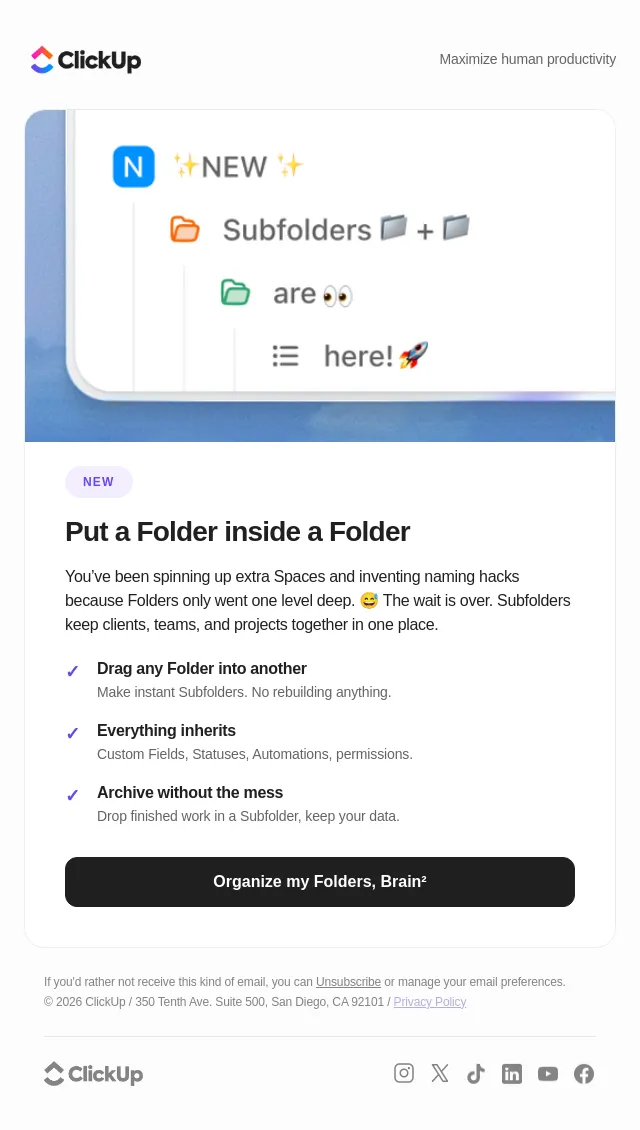
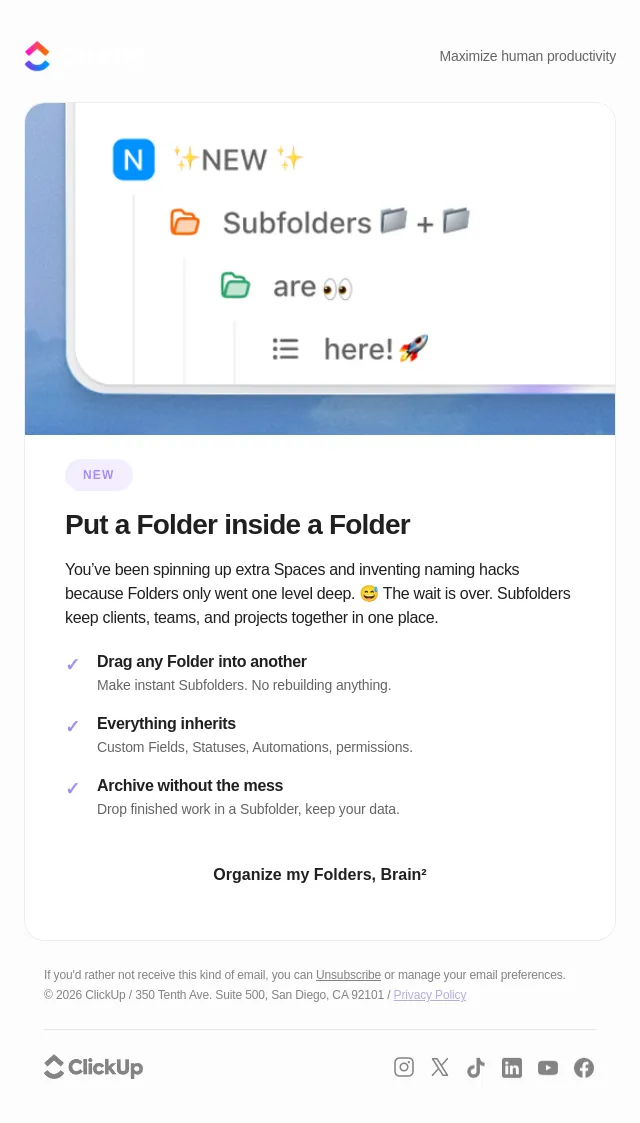
<https://help.clickup.com/hc/en-us/articles/6311450560407-Intro-to-Folders>
Group related projects, campaigns, or databases for better organization.


Lists:
<https://help.clickup.com/hc/en-us/articles/6311877646999-Intro-to-Lists> House
and manage tasks, each with custom views, statuses, and fields.


Create a Space
 <https://clickup.com/>


Smarter organization with AI: Let ClickUp’s AI suggest grouping related work,
generate task and list summaries, and optimize your structure as your team
grows.


Anyone in the organization can see each of our team's objectives, who owns
them, and their progress.
Andrea Park

Business Operations Coordinator - Spekit


Need help mastering ClickUp?


 Explore free videos and learning paths on ClickUp University.


Start learning
 <https://university.clickup.com/>


If you'd rather not receive this kind of email, you can Unsubscribe
<https://links.clickup.com/s/eh/AxLNB0Wof-M33utWxXos5WglmrS9gAFUoweqnVuHVgyY-x0LISU5wyI0QooqoehAtbXZf5wbNsmGYCx35kN4oBWI9DcAh4POKp3miCLPKWVamgVfyWZkjuP2sROIKrnZawsYzyckFaR-u6N_gJvWN1xoWEhmbIzzIpNl_v5UHeaFLiSbQiMM05bvP5c-L-DZmVmOvdaC7j_tRtCXj5h4Zusw_a6jEwQAonF1PmG3RKmQ9bsZknzn2CXVwYPNjeo1AfASV34sG-6t7s7hat3xj3UbBkIh_2lVenv1wc3XO6pyGsb6pe1hmvcVrYOk7FqFO6sywym7QwoZ6wb_DlR6hvELX_OtHWYh/bfVllN3oltvZfY2RBz4NNhp3MNSIft_7/24>
 or manage your email preferences.
© 2026 ClickUp / 350 Tenth Ave. Suite 500, San Diego, CA 92101 / Privacy Policy
 <https://clickup.com/terms/privacy>


 <https://clickup.com/>


 <https://www.instagram.com/clickup/>

 <https://x.com/clickup>

 <https://www.tiktok.com/@clickup>

 <https://www.linkedin.com/company/12949663>

 <https://www.youtube.com/@ClickUpProductivity>

 <https://www.facebook.com/clickupprojectmanagement/>
- Accession
- nse/clickup-co/2026-09-11/1178
- From
- ClickUp Team · team@mail.clickup.com
- Sent
- 11 September 2026 · 08:00 UTC