ClickUp Project Management Email Examples
clickup.co · 22 emails · last email 5 days ago
Latest: Your first Super Agent, built in 30 minutes
- All
- Webinar 6
- Onboarding 3
- Welcome 2
- Nurture 2
- Educational 2
- Activation Nudge 1
- Feature Launch 1
- Changelog 1
Your first Super Agent, built in 30 minutes
Ready to see what agents can really do?
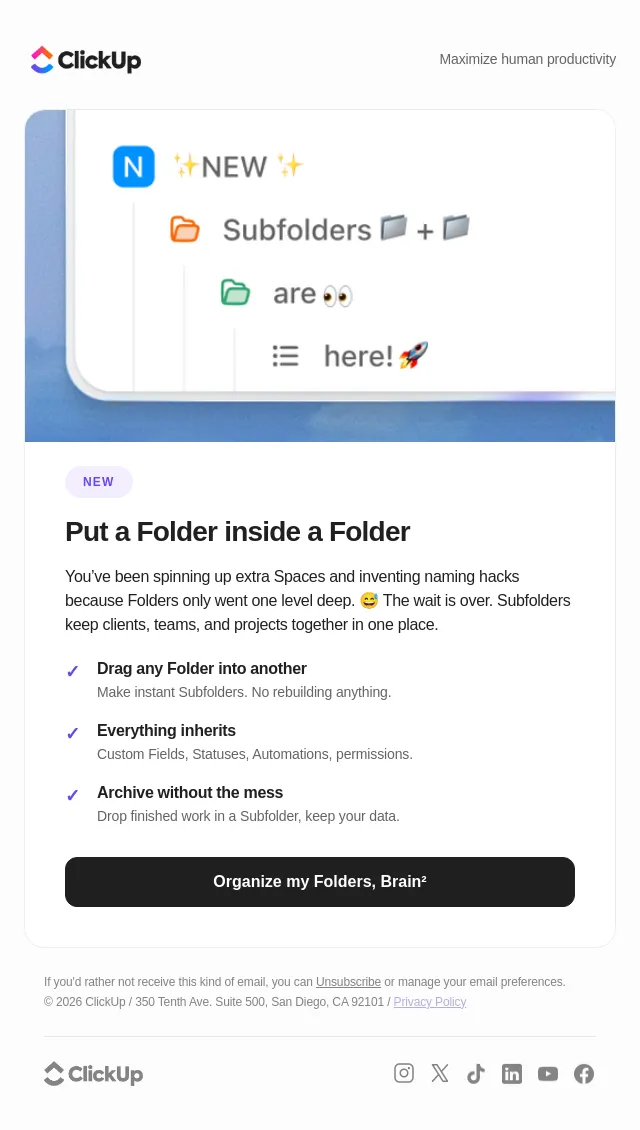
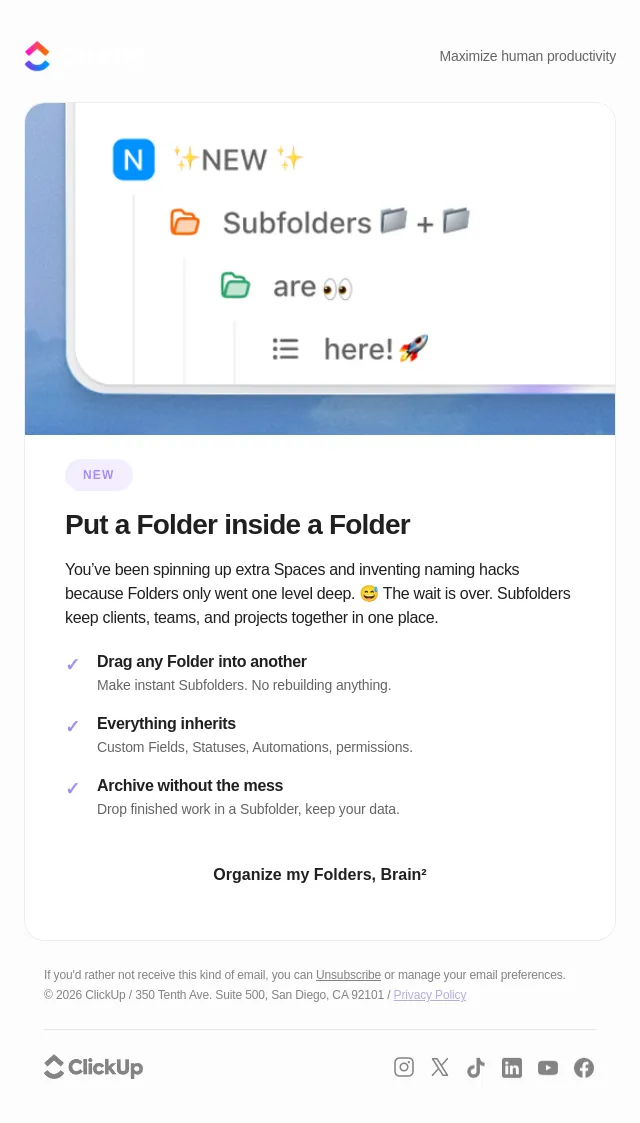
The Folder update you didn't expect

What’s New in ClickUp: Search Notes, Clone Agents, ZoomInfo MCP, and more
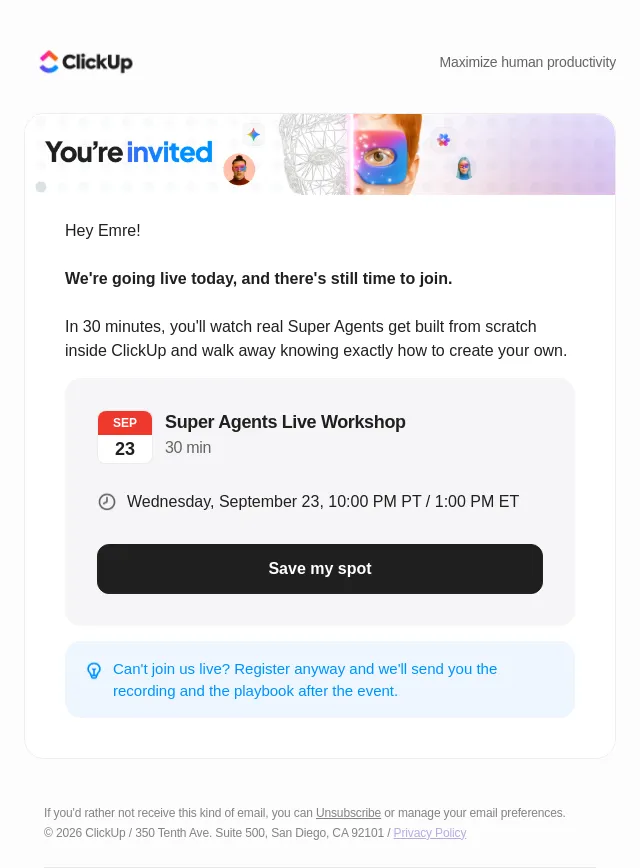
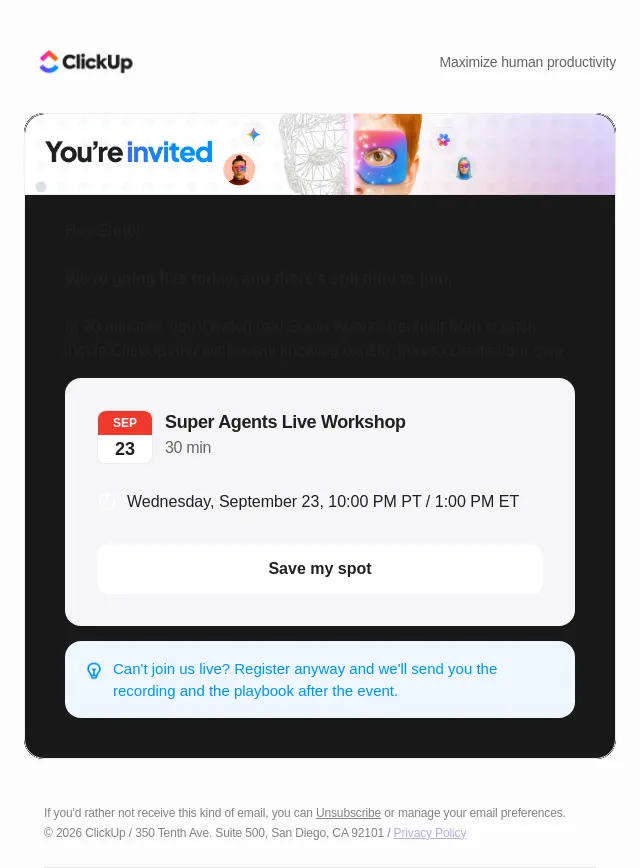
Today: Super Agents Live Workshop
See a Super Agent build in action
You're invited! See Super Agents built live
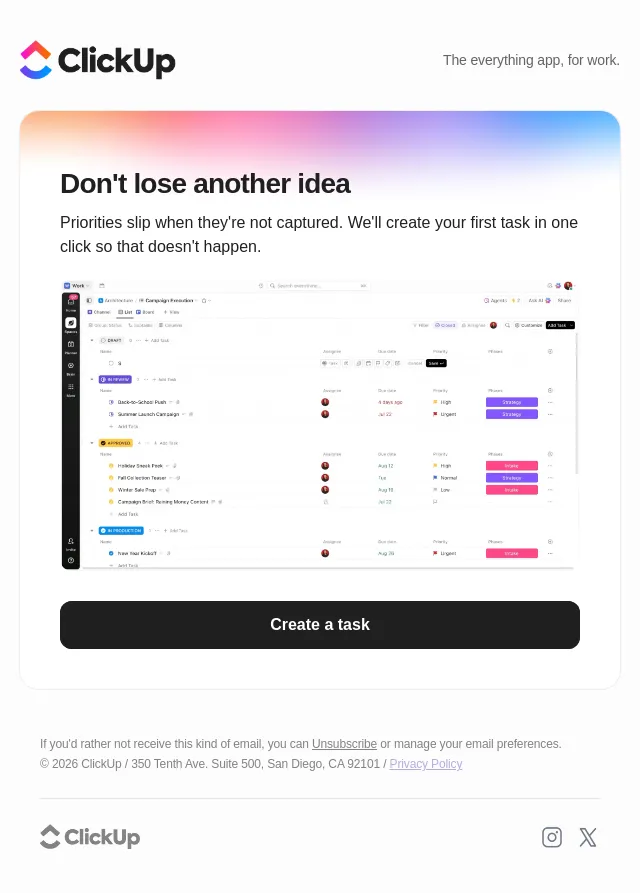
Don’t let today’s ideas disappear
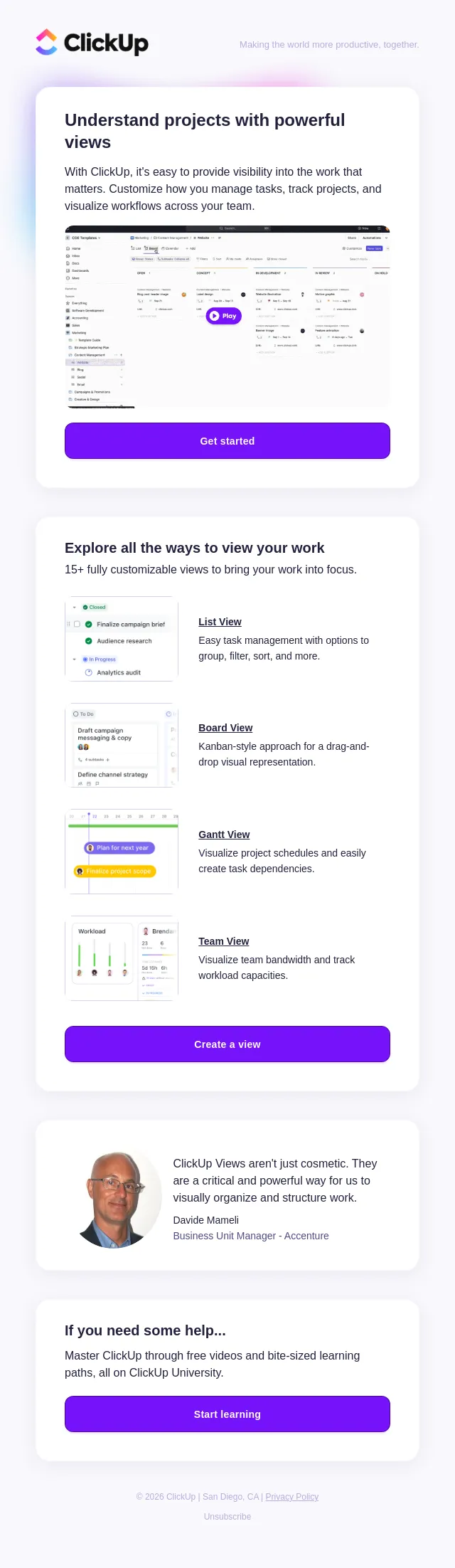
15+ views to help you visualize your work
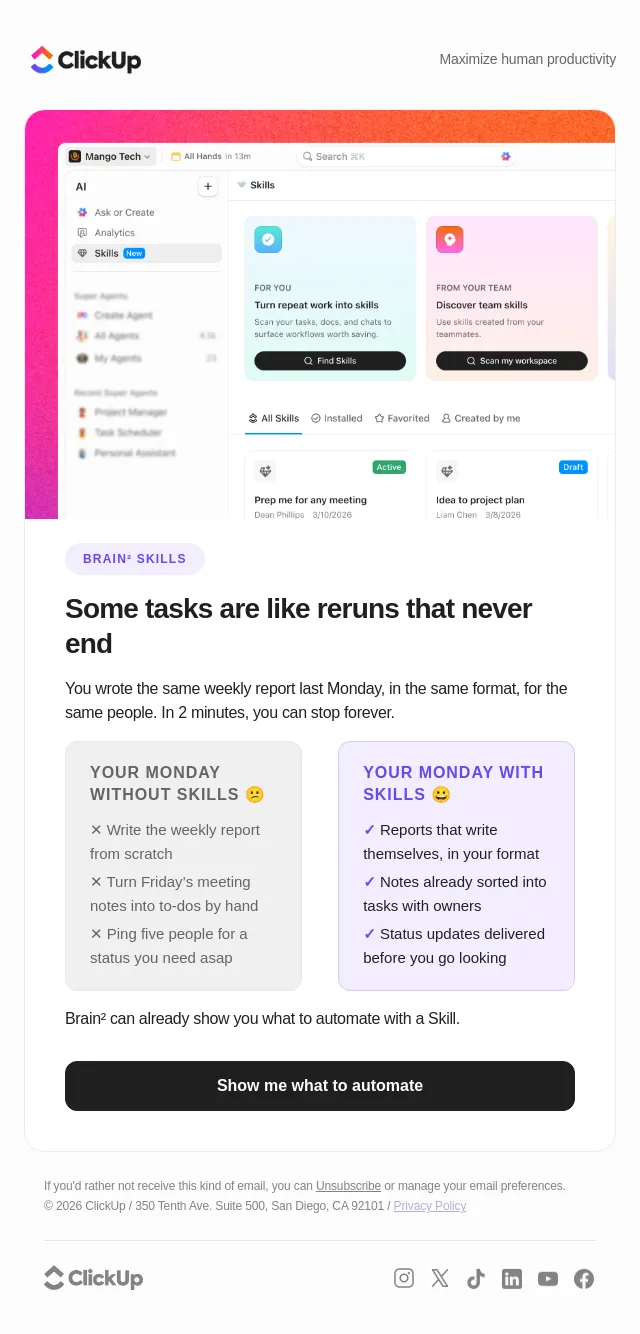
You repeat yourself more than you think
Ready to see what Super Agents can actually do?
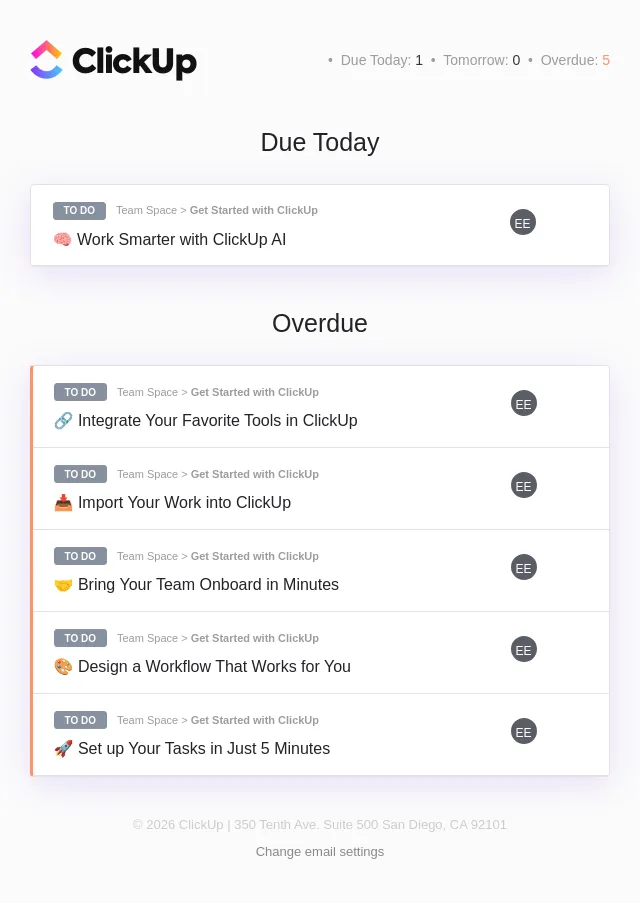
Daily Summary | NSE
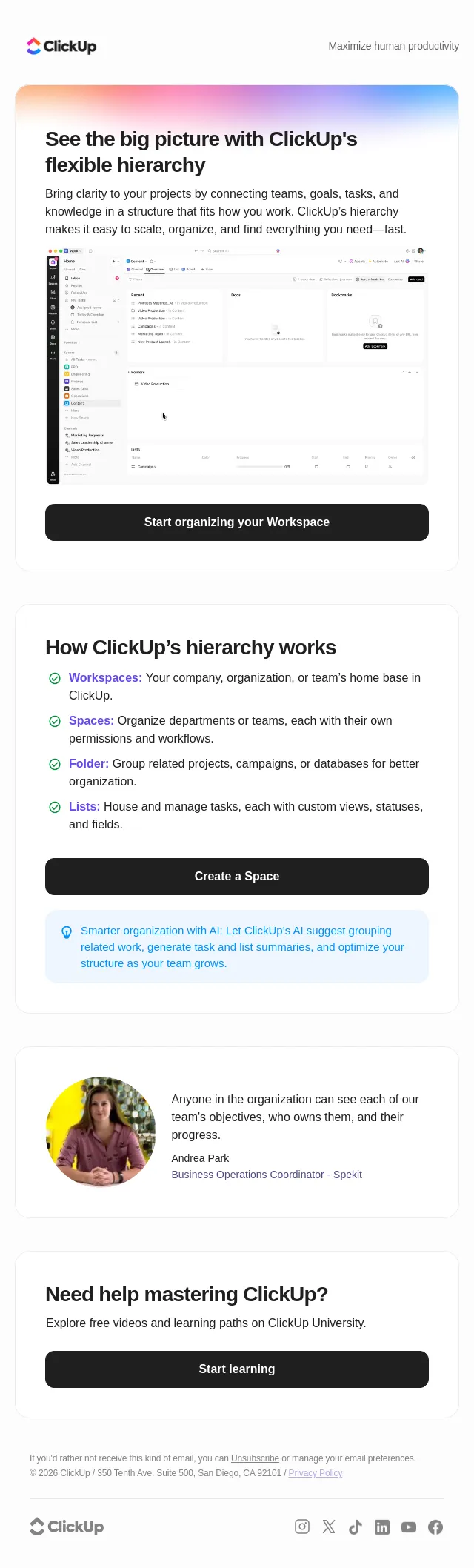
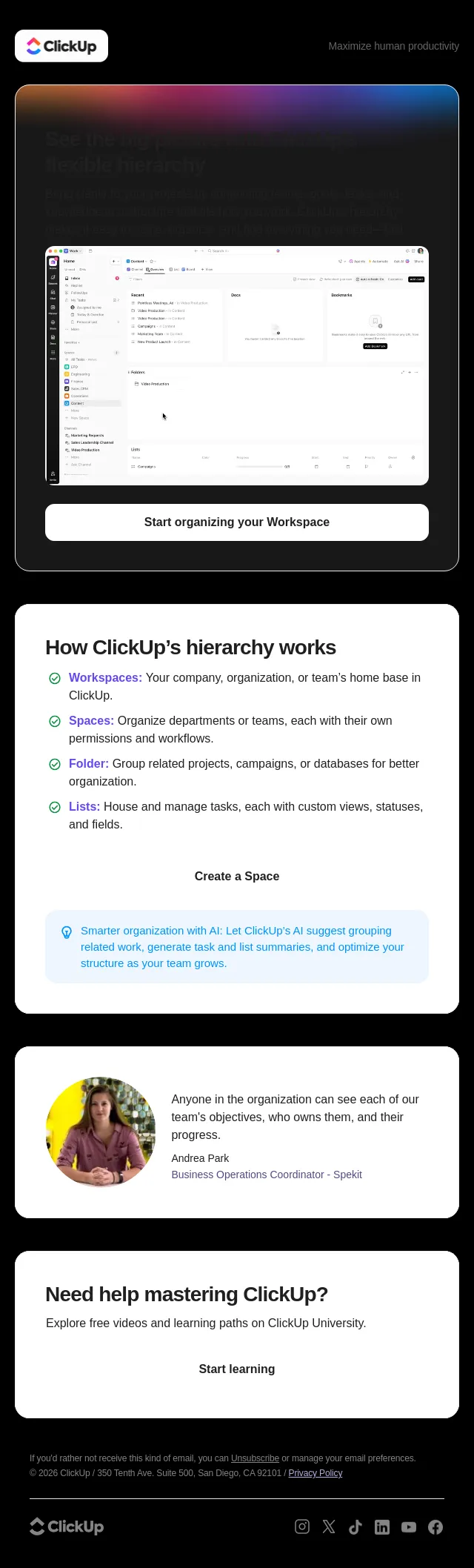
Organize work your way with ClickUp’s flexible hierarchy
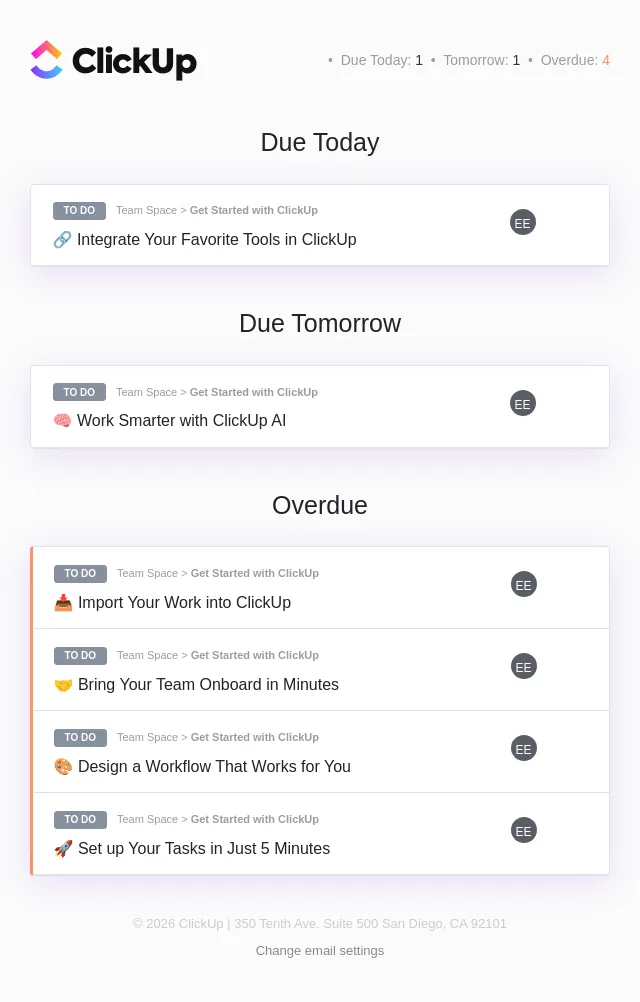
Daily Summary | NSE
Onboarding Assistant
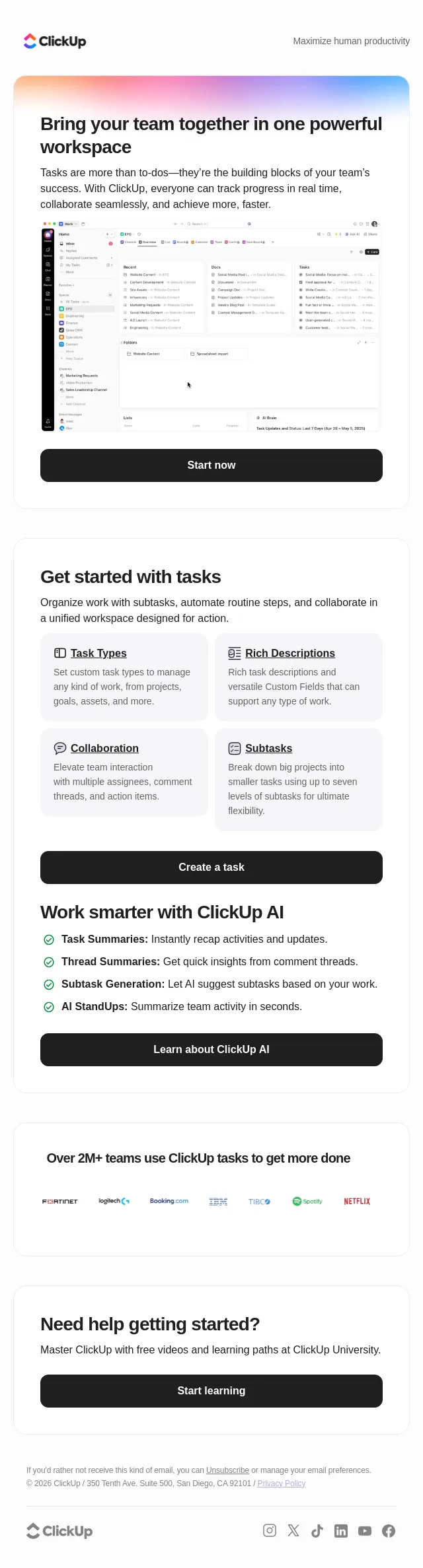
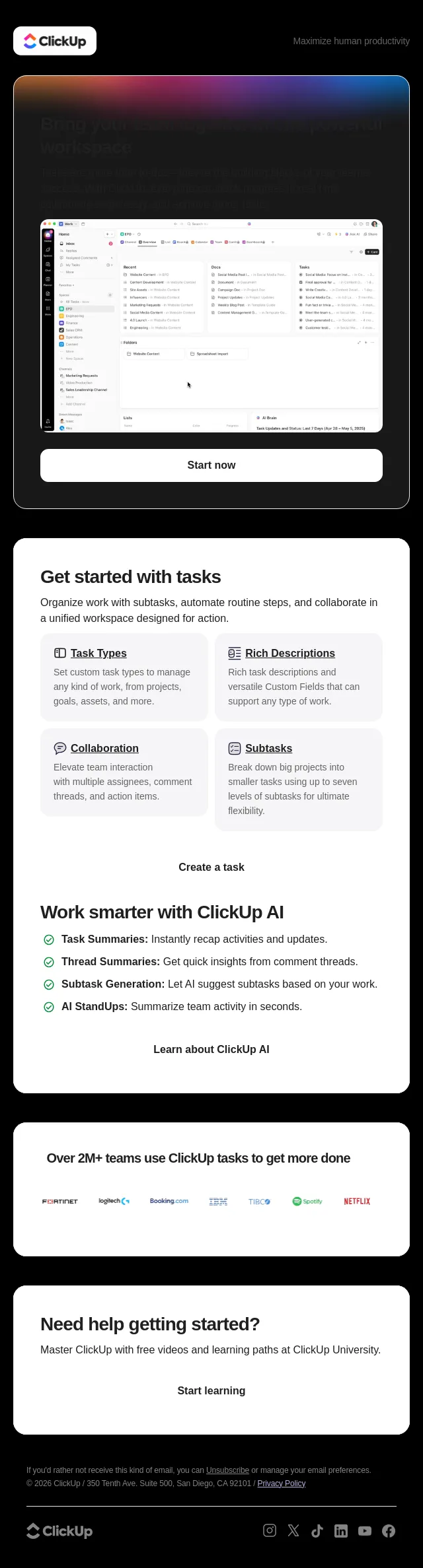
Get more done—together, in ClickUp
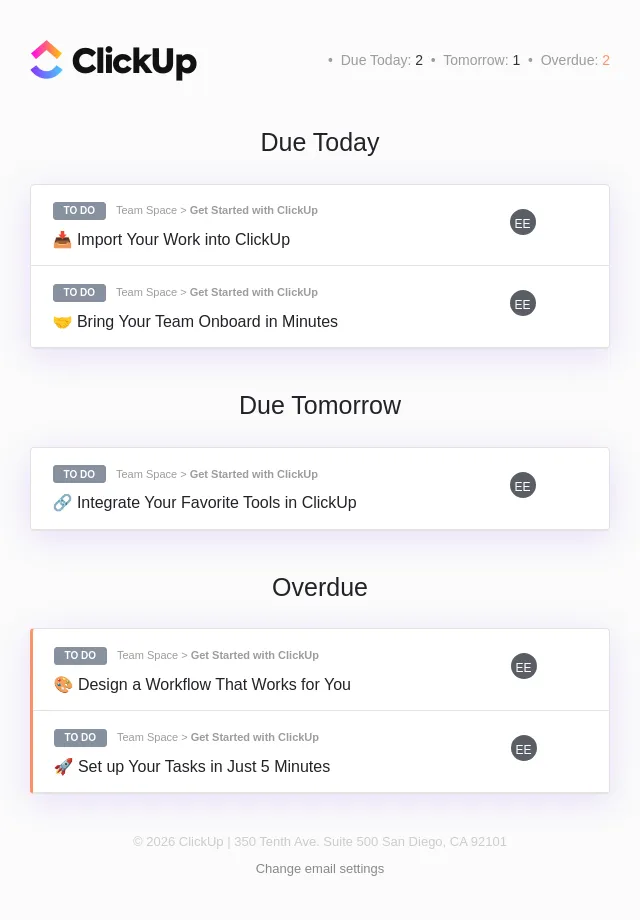
Daily Summary | NSE
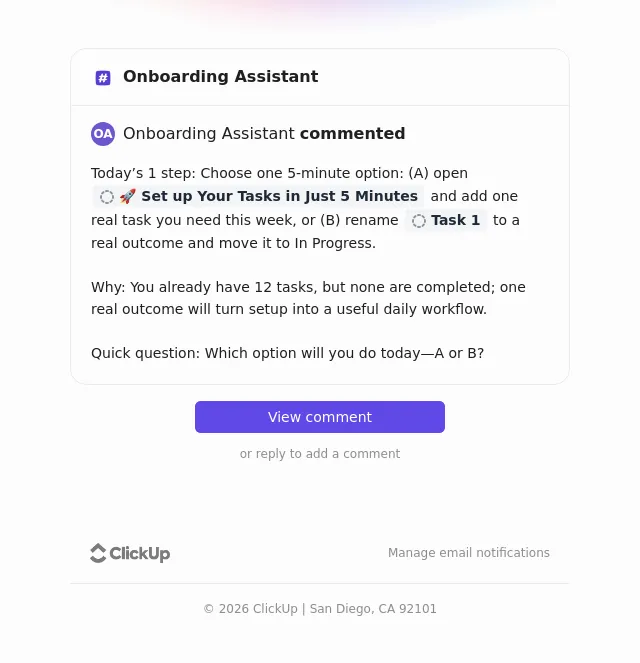
Onboarding Assistant
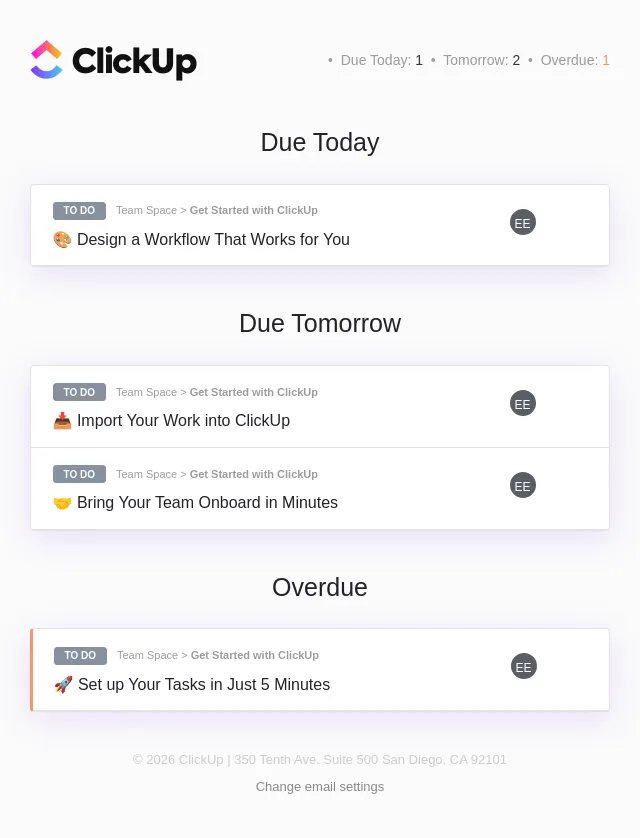
Daily Summary | NSE
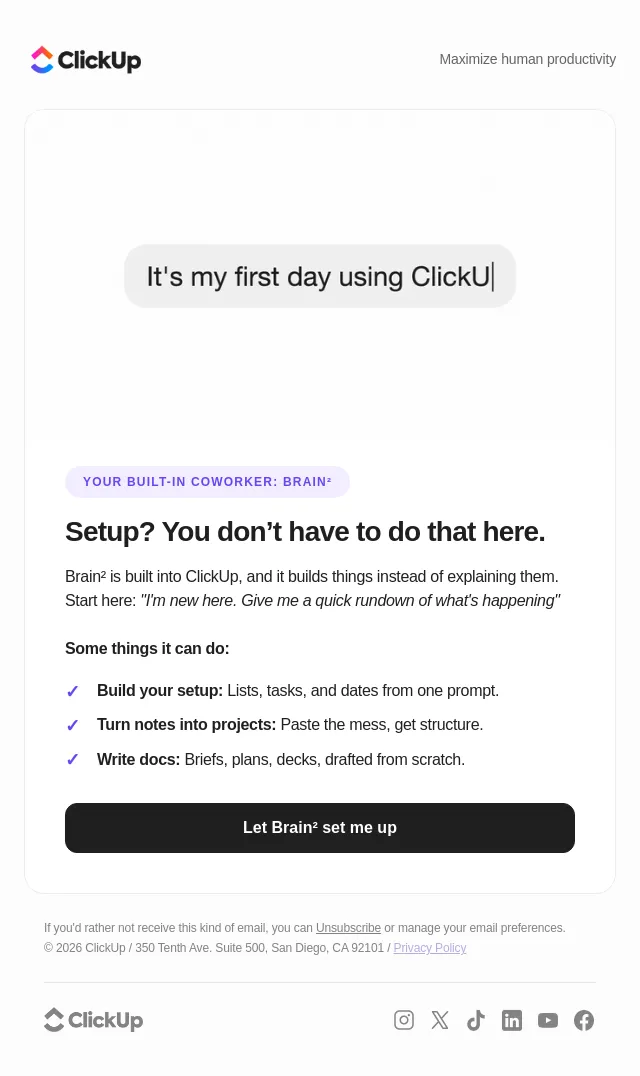
Hey newbie, Brain² has your back
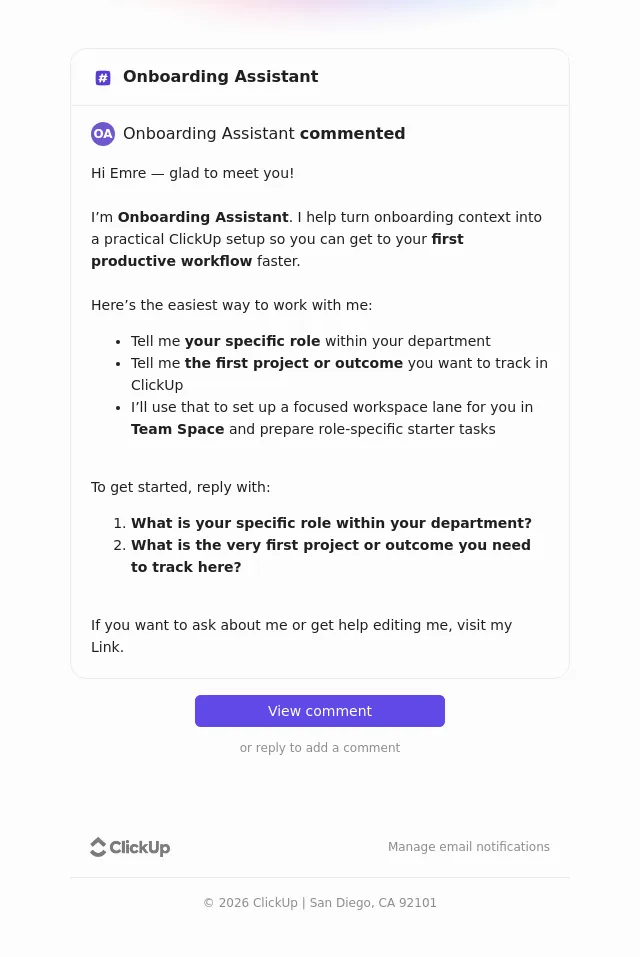
Onboarding Assistant
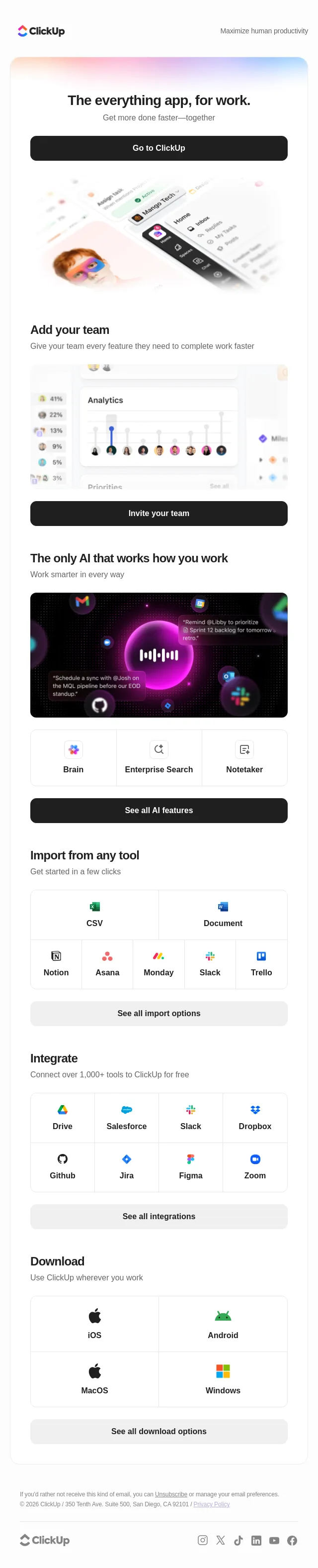
Welcome to ClickUp!
About ClickUp Project Management’s email
Measured across 22 of their emails against all 4004 in the archive:
- A typical send carries 7 images, against 5 archive-wide.
Frequently asked
How many ClickUp Project Management emails are in this archive?
22 emails, captured between 2026-09-07 and 2026-10-14. Each one is stored with its subject line, preheader and full HTML.
What kinds of emails does ClickUp Project Management send?
In this archive: webinar (6), onboarding (3), welcome (2), nurture (2) and educational (2). Every ClickUp Project Management email is classified against the same closed taxonomy used across the whole site, so the labels mean the same thing on every product page.
What is different about ClickUp Project Management's emails?
Measured against every email in the archive: A typical send carries 7 images, against 5 archive-wide.
When did ClickUp Project Management last send an email?
The most recent ClickUp Project Management email captured here was sent on 2026-10-14. The archive collects continuously, so this page updates itself rather than being republished.
Can I see the full design of ClickUp Project Management's emails?
Yes. Every email opens as the recipient saw it, rendered from the original HTML rather than a screenshot, so you can read the copy, follow the layout and see how the calls to action are built. Browsing is free and needs no account.