Supercharge your links with advanced settings
Hi Emre,
- Product
- zcal
- Sent from
- learn.zcal.co
- Sent
No dark-mode styles — this email renders the same in a dark client.
Hi Emre,
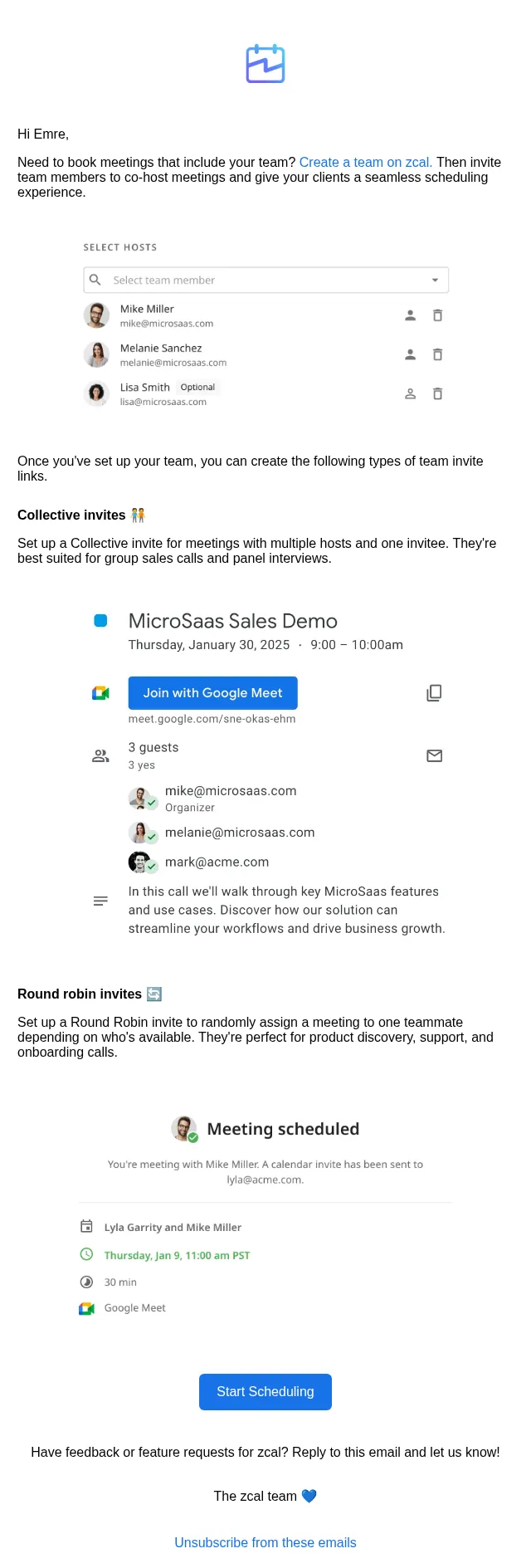
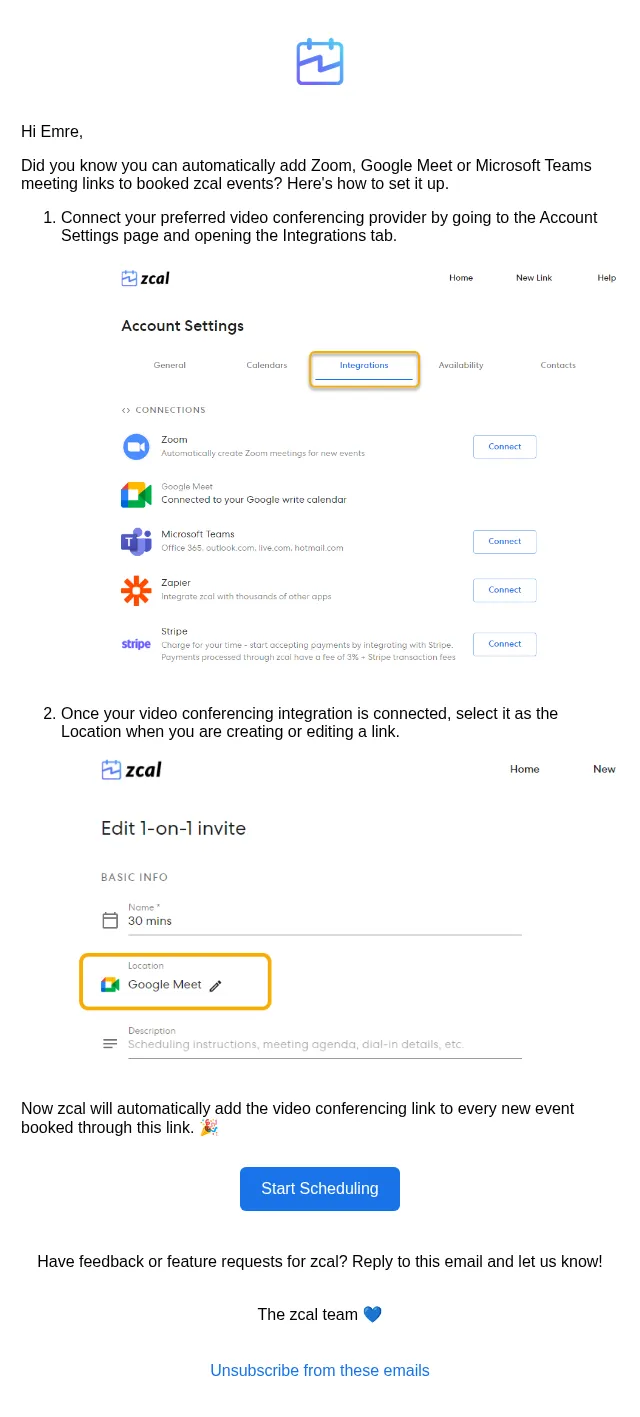
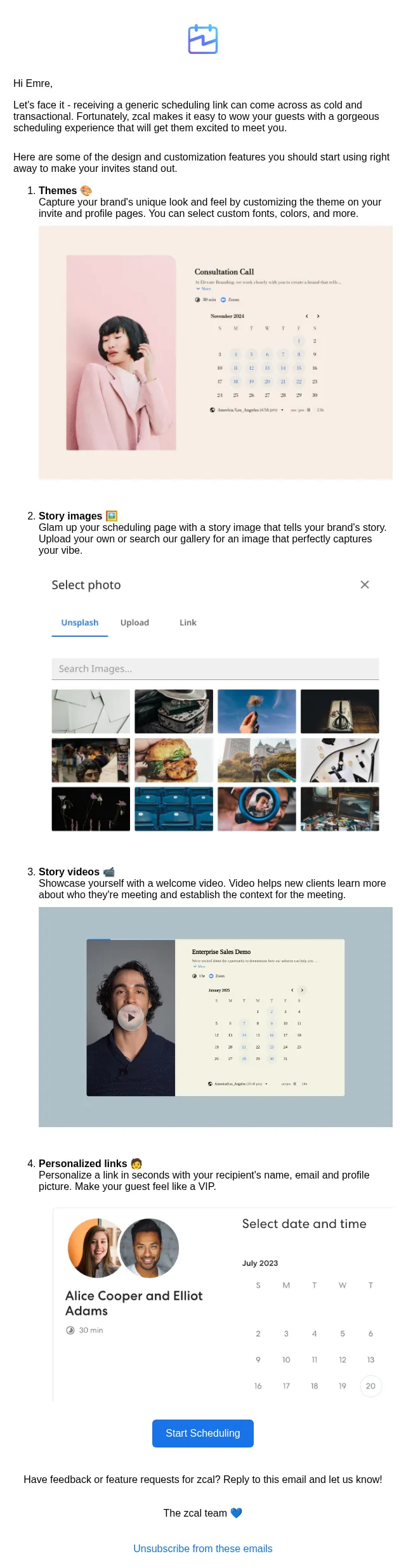
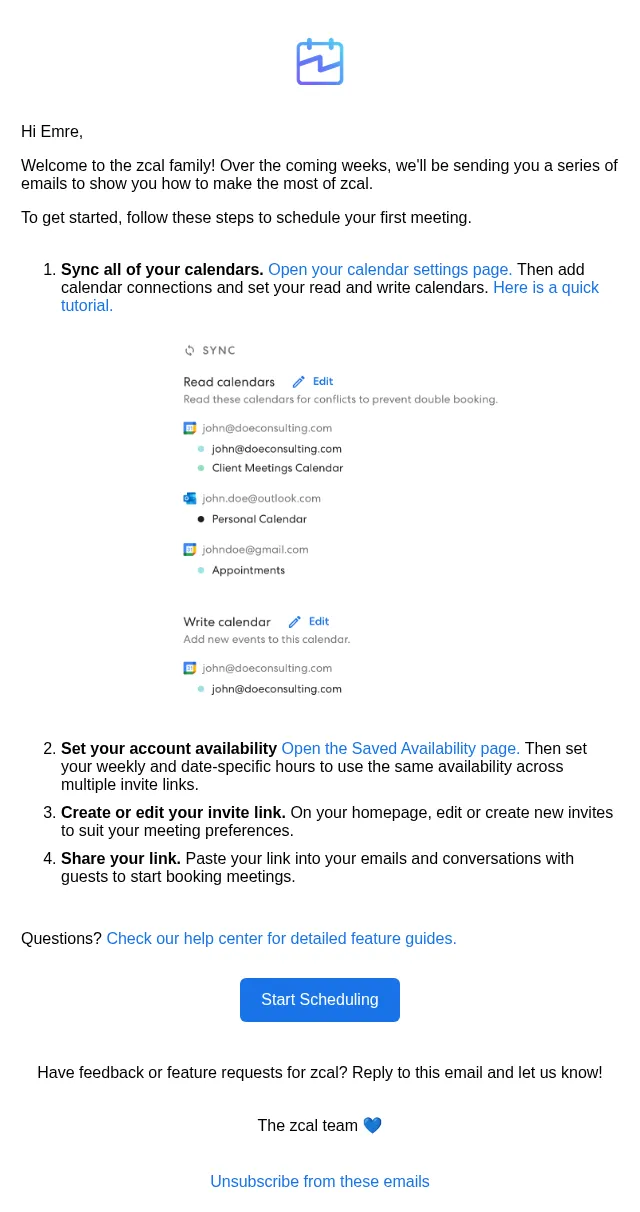
You re well on your way to becoming a scheduling pro! Here are some advanced zcal features that can help you get there faster.
Collect payments 💰
Get paid for your time and reduce no-shows with our Stripe integration option. This is the best way to accept payments from your invitees when they schedule a meeting with you.
templates.customizeEmailReminders 📝
Edit the content of your email reminders to prevent no shows and ensure your invitees come prepared for the meeting. You can also add multiple reminder messages to send at different times.
Redirect on booking 🚀
Automatically redirect invitees to your website after they schedule a meeting to reinforce your company s brand.
Zapier integration ⚡
Connect zcal to over 5000+ apps with our Zapier integration - no code required. Zapier integration gives you the ability to trigger events in other apps any time a new event is created. For example, create a new row in Google Sheets with the name and email of each person who books a meeting with you.
Start Scheduling
Have feedback or feature requests for zcal? Reply to this email and let us know!
The zcal team 💙
Unsubscribe from these emails
- Accession
- nse/zcal/2026-11-27/7839
- From
- zcal Tips · team@learn.zcal.co
- Sent
- 27 November 2026 · 14:00 UTC