How to take a payment
From your phone, desktop, or Square hardware.
- Product
- Weebly
- Sent from
- messaging.squareup.com
- Sent
No dark-mode styles — this email renders the same in a dark client.
From your phone, desktop, or Square hardware.
Taking payments is simple.
How to start taking itemized payments:
Connect your Square Reader via Bluetooth or plug it into your device. If you have Square Stand or Square Register, connect to your WiFi or Ethernet.
Build your cart by adding items and taxes, and then tap Charge .
Swipe, tap, or dip your customer s card.
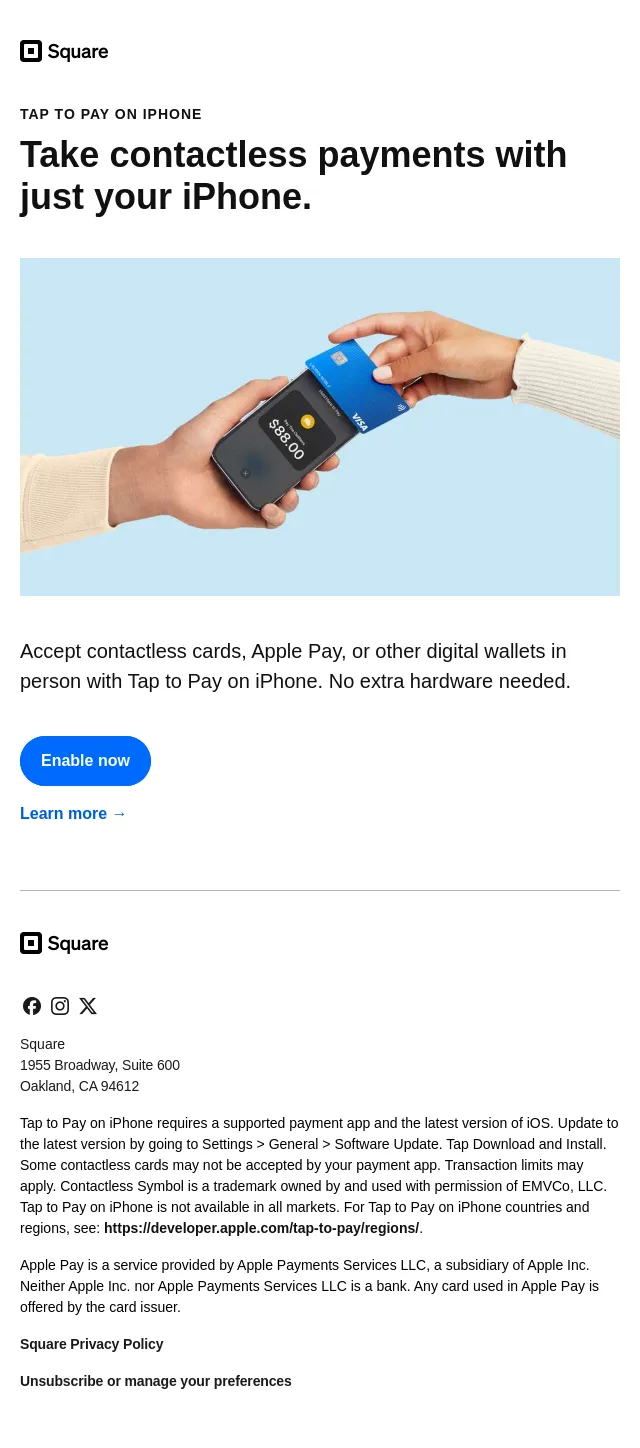
No hardware? Take payments from your phone or desktop.
Open the Square Point of Sale app on your mobile device or Square Virtual Terminal on your Square Dashboard.
Build your cart by adding items, services, and taxes, and then tap Charge .
Take a contactless payment with a tap, enter the card number manually, or send a payment link.
Take a payment
Learn more →
More ways to take payments
Square makes payments convenient for you, and customers. Take in-person card payments, contactless phone payments, or send digital invoices. You can also set up an online store or sell through social media.
Explore payment options →
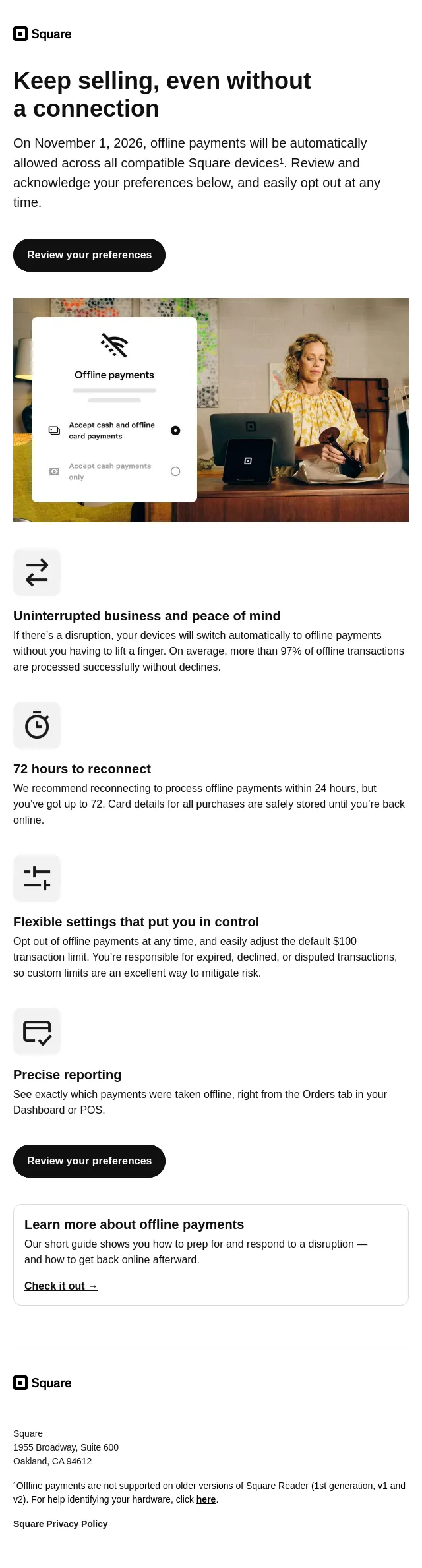
No Wi-Fi, no problem.
Keep making sales even when you re offline. Just reconnect within 24 hours to upload your transactions. Terms apply.¹
Learn more about offline payments →
Have a question or need help?
Your plan offers phone, email, and live chat support. Visit our Support Center to contact us or to find help guides and video tutorials.
Square
1955 Broadway, Suite 600
Oakland, CA 94612
¹Offline payments are processed automatically when you reconnect your device to the internet and will be declined if you do not reconnect to the internet within 24 hours of taking your first offline payment. By enabling offline payments, you are responsible for any expired, declined, or disputed payments accepted while offline. Square is unable to provide customer contact information for payments declined while offline. Offline payments are not supported on Square Reader for contactless and chip (1st generation - v1 and v2). Click here for help identifying your contactless reader. Learn more about how to enable and use offline payments here .
Square Privacy Policy
Unsubscribe or manage your preferences
- Accession
- nse/weebly/2026-09-07/765
- From
- Square · noreply@messaging.squareup.com
- Sent
- 7 September 2026 · 03:00 UTC