Teaching customers to help themselves
Hi Emre,
- Product
- Re:amaze
- Sent from
- reamaze.com
- Sent
No dark-mode styles — this email renders the same in a dark client.
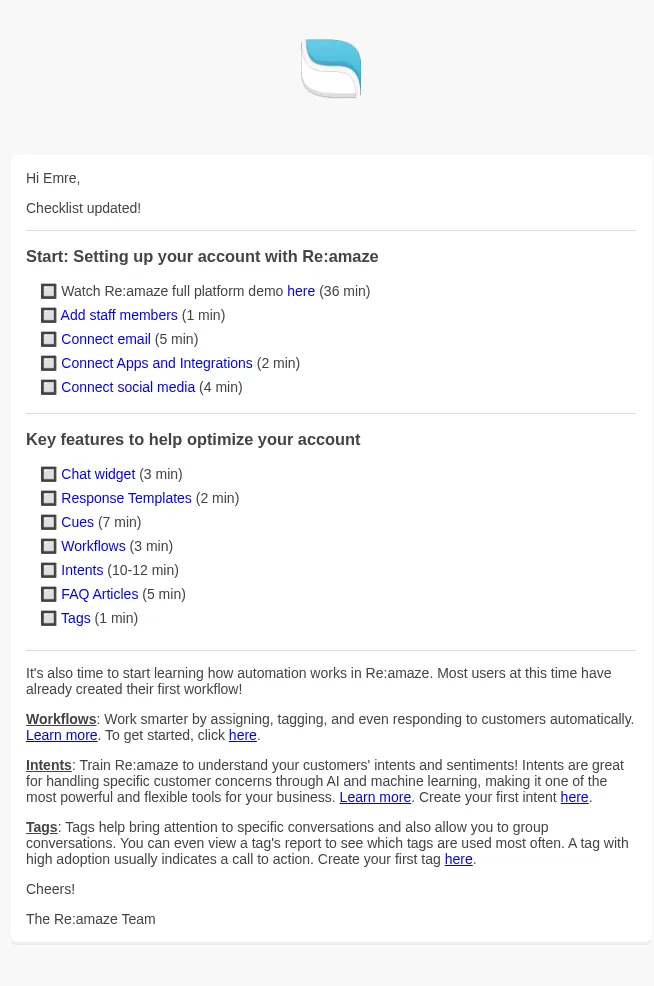
Hi Emre,

Checklist update time!


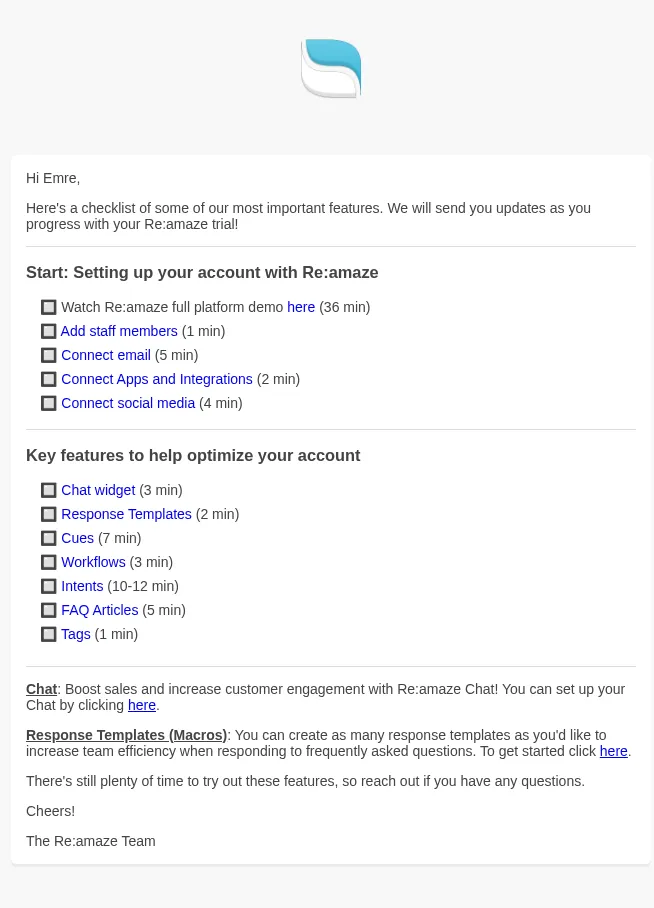
Start: Setting up your account with Re:amaze
* Watch Re:amaze full platform demo here: (https://www.youtube.com/watch?v=7zktzElj0Gk&list=PLU5bDgfLR9kLkyKrJuzB6r-jk4l2HCGSy) (36 min)
* Add staff members (https://nse-vy6wjv.reamaze.com/admin/settings/staff) (1 min)
* Connect email (https://nse-vy6wjv.reamaze.com/admin/settings/mailboxes) (5 min)
* Connect Apps and Integrations (https://nse-vy6wjv.reamaze.com/admin/settings/apps) (2 min)
* Connect social media (https://nse-vy6wjv.reamaze.com/admin/settings/social) (4 min)

Key features to help optimize your account
* Chat widget (https://nse-vy6wjv.reamaze.com/admin/settings/embeddables/chats) (3 min)
* Response Templates (https://nse-vy6wjv.reamaze.com/admin/settings/response_templates) (2 min)
* Cues (https://nse-vy6wjv.reamaze.com/admin/settings/cues) (7 min)
* Workflows (https://nse-vy6wjv.reamaze.com/admin/settings/workflows) (3 min)
* Intents (https://nse-vy6wjv.reamaze.com/admin/settings/intents) (10-12 min)
* FAQ Articles (https://nse-vy6wjv.reamaze.com/admin/articles) (5 min)
* Tags (https://nse-vy6wjv.reamaze.com/admin/tags) (1 min)


Loving Re:amaze so far? Check out the following features to make sure your customers have a great experience as well!

FAQ: Make sure you're educating your customers about the ins and outs of your business by creating a branded FAQ.
You can also upload downloadable attachments to help customers! Start here: (https://nse-vy6wjv.reamaze.com/admin/articles).

Satisfaction Surveys: Enabling surveys (Plus plan only) can help ensure optimal customer happiness. Re:amaze has several survey templates to pick from!
Check out this feature here: (https://nse-vy6wjv.reamaze.com/admin/settings/satisfaction_survey_appearance).

Cheers!
The Re:amaze Team
- Accession
- nse/re-amaze/2026-11-10/6514
- From
- Re:amaze · support@reamaze.com
- Sent
- 10 November 2026 · 10:00 UTC