🐧 6 simple ways to segment your database
Build customer segments
- Product
- OnePageCRM
- Sent from
- onepagecrm.com
- Sent
https://www.onepagecrm.com/


** Build customer segments
------------------------------------------------------------

With tags and filters, you can find the right contacts much faster.

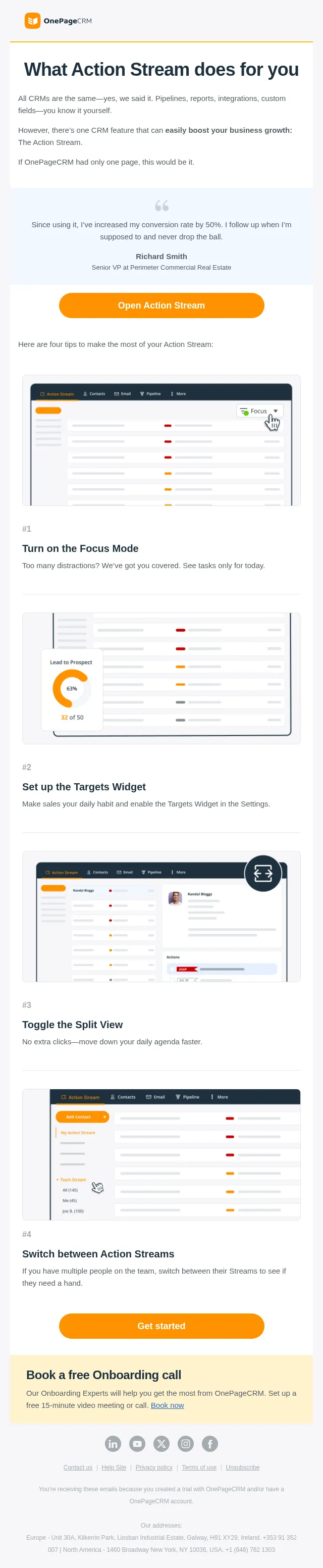
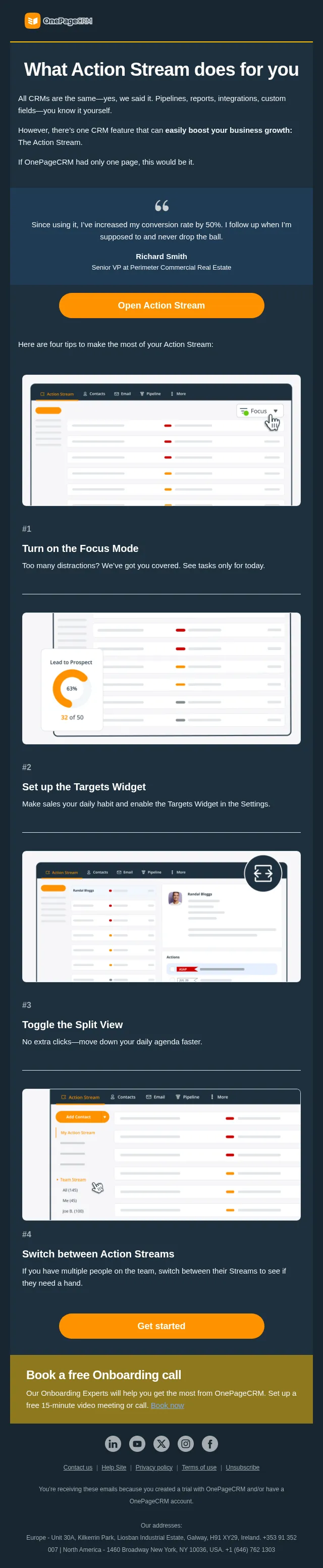
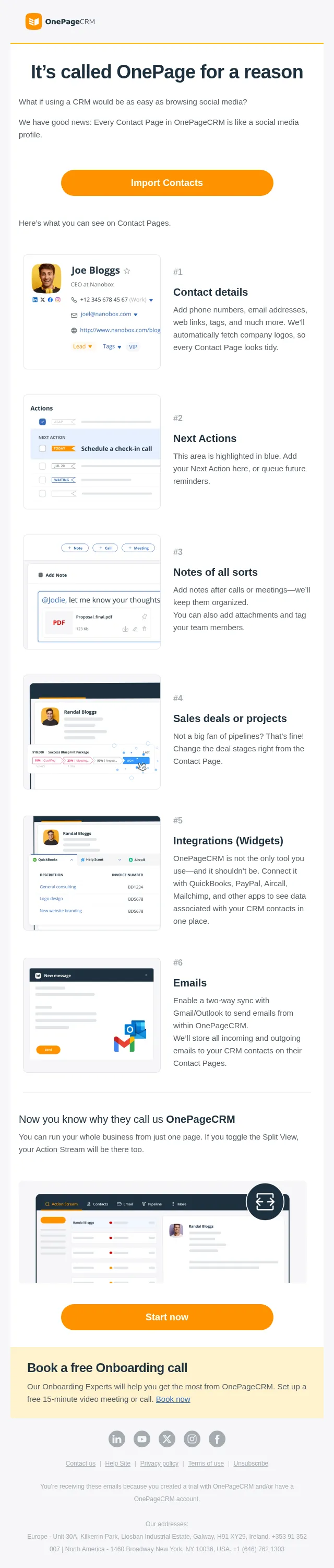
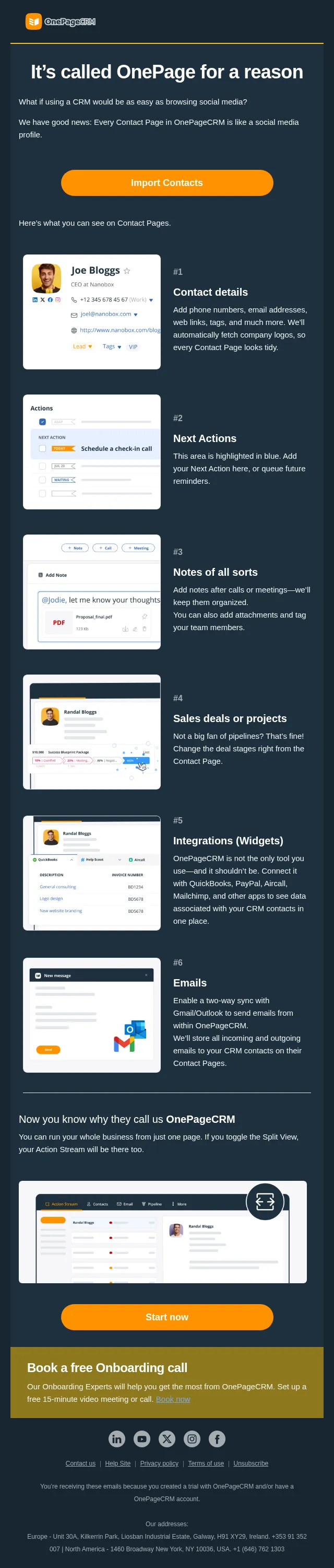
Here’s how you can easily segment your database in OnePageCRM.
https://help.onepagecrm.com/article/584-add-tag-groups
#1


** Group tags
------------------------------------------------------------

Group tags for a cleaner interface and easier navigation. You can even use tags in OnePageCRM to send targeted campaigns (https://help.onepagecrm.com/article/510-onepagecrm-tags-in-mailchimp) via Mailchimp.
https://help.onepagecrm.com/article/303-how-to-enable-tag-sync-across-all-contacts-within-a-company
#2


** Sync tags across Organizations
------------------------------------------------------------

Automatically apply the same tags to all CRM contacts in the same organization.
https://help.onepagecrm.com/article/592-custom-fields
#3


** Add Custom Fields
------------------------------------------------------------

Create Custom Fields to store data unique to your business.
https://help.onepagecrm.com/article/45-how-to-add-edit-delete-status-labels
#4


** Map out your sales process
------------------------------------------------------------

Use color-coded Statuses to differentiate between Customers and Leads at a glance.
https://help.onepagecrm.com/article/54-how-to-use-filters
#5


** Build an unlimited number of Filters
------------------------------------------------------------

Build different segments and reuse them later with Saved Filters.
https://help.onepagecrm.com/article/587-how-to-use-advanced-filters
#6


** Use Advanced Filters
------------------------------------------------------------

Combine several Saved Filters or create dependencies between them for a granular search.
Open OnePageCRM (https://secure.onepagecrm.com/)


** Don’t miss out
------------------------------------------------------------

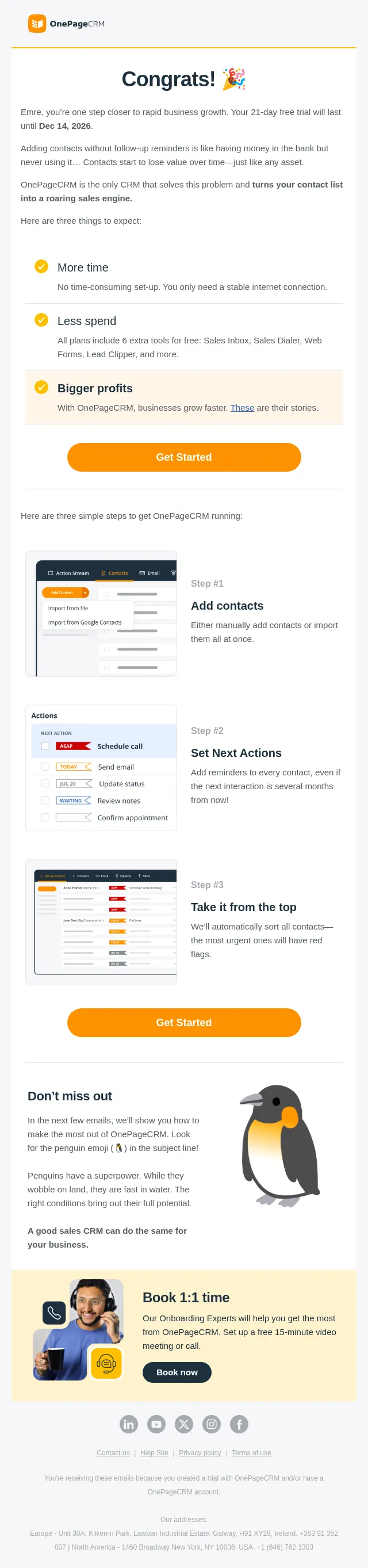
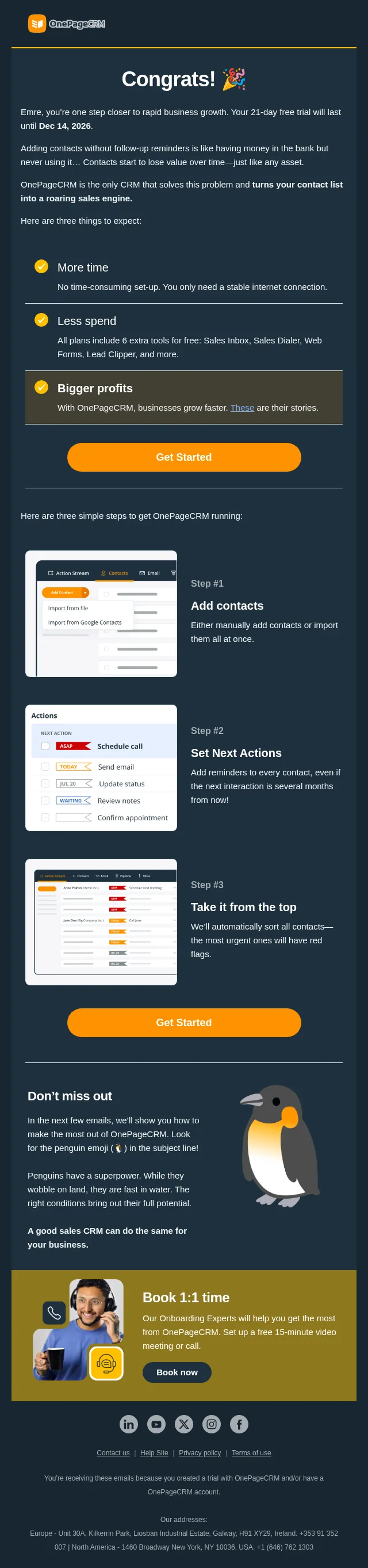
In the next few emails, we’ll show you how to make the most out of OnePageCRM. Look for the penguin emoji (🐧) in the subject line!

Penguins have a superpower. While they wobble on land, they are fast in water. The right conditions bring out their full potential.

A good sales CRM can do the same for your business.


** Access OnePageCRM everywhere
------------------------------------------------------------

Use your CRM from any mobile device.
https://apps.apple.com/us/app/onepagecrm/id692777054   https://play.google.com/store/apps/details?id=com.onepagecrm&hl=en

https://www.linkedin.com/company/onepage-crm https://www.youtube.com/c/OnePageCRMChannel https://x.com/OnePageCRM https://www.instagram.com/onepagecrm/ https://www.facebook.com/OnePageCRM
Contact us (mailto:support@onepagecrm.com) | Help Site (https://help.onepagecrm.com/) | Privacy policy (https://www.onepagecrm.com/privacy/) | Terms of use (https://www.onepagecrm.com/terms/) | Unsubscribe (https://onepagecrm.us2.list-manage.com/unsubscribe?u=d4aa8b2905916701a44961012&id=0521c9afe3&t=b&e=b33c4863cd&c=8b6b149927&i=427a1517c3)
You’re receiving these emails because you created a trial with OnePageCRM and/or have a OnePageCRM account.

Our addresses:
Europe - Unit 30A, Kilkerrin Park, Liosban Industrial Estate, Galway, H91 XY29, Ireland. () +353 91 352 007 | North America - 1460 Broadway New York, NY 10036, USA. () +1 (646) 762 1303
- Accession
- nse/onepagecrm/2026-11-26/7745
- From
- OnePageCRM · support@onepagecrm.com
- Sent
- 26 November 2026 · 14:00 UTC