New in LeO: Track your AI Agent outreach campaigns
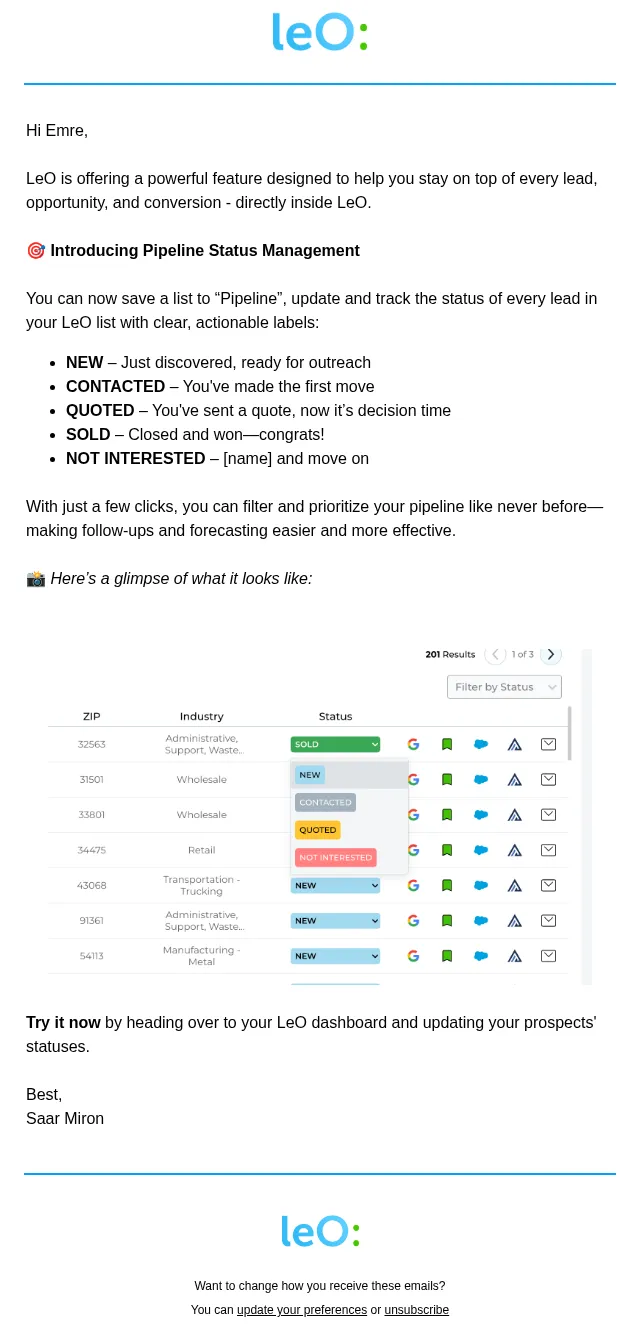
Track prospects from NEW to IN CAMPAIGN to CONTACTED—and avoid duplicate outreach with LeO.
- Product
- LeO
- Sent from
- meetleo.com
- Sent
No dark-mode styles — this email renders the same in a dark client.
https://insights-app.meetleo.com?utm_source=LeO+Standard+Users&utm_campaign=2582da0f57-EMAIL_CAMPAIGN_2025_02_03_01_13_COPY_04&utm_medium=email&utm_term=0_-3c16b49178-745963215


** Hi Emre,
------------------------------------------------------------

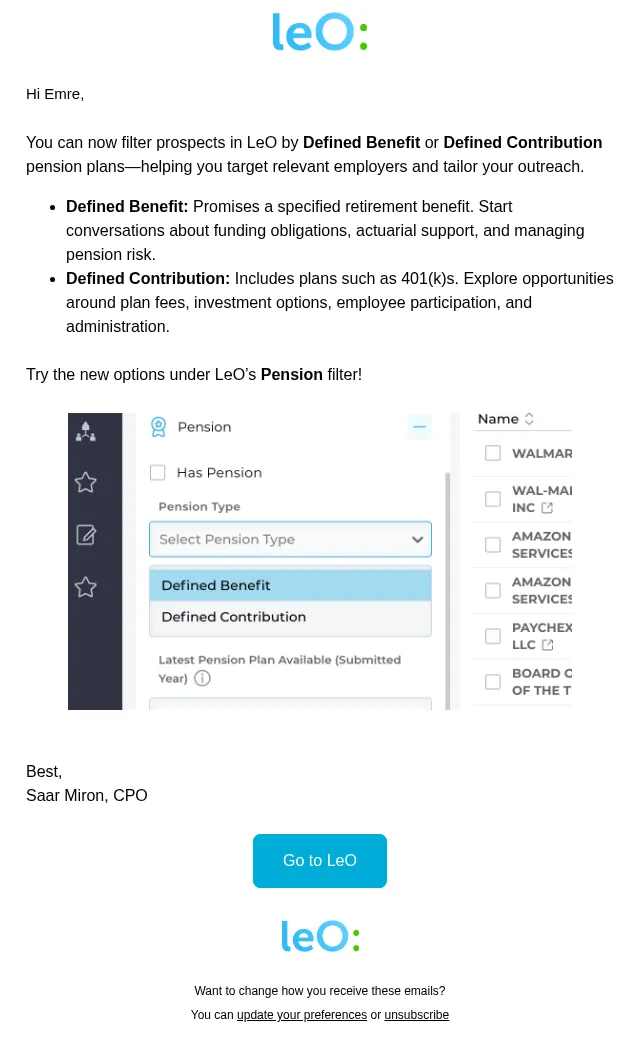
LeO’s new IN CAMPAIGN Pipeline status makes it easier to track outreach and avoid contacting the same prospects twice.

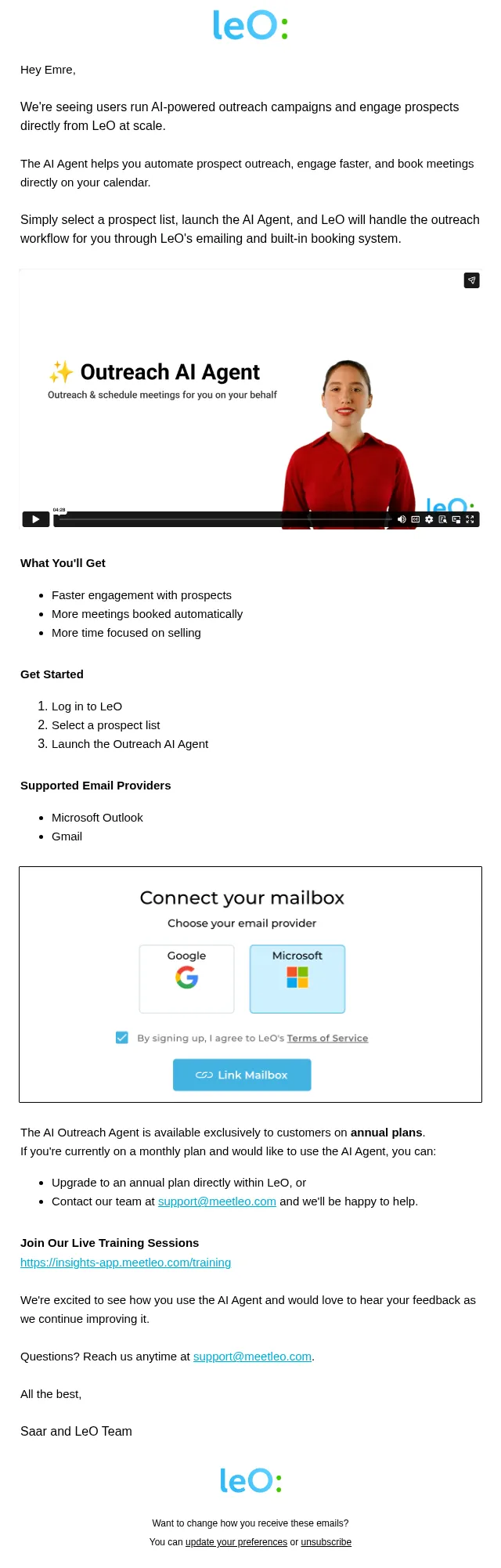
Here’s how to manage your AI Agent campaigns:
* Find your market: Search for prospects that match your target audience.
* Save prospects in batches: Select groups and save them to your Pipeline. They’ll appear with the status NEW.
* Launch a campaign: In the Pipeline, select the NEW prospects you want to reach and start an outreach AI Agent campaign.
* Track progress: LeO automatically changes their status to IN CAMPAIGN, then to CONTACTED once the emails are sent.

For your next campaign, select prospects marked NEW, leaving out those already IN CAMPAIGN or CONTACTED to avoid duplicate outreach.

Best,

Saar Miron, CPO
Go to LeO (https://insights-app.meetleo.com?utm_source=LeO+Standard+Users&utm_campaign=2582da0f57-EMAIL_CAMPAIGN_2025_02_03_01_13_COPY_04&utm_medium=email&utm_term=0_-3c16b49178-745963215)
https://insights-app.meetleo.com?utm_source=LeO+Standard+Users&utm_campaign=2582da0f57-EMAIL_CAMPAIGN_2025_02_03_01_13_COPY_04&utm_medium=email&utm_term=0_-3c16b49178-745963215

Want to change how you receive these emails?
You can update your preferences (https://meetleo.us14.list-manage.com/profile?u=ddcd4d2a227a04b203e4f9085&id=f002744eae&e=11512fecf5&c=2582da0f57) or unsubscribe (https://meetleo.us14.list-manage.com/unsubscribe?u=ddcd4d2a227a04b203e4f9085&id=f002744eae&t=b&e=11512fecf5&c=2582da0f57)
- Accession
- nse/meetleo/2026-11-12/6836
- From
- Saar from LeO · saar@meetleo.com
- Sent
- 12 November 2026 · 21:00 UTC