Personalize your Dart Profile (6/6)
Dart has the customization options you need
- Product
- Dart
- Sent from
- dartai.com
- Sent
No dark-mode styles — this email renders the same in a dark client.
https://www.itsdart.com

Login (https://app.itsdart.com)    Blog (https://www.itsdart.com/blog)    Help center (https://help.itsdart.com)


** Personalize Dart
------------------------------------------------------------

In addition to managing projects, Dart has all the customization options you need.
https://app.itsdart.com

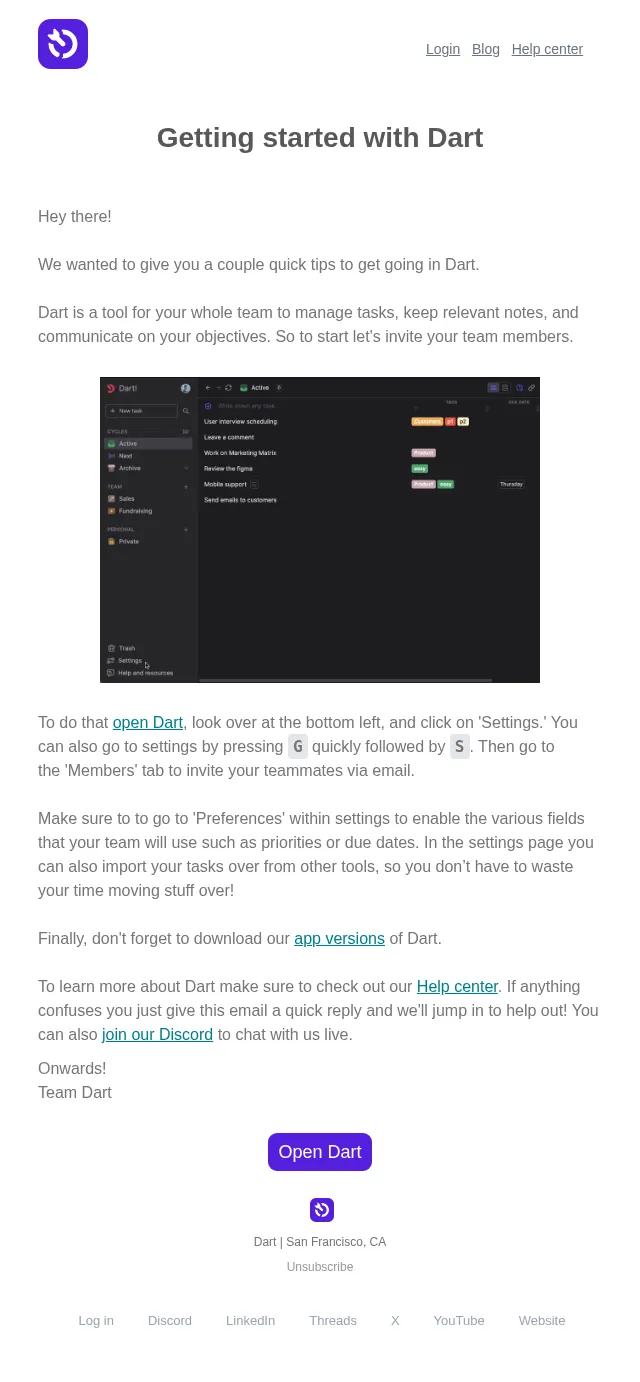
Specifically, in Dart (https://app.itsdart.com/) head on over to the Settings menu with G followed by S and then click the 'Profile' link in the bottom left.

From there you can try out both light mode and dark modes and upload a profile image if you like. You can also change various details like your display name and color.

Under 'Profile' you can click on 'Notifications' to configure how you receive updates in the app or via email. You can also enable a Slack integration and receive notifications there.

Give it a go, and let us know what you think!
Open Dart (https://www.itsdart.com/)

Dart | San Francisco, CA
Unsubscribe (https://itsdart.us14.list-manage.com/unsubscribe?u=6ffefa993304e3b4b9d967039&id=803829580d&t=b&e=7b812820d0&c=5b1e131865&i=fa9d0850cf)
Log in (https://app.itsdart.com)
Discord (https://discord.gg/WuEzJJMuBa)
LinkedIn (https://www.linkedin.com/company/dart-ai)
Threads (https://www.threads.net/@dartappofficial)
X (https://x.com/its_dart)
YouTube (https://www.youtube.com/@itsdart)
Website (https://www.itsdart.com/?nr=1)

============================================================
- Accession
- nse/dart/2026-11-18/7240
- From
- Dart Onboarding · onboarding@dartai.com
- Sent
- 18 November 2026 · 16:00 UTC