Spaces and Dartboards (5/6)
In Dart, your tasks are organized into what are affectionately called Dartboards
- Product
- Dart
- Sent from
- dartai.com
- Sent
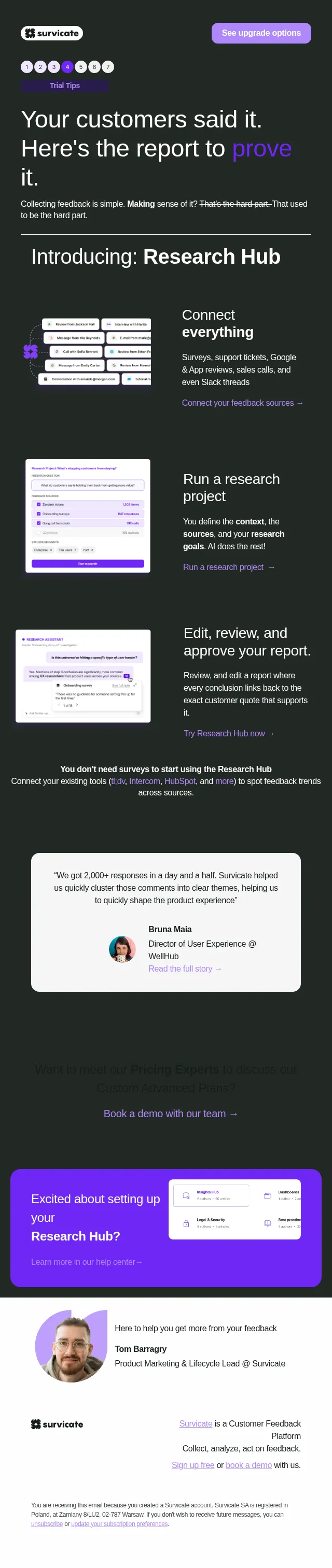
No dark-mode styles — this email renders the same in a dark client.
https://www.itsdart.com

Login (https://app.itsdart.com)    Blog (https://www.itsdart.com/blog)    Help center (https://help.itsdart.com)


** Spaces and dartboards
------------------------------------------------------------

Now that you’re getting a handle on some of the basics, let’s clear up what all that stuff on the left is.
* Near the top you'll see the Inbox. This is where your notifications live until you mark them as read.

* Below that is the Views section. The default view is My Tasks which simply shows you all tasks assigned to you across all of Dart. If you make more views they will appear here.

* Next we get into Spaces. Spaces are essentially areas for different teams at your organization to work in. They can also be for unique projects. The defining characteristics of a space are who has access to them, and whether they are equipped with Sprints or not. (More on those below.) The default Team space is visible to everybody at your organization.

* Inside of a space are dartboards. These are essentially lists of tasks. The Team space starts with Active, Next, and Backlog dartboards, but you can create more at any time.

* The Active, Next, and Backlog dartboards are the dartboards for Sprints. Sprints are just regular time intervals in which your team completes tasks. Place tasks you are working on in the current sprint in Active, ones you are planning for next time in Next, and ideas for later in the Backlog. At the end of a sprint click on the three dots for the corresponding space (in this case Team) and then click "Start next sprint". This will move completed tasks from Active into an Archive, and push all the tasks in Next up into Active.

* You'll also see Docs which contain folders of documents for your team.

If you have any questions or your team prefers a different process, we can almost certainly make it work in Dart! Drop us a line if you want to chat about it.
Open Dart (https://www.itsdart.com/)

Dart | San Francisco, CA
Unsubscribe (https://itsdart.us14.list-manage.com/unsubscribe?u=6ffefa993304e3b4b9d967039&id=803829580d&t=b&e=7b812820d0&c=f42ab0245e&i=f6cfaa50b4)
Log in (https://app.itsdart.com)
Discord (https://discord.gg/WuEzJJMuBa)
LinkedIn (https://www.linkedin.com/company/dart-ai)
Threads (https://www.threads.net/@dartappofficial)
X (https://x.com/its_dart)
YouTube (https://www.youtube.com/@itsdart)
Website (https://www.itsdart.com/?nr=1)

============================================================
- Accession
- nse/dart/2026-11-17/7237
- From
- Dart Onboarding · onboarding@dartai.com
- Sent
- 17 November 2026 · 16:00 UTC