
- All
- Feature Launch 7
- Webinar 6
- Event 3
- Nurture 3
- Educational 3
- Upgrade Prompt 2
- Discount 2
- Trial Ending 1
- Trial Expired 1
- Newsletter 1

A plumber built 36 Zaps by talking to Claude
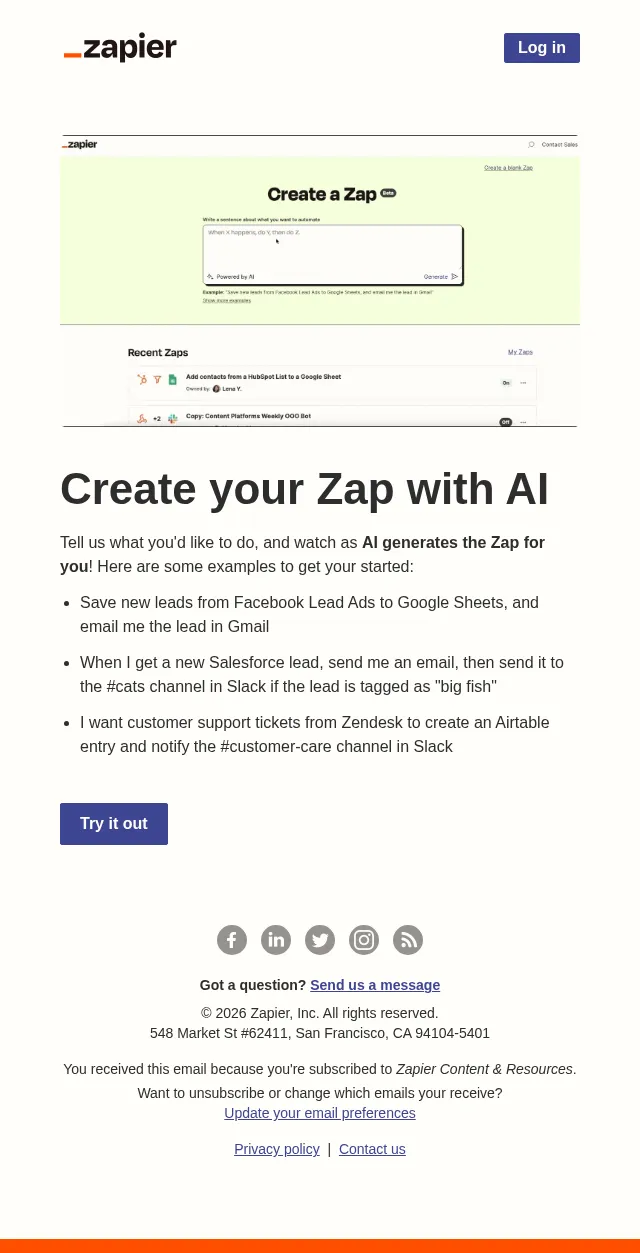
Type your Zap idea + watch AI create it!
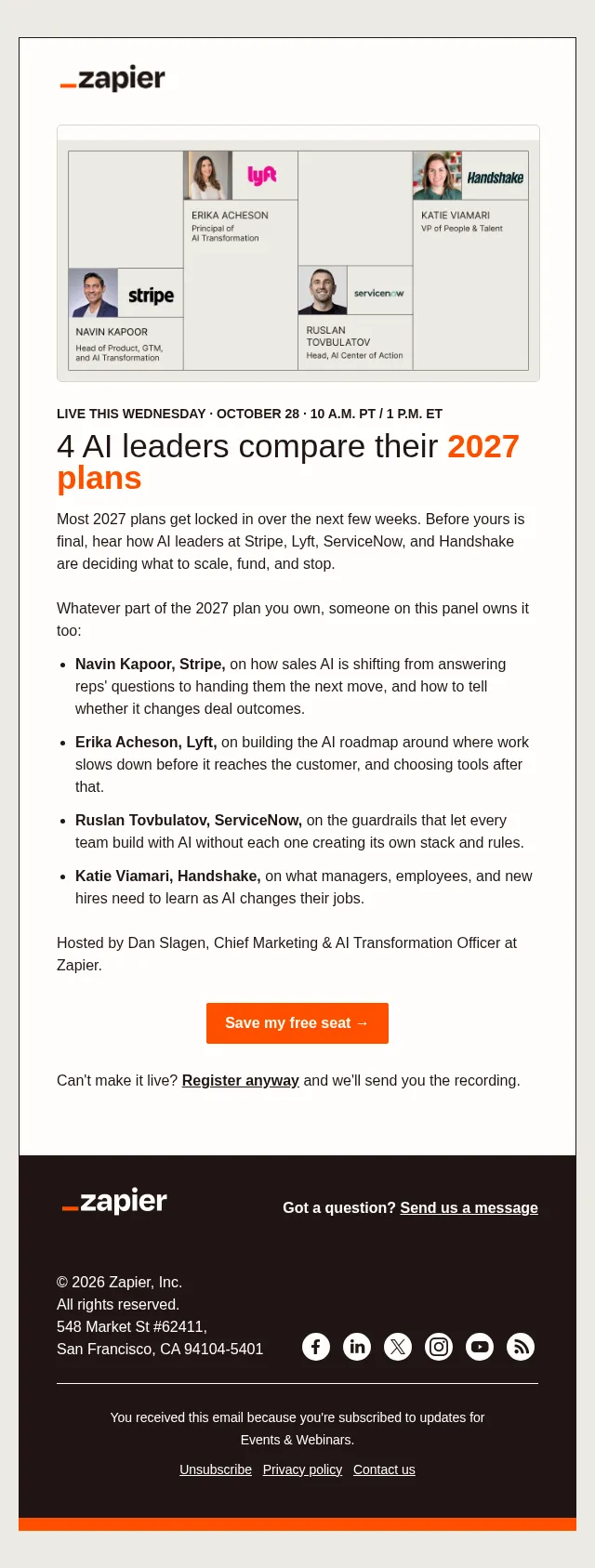
Before you lock in your 2027 AI plan
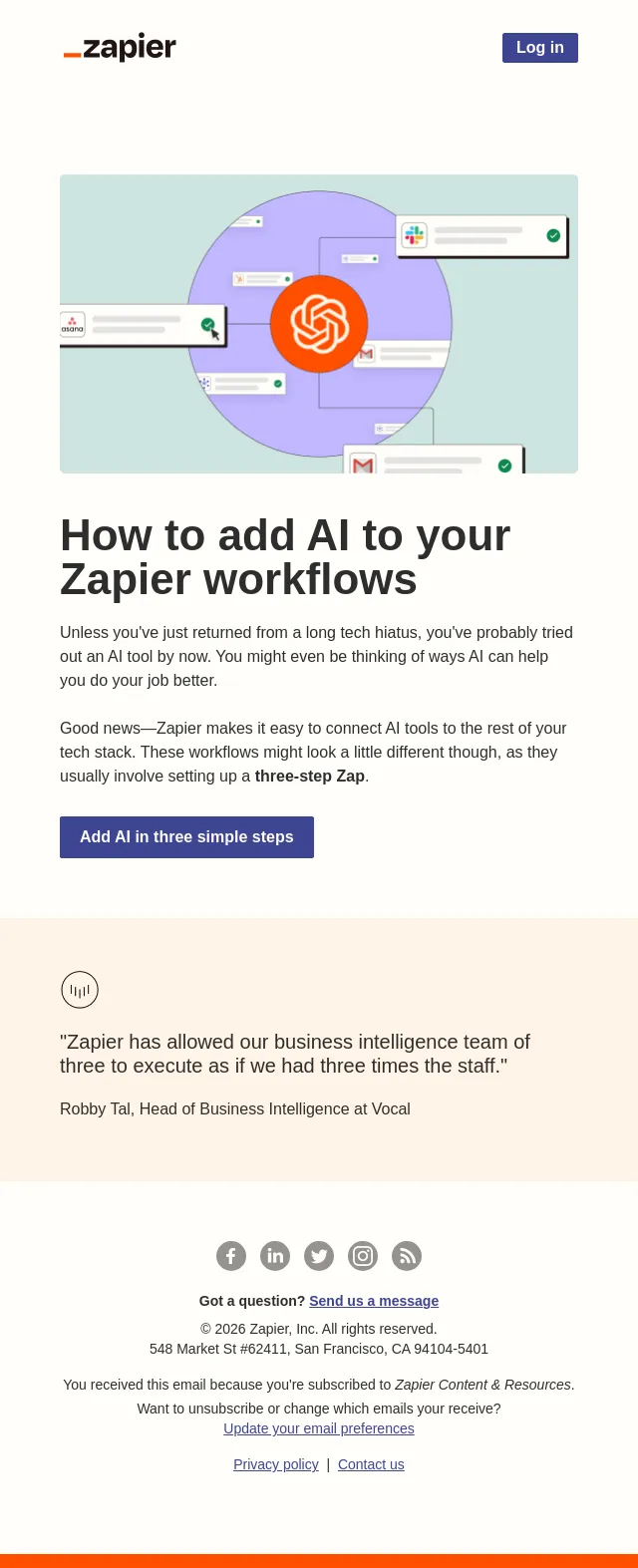
Try out AI workflows in 3 easy steps
AI Transformation sessions we think you'll enjoy from ZapConnect

Who's paying for your vibe-coded app?
[Ends tomorrow] 3 months of Professional for $10
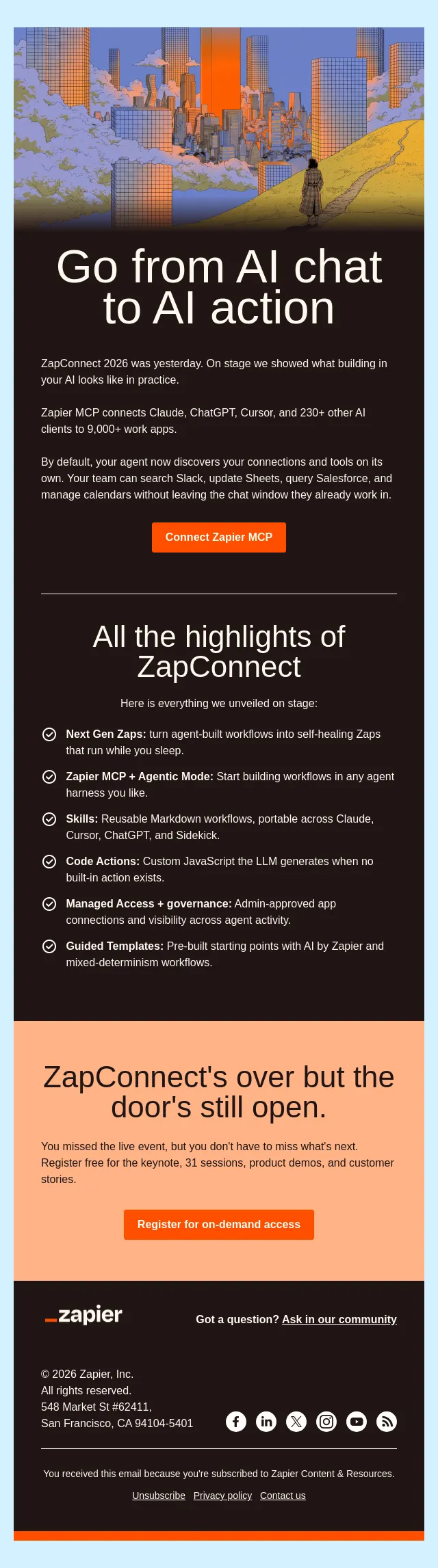
Today, AI stopped chatting and started working
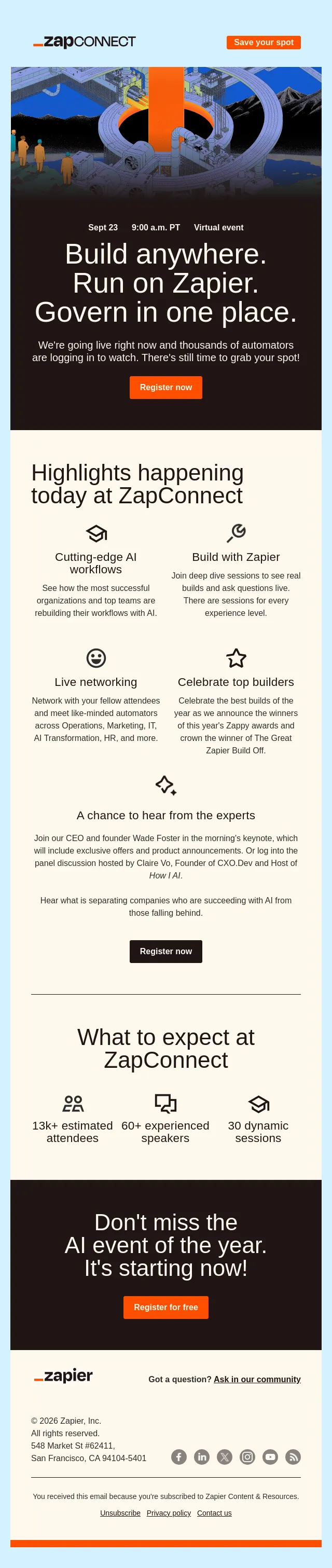
🎉 ZapConnect is starting soon and there's still time to register
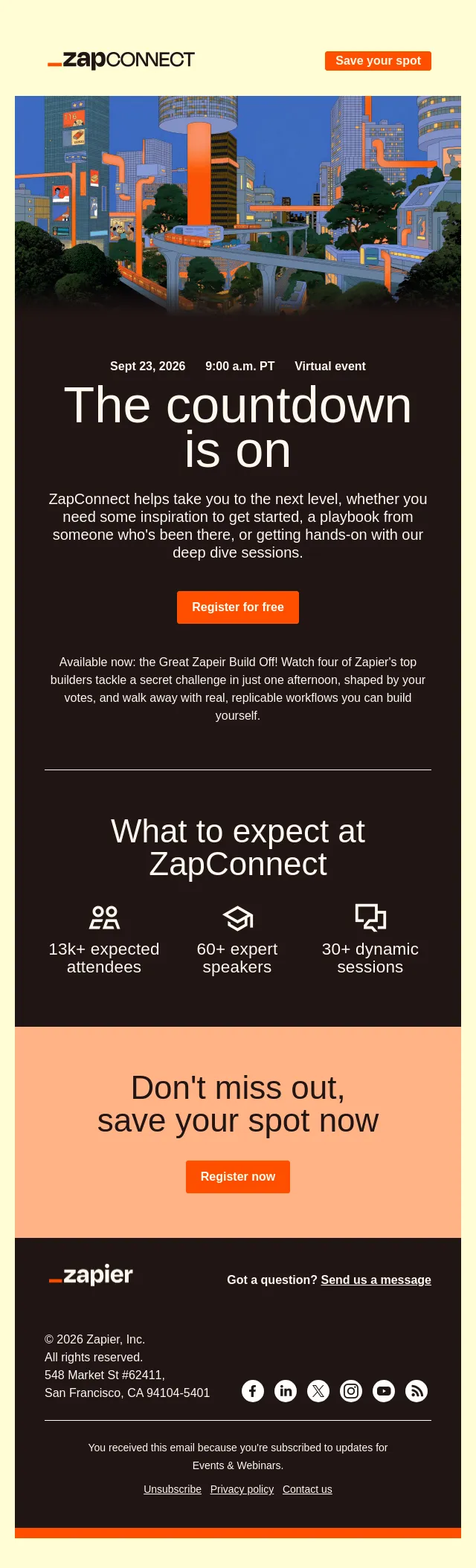
It's not too late: Join us at ZapConnect 2026 tomorrow
New automation ideas for you!
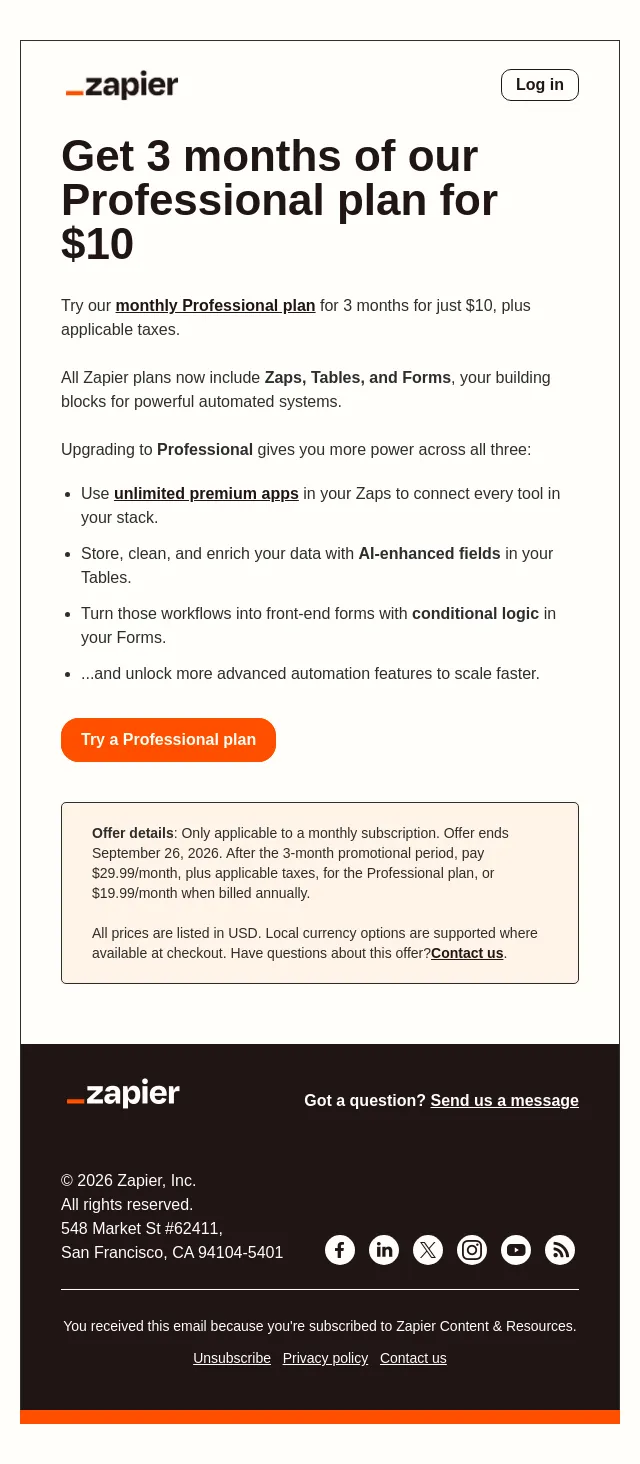
Get 3 months of our Professional plan for $10
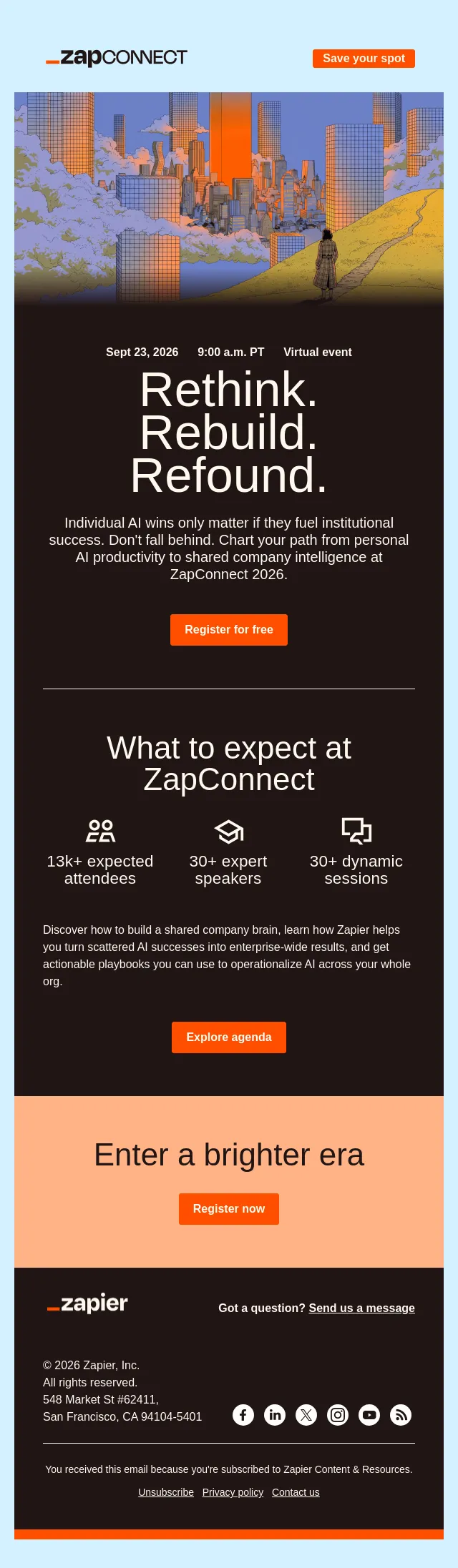
Join us at ZapConnect 2026!

The session we've been waiting all year to share with you
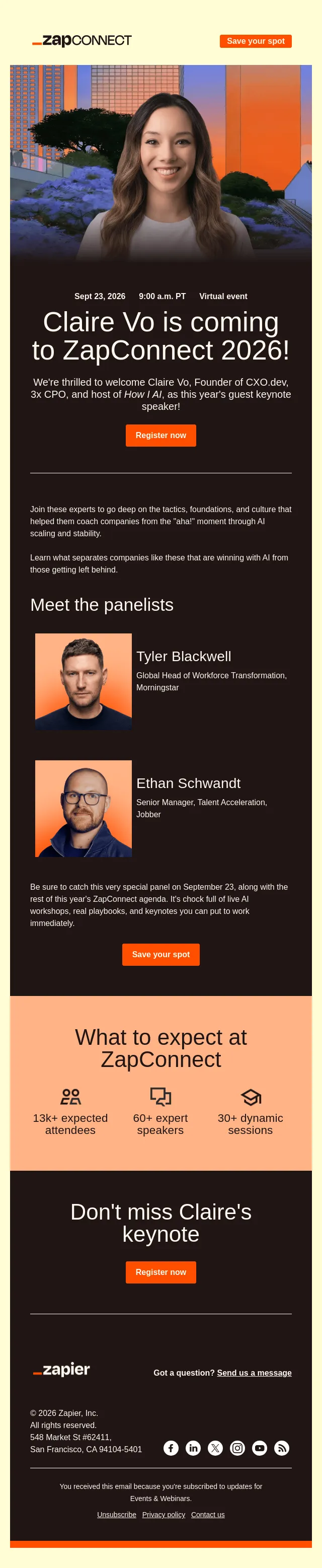
This year's industry keynote speaker is...
Your Zapier trial has ended 😢
Your Zapier trial ends in three days ⏲️
Stuck? Or need automation ideas?
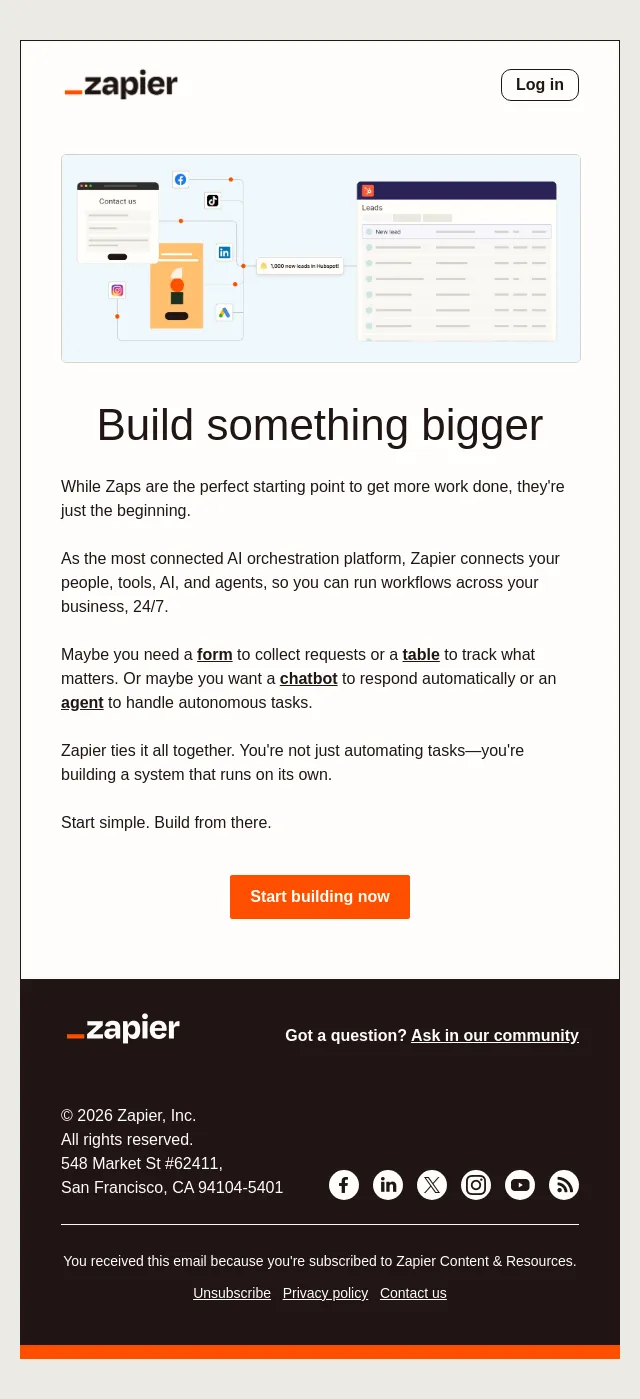
Go beyond workflows 🚀
How fluent is your team in AI?
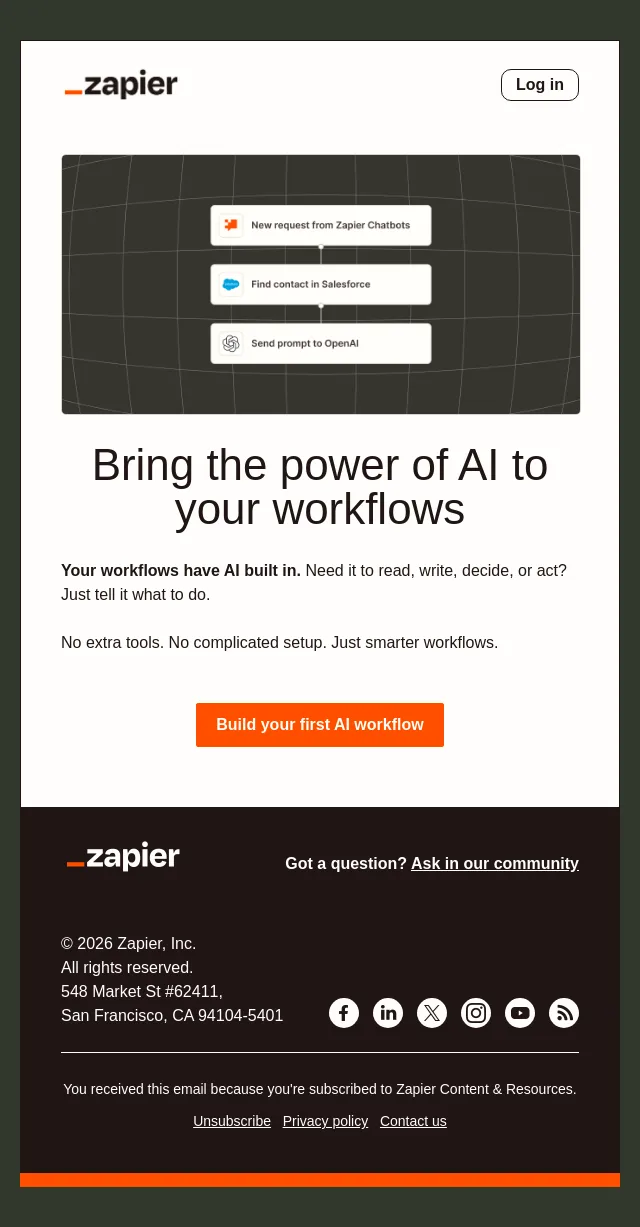
Put AI to work for you
What teams are automating this week
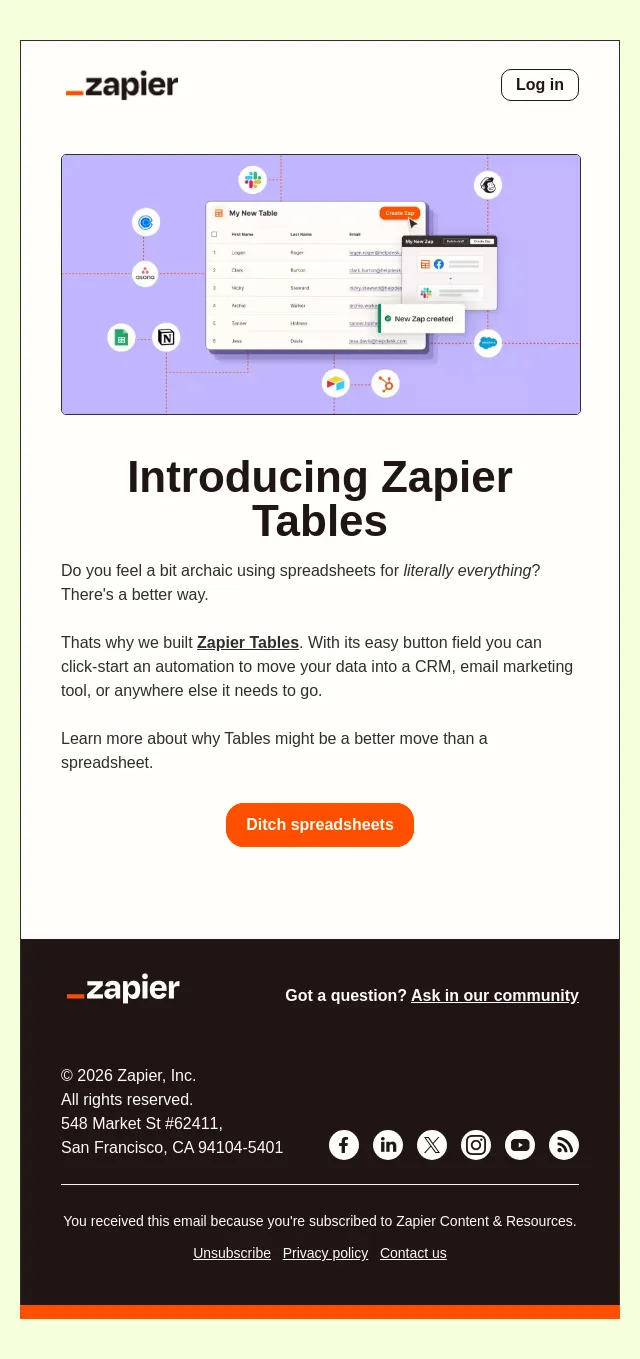
Why you should ditch spreadsheets for Tables
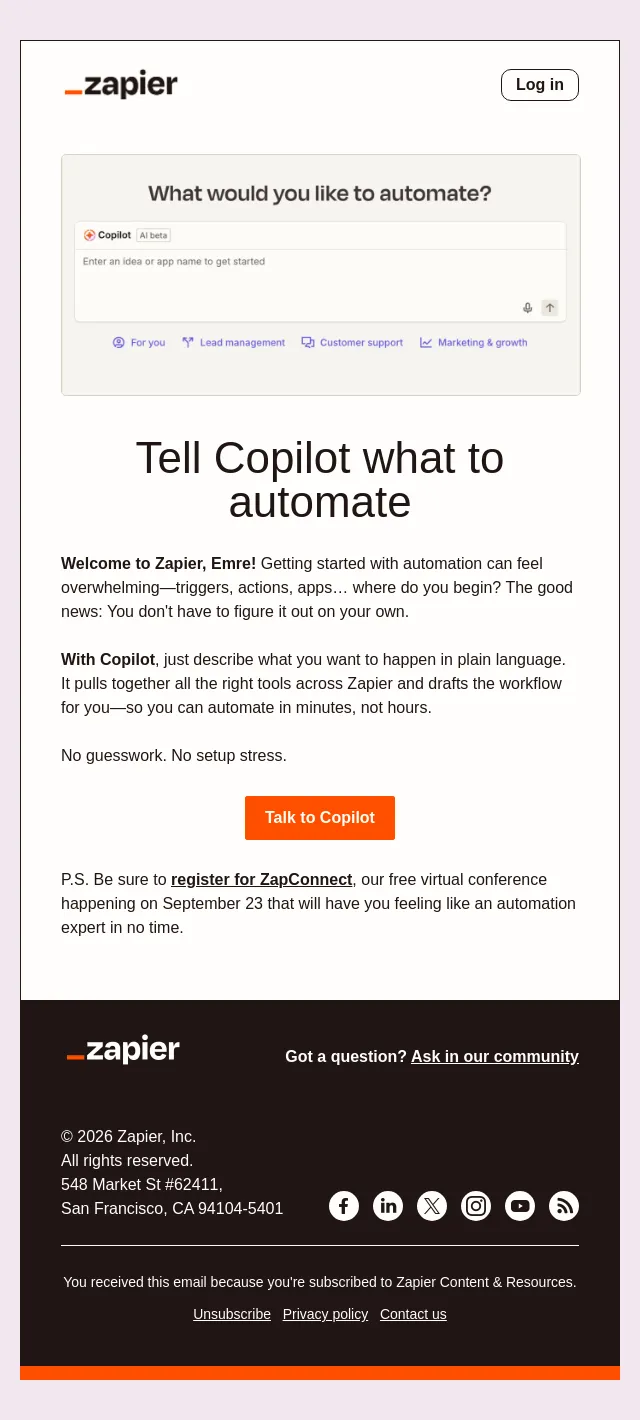
Build your first Zap workflow with Copilot ⚡
About Zapier’s email
Measured across 24 of their emails against all 5384 in the archive:
- Their emails run about 222 words, against an archive median of 171.
- A typical send has 2 detected calls to action, against 1 archive-wide.
- A typical send carries 11 images, against 5 archive-wide.
- They link out 16 times per email, against 7 archive-wide.
Frequently asked
How many Zapier emails are in this archive?
24 emails, captured between 2026-08-31 and 2026-10-28. Each one is stored with its subject line, preheader and full HTML.
What kinds of emails does Zapier send?
In this archive: feature launch (7), webinar (6), event (3), nurture (3) and educational (3). Every Zapier email is classified against the same closed taxonomy used across the whole site, so the labels mean the same thing on every product page.
What is different about Zapier's emails?
Measured against every email in the archive: their emails run about 222 words, against an archive median of 171. A typical send has 2 detected calls to action, against 1 archive-wide. A typical send carries 11 images, against 5 archive-wide. They link out 16 times per email, against 7 archive-wide.
When did Zapier last send an email?
The most recent Zapier email captured here was sent on 2026-10-28. The archive collects continuously, so this page updates itself rather than being republished.
Can I see the full design of Zapier's emails?
Yes. Every email opens as the recipient saw it, rendered from the original HTML rather than a screenshot, so you can read the copy, follow the layout and see how the calls to action are built. Browsing is free and needs no account.