Day 1/5: How to import your presentation into Wooclap
Hi b-wooclap-ctifkn@mail.newslettersearchengine.com 👋
- Product
- Wooclap
- Sent from
- support.wooclap.com
- Sent
No dark-mode styles — this email renders the same in a dark client.
Hi b-wooclap-ctifkn@mail.newslettersearchengine.com 👋
 This is the first email in your 5-day onboarding journey, where you'll be introduced to one key feature each day.

 Today, we’re starting with how to import your PowerPoint, PDF, Google Slides, or Keynote presentations directly into Wooclap. Let’s dive in!

 With this feature, you can seamlessly integrate your existing slides with Wooclap’s interactive questions. 🖇️

 Here’s how to get started:
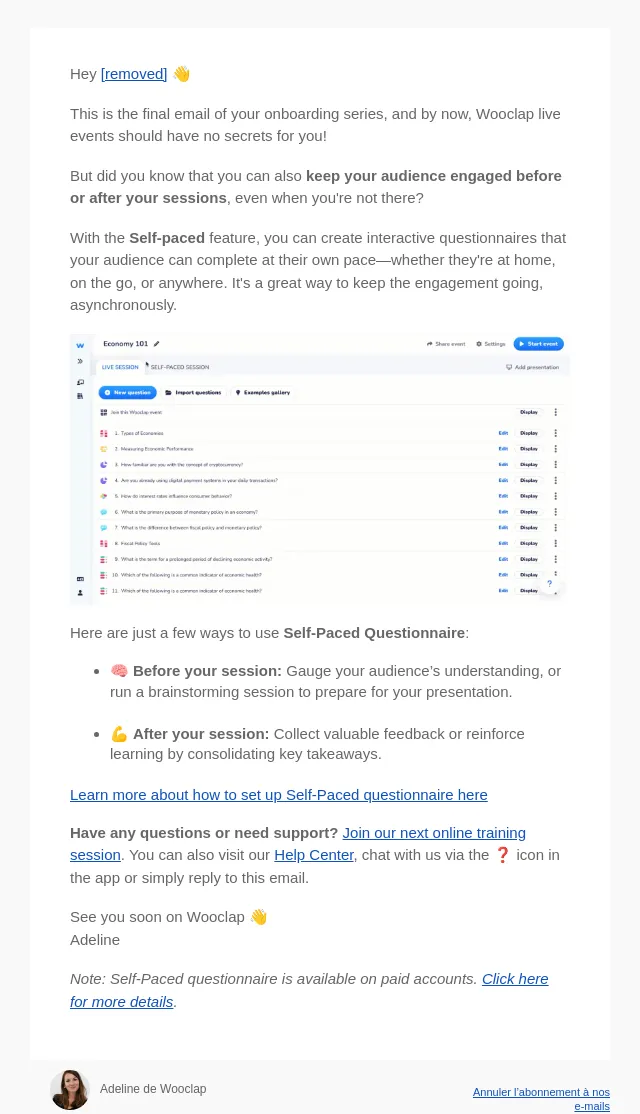
 [Image]


 🎯 This allows you to keep your audience engaged by alternating between your informative slides and real-time Wooclap interactions.

 Our interface makes it simple to structure your Wooclap event, ensuring your interactive questions flow perfectly with your presentation.

 INSERT A PRESENTATION

 Want to go the other way around? You can also insert Wooclap questions directly into your presentation tool! Learn how here in our Help Center.

 📚To continue to get the most out of the platform, join our next online training session — Registrer here.
 See you soon, Adeline from Wooclap
- Accession
- nse/wooclap/2026-09-19/1947
- From
- Adeline de Wooclap · adeline@support.wooclap.com
- Sent
- 19 September 2026 · 00:00 UTC