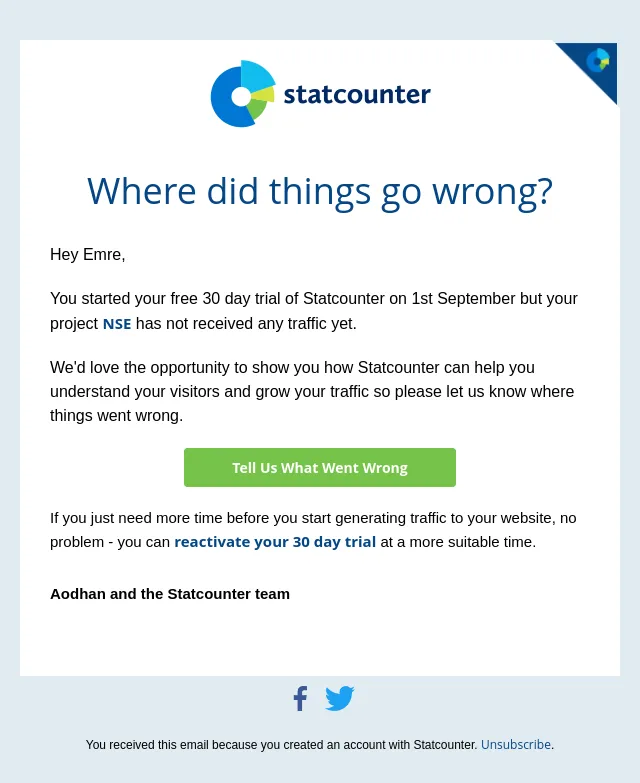
Have you installed your Statcounter code? [nseemre]
Hi Emre,
- Product
- Statcounter
- Sent from
- statcounter.com
- Sent
No dark-mode styles — this email renders the same in a dark client.
Hi Emre,
The final installation step is to add the Statcounter code to your website. Here are a few options.
Using a Website Platform?
Is your website using a platform or CMS such as WordPress, Tumblr, WIX, SquareSpace or similar? Check our installation instructions for over 70 popular publishing platforms.
Adding The Code Yourself?
Copy the code below and place directly before the closing </body> tag on all pages (or in the master template) of your website.
<!-- Start of StatCounter Code for Default Guide -->
<script type="text/javascript">
var sc_project=13352978;
var sc_invisible=0;
var sc_security="6b4d2cd2";
var scJsHost = (("https:" == document.location.protocol) ?
"https://secure." : "http://www.");
document.write("<sc"+"ript type='text/javascript' src='" +
scJsHost+
"statcounter.com/counter/counter.js'></"+"script>");
</script>
<noscript><div class="statcounter"><a title="Web Analytics"
href="http://statcounter.com/" target="_blank"><img
class="statcounter"
src="//c.statcounter.com/13352978/0/6b4d2cd2/0" alt="Web
Analytics"></a></div></noscript>
<!-- End of StatCounter Code for Default Guide -->
Someone Else Adding The Code?
Please feel free to forward this email on to your developer.
Need Help?
If you have any questions or need help getting started, simply reply to this email or contact us at support@statcounter.com .
Aodhan and the Statcounter team.
Open Statcounter
You received this email because you created an account with StatCounter. Unsubscribe .- Accession
- nse/statcounter/2026-09-04/494
- From
- Statcounter Support · support@statcounter.com
- Sent
- 4 September 2026 · 17:00 UTC