Get started with Shotgun Emre ✨
Get started with Shotgun ✨
- Product
- Shotgun
- Sent from
- shotguntheapp.com
- Sent
Dark-mode styles present, but they keep this email light.
Get started with Shotgun ✨

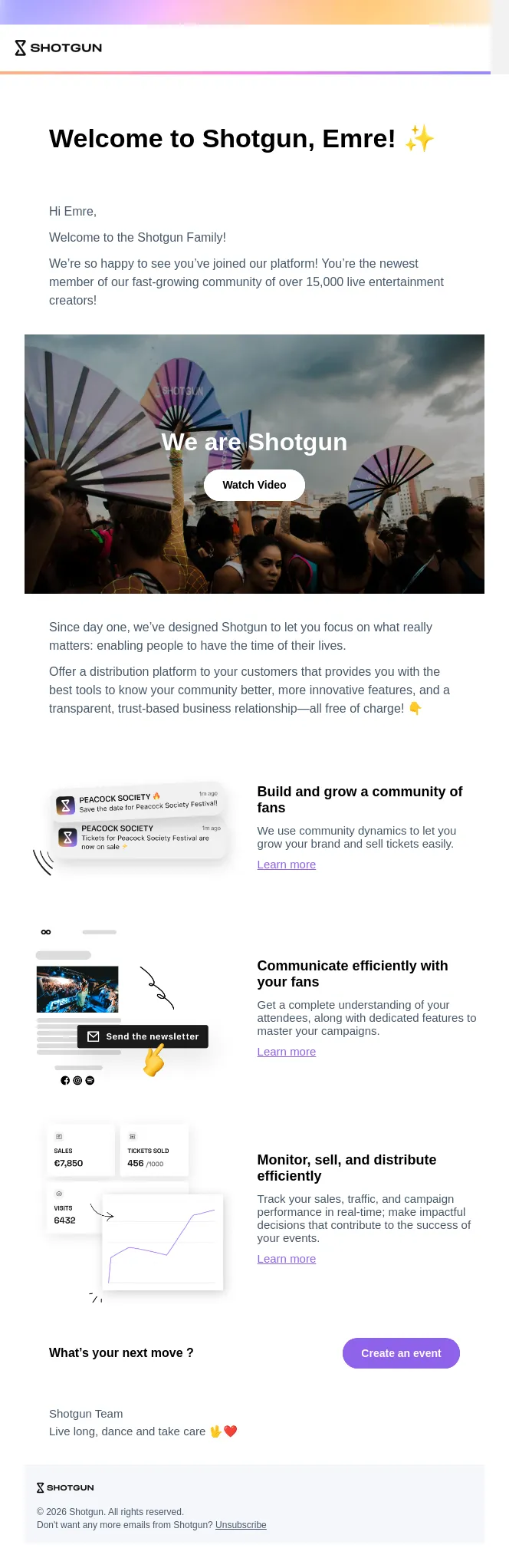
Hi Emre,

There are 4 main steps in Shotgun’s Event creation journey 👇

1. Event Creation

Draft your event

Dive into the creation of your event: location, time & date, description, artwork, tickets... And don't forget to add optional yet relevant information such as artist line up and music tags!

2. Event Publication

Start promoting your event

Get your first views: notify your community! You prefer to lay low and keep it intimate? Sure! You can set your event to private, or give your early fans exclusive access to certain tickets!

3. Event Launch

Start selling tickets!

The time has come! Schedule a date and time, or manually launch your event: your configured tickets will be available for purchase according to their validity parameters. Followers and anyone interested will be notified that your event is now on sale!

4. Access Control

Scan tickets at the door

Download our dedicated scan App (iOS ( https://apps.apple.com/fr/app/shotgun-scan/id1526011476 ) & Android ( https://play.google.com/store/apps/details?id=com.shotgunscan )) to scan tickets with or without internet access, find information about your guests’ tickets, search for guests and add names to your guestlists.

What’s your next move ?

Create your event ( https://smartboard.shotgun.live/fr/events/create?step=0 )

Resources

👉 Quick Start : Get started with Shotgun ( https://support-pro.shotgun.live/hc/en-us/articles/14551394542866-Quick-Start-Get-started-with-Shotgun )

👉 More questions ? Visit our Help Center ( https://support-pro.shotgun.live/hc/en-us )

Shotgun Team

Live long, dance and take care 🖖❤️

© 2026 Shotgun. All rights reserved.

Don't want any more emails from

Shotgun?
Unsubscribe ( https://track.customer.io/unsubscribe/dgSs-QUBAMylB8ulBwGgjOTf5q1R_rZYzq5ndmU= )
- Accession
- nse/shotgun/2026-09-10/1157
- From
- Shotgun · marketing@shotguntheapp.com
- Sent
- 10 September 2026 · 19:00 UTC