✏️ Kick Off Student Portfolios: Assign a Lesson or Capture Hands-on Learning
Launch student digital portfolios with the All About Me lesson or capture hands-on learning using the Add button and student voice.
- Product
- Seesaw Learning
- Sent from
- marketing.seesaw.me
- Sent
No dark-mode styles — this email renders the same in a dark client.
Hi Emre,

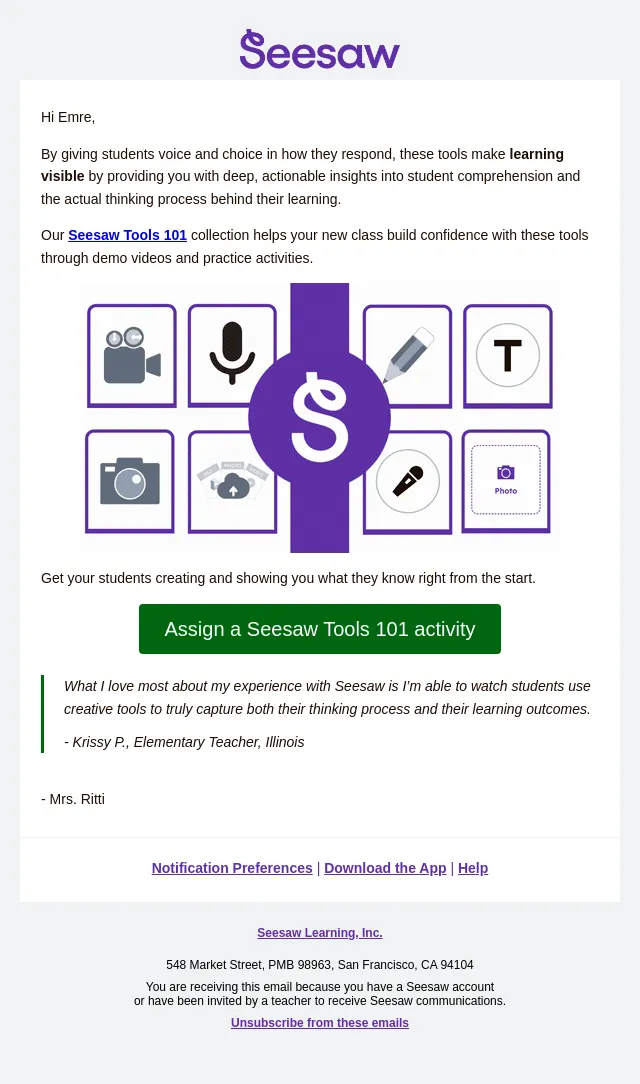
Seesaw’s multimodal tools give students a voice and choice in how they respond. This shows you a deeper understanding of their learning process.

The best part: our digital portfolios capture that learning process both offline and online throughout the year, and share growth with families!

To kick off your students’ digital portfolio, pick the path that works best for your class:

- ✏️ Path 1: Assign a Ready-to-Teach Lesson
Launch the year by assigning the All About Me activity. Students share all about themselves and officially launch their new digital portfolio.

- 📸 Path 2: Capture Hands-on Learning
Use the Green Add Button to capture hands-on learning happening in your classroom right now. Students can take a picture or video of their work and layer on tools like the microphone to add their voice and reflect on what they learned.

Assign All About Me activity: https://app.seesaw.me/library/seesaw/product/seesaw-special-days

Watch the video on assigning activities or learn how to capture hands-on learning to get started in seconds.
https://www.youtube.com/watch?v=mkGeJFQKLSU
https://www.youtube.com/watch?v=J1VFO4rKoao

“Seesaw has given me the ability to differentiate for my 100+ students each year. I can hear their voices, let them read to me, share their thoughts, and see their learning in real-time.”
- Abby C., Teacher

- Mrs. Ritti
- Accession
- nse/seesaw/2026-09-14/1513
- From
- Seesaw · do-not-reply@marketing.seesaw.me
- Sent
- 14 September 2026 · 21:00 UTC