Set up your sending domain
Add the DNS records yourself or send them to your developer.
- Product
- Loops
- Sent from
- mail.loops.so
- Sent
Add the DNS records yourself or send them to your developer.
͏ ͏ ͏ ͏ ͏ ͏ ͏ ͏ ͏ ͏ ͏ ͏ ͏ ͏ ͏ ͏ ͏ ͏ ͏ ͏ ͏ ͏ ͏ ͏ ͏ ͏
͏ ͏ ͏ ͏ ͏ ͏ ͏ ͏ ͏ ͏ ͏ ͏ ͏ ͏ ͏ ͏ ͏ ͏ ͏ ͏ ͏ ͏ ͏ ͏ ͏ ͏
͏ ͏ ͏ ͏ ͏ ͏ ͏ ͏ ͏ ͏ ͏ ͏ ͏ ͏ ͏ ͏ ͏ ͏ ͏ ͏ ͏ ͏ ͏ ͏ ͏ ͏
͏ ͏ ͏ ͏ ͏ ͏ ͏ ͏ ͏ ͏ ͏ ͏ ͏ ͏ ͏ ͏ ͏ ͏ ͏ ͏ ͏ ͏ ͏ ͏ ͏ ͏
͏ ͏ ͏ ͏ ͏ ͏ ͏ ͏ ͏ ͏ ͏ ͏ ͏ ͏ ͏ ͏ ͏ ͏ ͏ ͏ ͏ ͏ ͏ ͏ ͏ ͏
͏ ͏ ͏ ͏ ͏ ͏ ͏ ͏ ͏ ͏ ͏ ͏ ͏ ͏ ͏ ͏ ͏ ͏ ͏ ͏ ͏ ͏ ͏ ͏ ͏ ͏
͏ ͏ ͏ ͏ ͏ ͏ ͏ ͏ ͏ ͏ ͏ ͏ ͏ ͏ ͏ ͏ ͏ ͏ ͏ ͏ ͏ ͏ ͏ ͏
Hi Emre,
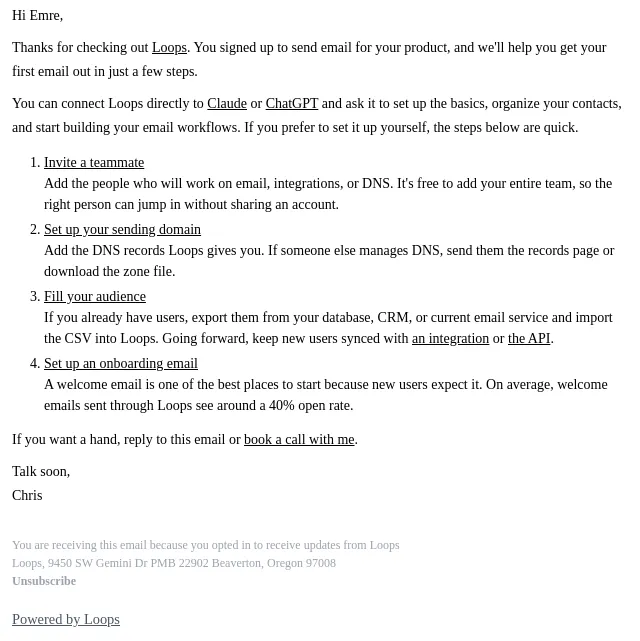
It's Chris from Loops [https://app.loops.so]. Before Loops can send email for you, it needs to verify the domain you'll send from.
That lets your emails come from your own address, like hello@example.com, and helps them land in the inbox instead of spam.
Your domain isn't verified yet. It takes a few minutes:
1. Open your domain records [https://app.loops.so/sending-domain]
Loops shows the DNS records your domain needs.
2. Add them to your DNS provider
Copy each record in, or download the zone file and upload it. If someone else manages DNS, click "Send to a developer" on that
page or forward them this email.
3. Click Verify records
Head back to the page once the records are added. DNS changes can take up to 24 hours to resolve.
If you get stuck, reply here or book a call with me [https://calendly.com/chris-loops/loops-onboarding-call].
Talk soon,
Chris
You are receiving this email because you opted in to receive updates from Loops
Loops, 9450 SW Gemini Dr PMB 22902 Beaverton, Oregon 97008
Unsubscribe [https://app.loops.so/unsubscribe/cmvpskssr017u01rldyla3p9o/7180d53f9bc89a3885e01cc8a33dfa870221444f5de3fc2632943fbc8221ec1b9b9e77627f94a6db811442cbee60a4962f757fce558542c3801845be]
Powered by Loops [https://loops.so/powered-by?utm_source=footer&utm_medium=email&utm_campaign=%7BLoops%7D]- Accession
- nse/loops/2026-10-26/5068
- From
- Chris via Loops · chris@mail.loops.so
- Sent
- 26 October 2026 · 21:00 UTC