Your secret weapon: Custom Fields
Your CRM, your way — personalize your CRM with custom fields
- Product
- Less Annoying CRM
- Sent from
- email.lessannoyingcrm.com
- Sent
No dark-mode styles — this email renders the same in a dark client.
Your CRM, your way — personalize your CRM with custom fields

Note: this is email 4 of the 9 emails
I'll send to help you get the most out of your CRM. If you don't
want any more of these emails, just click here to unsubscribe
( https://metrics.sentbybento.com/proxy/tracking/emails/HZLauCKn4mAOekKCv43aHlIOhmZpBfgL/click?signature=1474ab1fc24ff06f81c662159197dc0b3fdd5a3c&url=https%3A%2F%2Fapp.bentonow.com%2Fsites%2Fsites%2F9ef4e8875bb2effd647cf3f0cc22bda2%2Fsequences%2Funsubscribes%2F624c8f1b-130b-47f3-a12d-99d54222972d%3Fsequence_id%3DB6yV3oplkNZ0NLWdpM145yvJleO8Yr7XGo9bnbxqkREwmBDPg6j2A93KVao0O8Y4xvjZK%26utm_source%3Dbento%26utm_medium%3Demail%26utm_campaign%3Dautomation%26bento_uuid%3D624c8f1b-130b-47f3-a12d-99d54222972d )
 or if you don't want any other emails from us, you can
unsubscribe from all other emails here
( https://metrics.sentbybento.com/proxy/tracking/emails/HZLauCKn4mAOekKCv43aHlIOhmZpBfgL/click?signature=2ca8c222f89d2656bce784ab178238326b084154&url=https%3A%2F%2Fapp.bentonow.com%2Fsites%2Fsites%2F9ef4e8875bb2effd647cf3f0cc22bda2%2Fvisitors%2Funsubscribes%2F624c8f1b-130b-47f3-a12d-99d54222972d%3Futm_source%3Dbento%26utm_medium%3Demail%26utm_campaign%3Dautomation%26bento_uuid%3D624c8f1b-130b-47f3-a12d-99d54222972d )
!

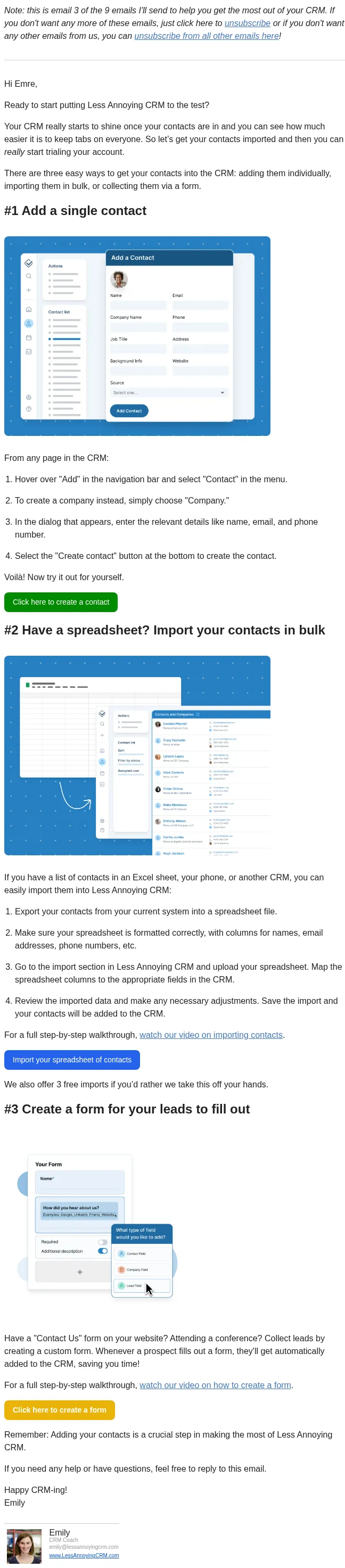
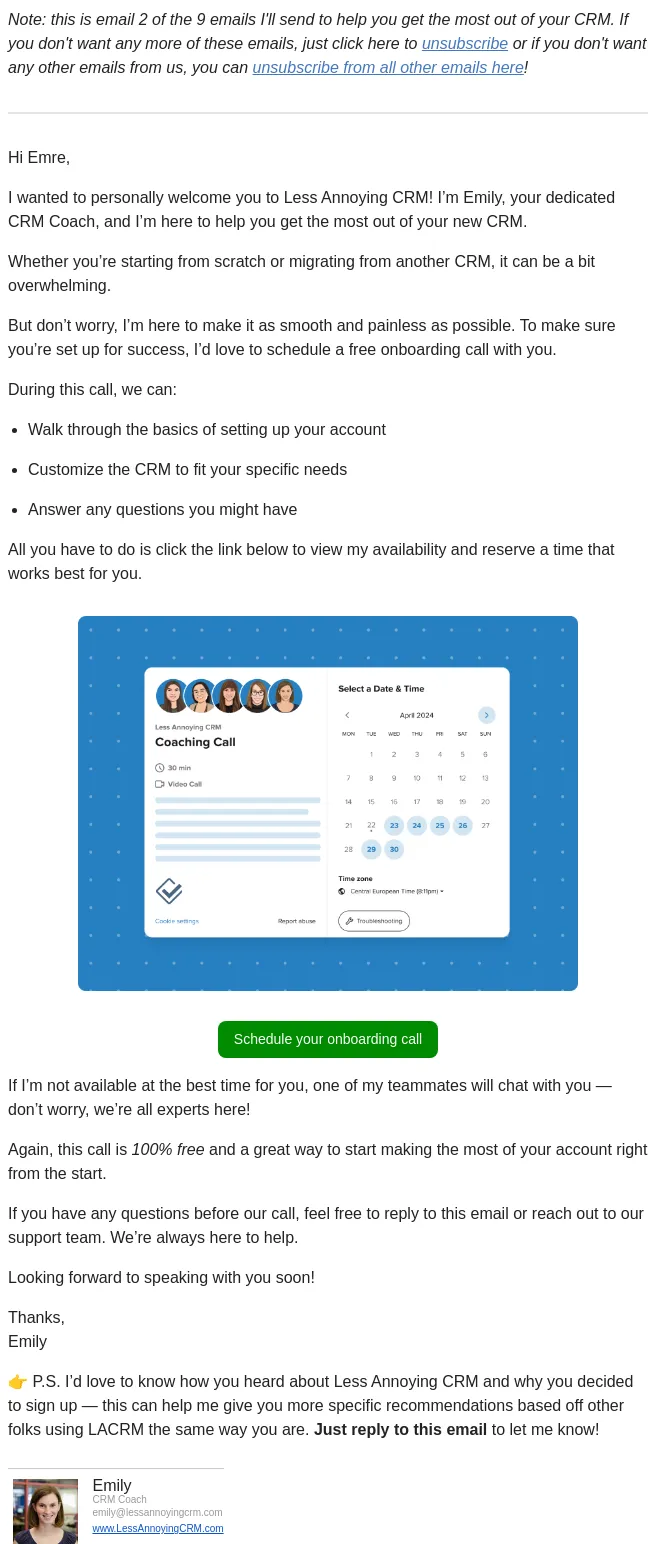
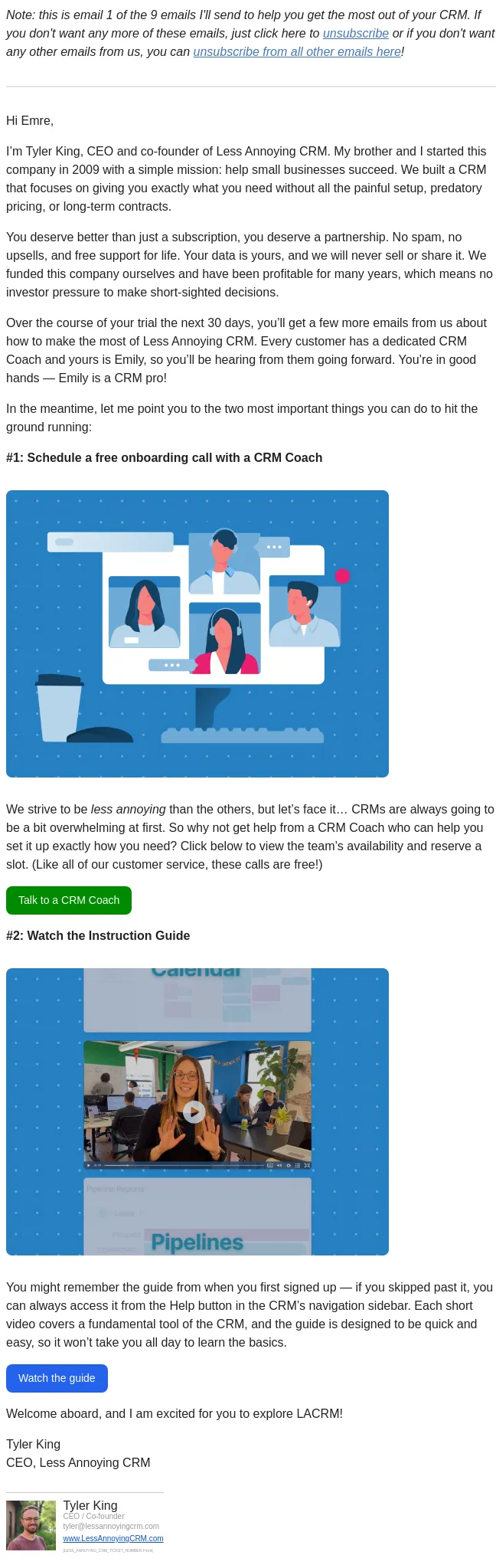
Hi Emre,

It’s Emily again, your trusty CRM Coach. Now that you’ve added
contacts, it’s time to make your CRM truly yours by customizing
the fields to fit your specific business needs.

Custom fields allow you to personalize your CRM to collect and
organize the exact data that matters most to you. It’s like
tailoring a suit, but for your CRM!For example, you might add a
custom field for how someone heard about you, their preferred
contact method, or if they’ve taken an important step in the
sales process.
( https://metrics.sentbybento.com/proxy/tracking/emails/HZLauCKn4mAOekKCv43aHlIOhmZpBfgL/click?signature=3d7b1691d03aa643a2c87725526c9988d82bce49&url=https%3A%2F%2Faccount.lessannoyingcrm.com%2Fapp%2FSettings%2FCustom_Fields%3Futm_source%3Dbento%26utm_medium%3Demail%26utm_campaign%3Dautomation%26bento_uuid%3D624c8f1b-130b-47f3-a12d-99d54222972d )
Creating a Custom Field1. Hover over "Settings" in the
navigation bar and select "Custom fields" in the menu.2. Select
either "Contacts" or "Companies" depending on which record you’d
like to customize.3. Click the "Create new custom field" button
near the top of the page.4. Enter the desired name and choose the
appropriate field type. If you select a dropdown or checkbox
list, enter the appropriate options and add color-coding if
desired.5. Click "Create custom field" to add the new field. You
can click and drag the new field to reorder it as neededCreate
your first custom field
( https://metrics.sentbybento.com/proxy/tracking/emails/HZLauCKn4mAOekKCv43aHlIOhmZpBfgL/click?signature=3d7b1691d03aa643a2c87725526c9988d82bce49&url=https%3A%2F%2Faccount.lessannoyingcrm.com%2Fapp%2FSettings%2FCustom_Fields%3Futm_source%3Dbento%26utm_medium%3Demail%26utm_campaign%3Dautomation%26bento_uuid%3D624c8f1b-130b-47f3-a12d-99d54222972d )
Custom fields are your secret weapon to ensure that you’re
collecting the information that’s crucial to your business.Want
to see this in action? Check out our video tutorial (
notion://www.notion.so/conversionfactory/88bacbccb8954f79b7ab3f6abdee3637?v=6d82f15f065047a88313275573982095&p=305fb7444ff346c3be326fcb822da56b&pm=s#
) for a full walkthrough.

If you need recommendations for your own custom fields or have
any questions, just reply to this email.

Happy customizing,Emily

Emily

CRM Coach

emily@lessannoyingcrm.com

www.LessAnnoyingCRM.com
( https://metrics.sentbybento.com/proxy/tracking/emails/HZLauCKn4mAOekKCv43aHlIOhmZpBfgL/click?signature=705afcbe4eaa92025516cc4760f9e0a4280d1b00&url=https%3A%2F%2Fwww.lessannoyingcrm.com%2F%3Futm_source%3Dbento%26utm_medium%3Demail%26utm_campaign%3Dautomation%26bento_uuid%3D624c8f1b-130b-47f3-a12d-99d54222972d )

--
Unsubscribe: https://app.bentonow.com/sites/sites/9ef4e8875bb2effd647cf3f0cc22bda2/visitors/unsubscribes/624c8f1b-130b-47f3-a12d-99d54222972d
- Accession
- nse/less-annoying-crm/2026-10-26/5074
- From
- Emily from Less Annoying CRM · help@email.lessannoyingcrm.com
- Sent
- 26 October 2026 · 23:00 UTC