Three tips to get going with the Outreach Planner
All you need is in this planner
- Product
- Hunter
- Sent from
- mail.hunter.io
- Sent
No dark-mode styles — this email renders the same in a dark client.
All you need is in this planner

Get your free cold email strategy ( https://hunter.io/outreach-planner?utm_campaign=Promotion%3A+Interactive+Outreach+Planner+-+Sept+2026&utm_content=Email+3+-+Get+going&utm_medium=email_action&utm_source=customer.io )

The planner home screen

Hi Emre,

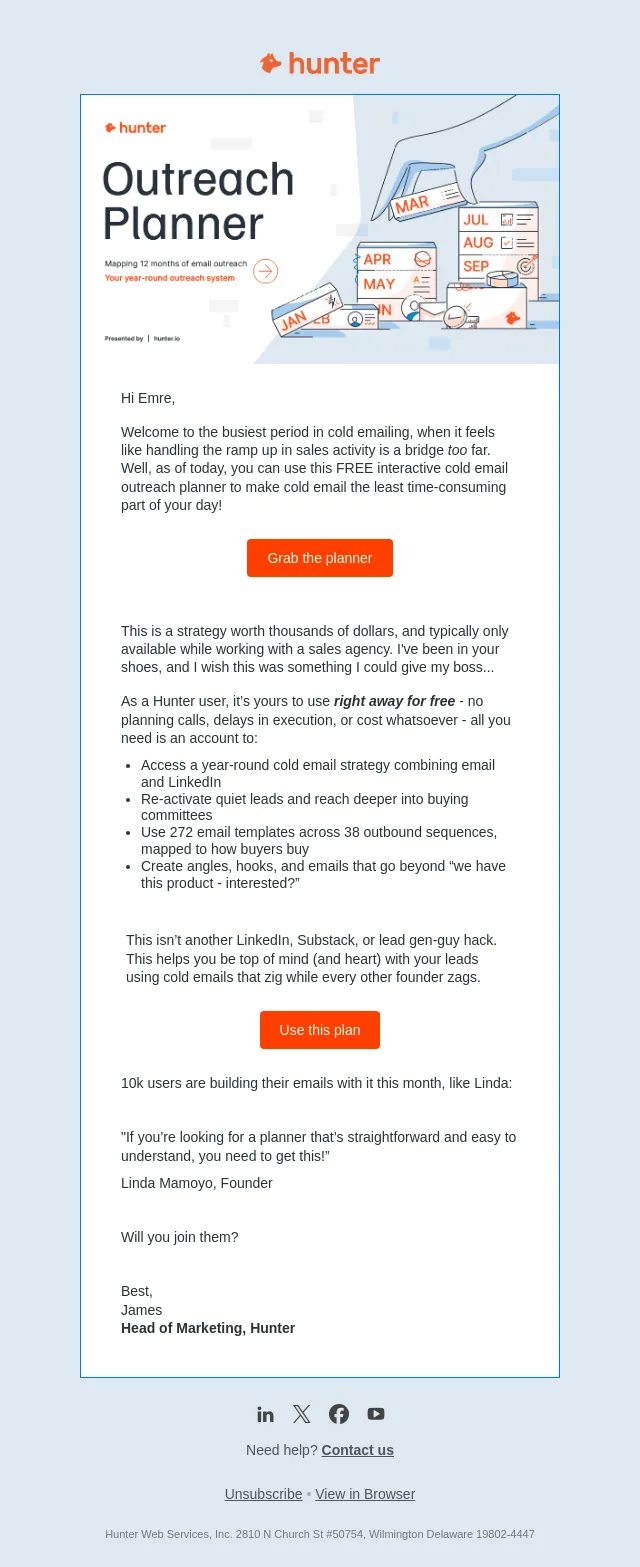
The new Hunter Outreach Planner gives you all you need to send cold emails this month (and beyond) that build relationships with your leads.

Not every lead will be ready to buy this month, but you can plant the seeds for a blossoming relationship that turns you into an option they know and trust.

Here are three tips on getting going in the planner right now:

1. Use the Annual, quarterly, and monthly view

The planner greets you with a calendar view of your outreach activity, broken down into a quarterly and monthly view.

This snapshot tells you where your cold emailing is heading, based on time of year & what leads are thinking and doing.

2. Copy the example sequences

Click inside each month and you’re given advice on the state of mind of your leads (buying mode), what sort of sequence you need to send, and who should receive it.

From here, you're given a step by step process to follow to build lists and then detailed sequences to create – you can add directly to your email sequences inside Hunter or your AI. whereby you’ll find this inside Sequences.

After you complete each action a progress bar helps you to track your progress.

3. Access in-planner help

The planner goes against the grain, but stick with it - the results are worth it. To help you, click “how to use this?” and you'll find detailed walk-throughs on how the planner works.

You'll learn the framework behind the planner - namely, persons, buying modes, sequence types, and list building.

Grab the planner ( https://hunter.io/outreach-planner?utm_campaign=Promotion%3A+Interactive+Outreach+Planner+-+Sept+2026&utm_content=Email+3+-+Get+going&utm_medium=email_action&utm_source=customer.io )
Good luck planning your email!

If you’d like to join an upcoming planning workshop with me, click here ( https://hunter-surveys.typeform.com/plannerworkshop?utm_campaign=Promotion%3A+Interactive+Outreach+Planner+-+Sept+2026&utm_content=Email+3+-+Get+going&utm_medium=email_action&utm_source=customer.io#id=xxxxx&name=xxxxx&email=xxxxx&product_id=xxxxx ) to register your interest.

Best,
James
Head of Marketing, Hunter

LinkedIn ( https://www.linkedin.com/company/hunter-io/?utm_campaign=Promotion%3A+Interactive+Outreach+Planner+-+Sept+2026&utm_content=Email+3+-+Get+going&utm_medium=email_action&utm_source=customer.io ) Twitter ( https://twitter.com/EmailHunter?utm_campaign=Promotion%3A+Interactive+Outreach+Planner+-+Sept+2026&utm_content=Email+3+-+Get+going&utm_medium=email_action&utm_source=customer.io ) Facebook ( https://www.facebook.com/EmailHunter.co?utm_campaign=Promotion%3A+Interactive+Outreach+Planner+-+Sept+2026&utm_content=Email+3+-+Get+going&utm_medium=email_action&utm_source=customer.io ) YouTube ( https://www.youtube.com/channel/UCAaEqu5fM-nSVvWZ656nd5g?utm_campaign=Promotion%3A+Interactive+Outreach+Planner+-+Sept+2026&utm_content=Email+3+-+Get+going&utm_medium=email_action&utm_source=customer.io )

Need help? Contact us ( https://hunter.io/contact?utm_campaign=Promotion%3A+Interactive+Outreach+Planner+-+Sept+2026&utm_content=Email+3+-+Get+going&utm_medium=email_action&utm_source=customer.io )

Unsubscribe ( https://track.customer.io/unsubscribe/dgTJmwULAKz_qQSq_6kEAaGiMc19RmHbyHGP7woVqg== ) • View in Browser ( https://track.customer.io/deliveries/dgTJmwULAKz_qQSq_6kEAaGiMc19RmHbyHGP7woVqg== )

Hunter Web Services, Inc. 2810 N Church St #50754, Wilmington Delaware 19802-4447
- Accession
- nse/hunter/2026-11-03/6048
- From
- James from Hunter.io · james@mail.hunter.io
- Sent
- 3 November 2026 · 16:00 UTC