Re-configure your Okta account with Client credentials
Re-configure Okta with Client Credentials
- Product
- Hexnode
- Sent from
- hexnodemdm.com
- Sent
No dark-mode styles — this email renders the same in a dark client.
Re-configure Okta with Client Credentials
Hi Emre,
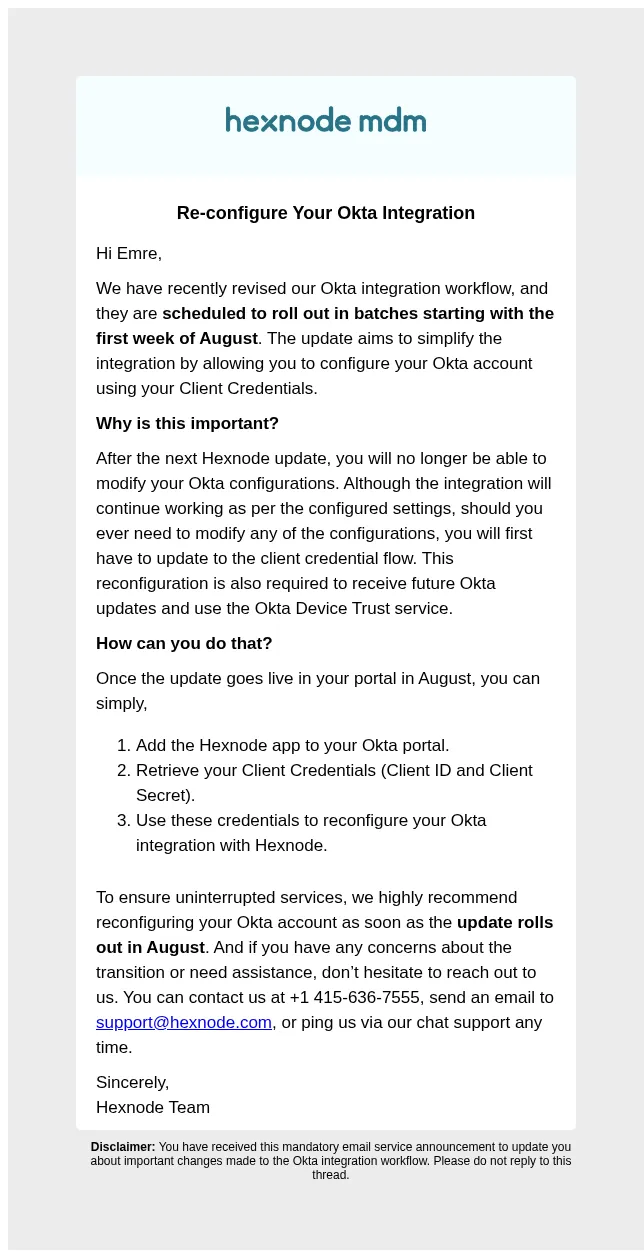
We have recently revised our Okta integration workflow, and it just got a lot simpler. And with the latest update, you can configure your Okta account using your Client Credentials. These updates are scheduled to roll out in batches starting from the first week of August.
Why should you do it?
Starting with the next Hexnode update, Okta user syncing will work only on portals that have switched to the client credential flow. Furthermore, it is necessary to reconfigure your Okta account for receiving future Okta updates and leveraging the Okta Device Trust service. So we highly recommend reconfiguring your Okta account at your earliest convenience to ensure smooth operation.
How can you do that? Add the Hexnode app to your Okta portal
Retrieve your Client Credentials (Client ID and Client Secret)
Use these credentials to reconfigure your Okta integration with Hexnode
If you have any concerns about the transition or need assistance, don’t hesitate to reach out to us. You can contact us at +1 415-636-7555, send an email to support@hexnode.com , or ping us via our chat support any time.
Regards,
Hexnode Team
Disclaimer: You have received this mandatory email service announcement to update you about important changes made to the Okta integration workflow. Please do not reply to this thread.
- Accession
- nse/hexnode/2026-10-31/5749
- From
- Hexnode MDM Notifications · noreply@hexnodemdm.com
- Sent
- 31 October 2026 · 09:00 UTC