Advanced sharing features you didn’t know you needed
Links with expiration dates, file requests, password protected files, and more
- Product
- Dropbox
- Sent from
- em-s.dropbox.com
- Sent
No dark-mode styles — this email renders the same in a dark client.
Links with expiration dates, file requests, password protected files, and more


 <https://www.dropbox.com>
 <https://www.dropbox.com>

Five ways to share smarter, in less time


Dropbox makes transferring files fast, safe, and reliable.

From quick transfers to working on long-term projects, see how these advanced
features make every day even easier.

Send a file  <http://www.dropbox.com/home?file_chooser_type=sharing>


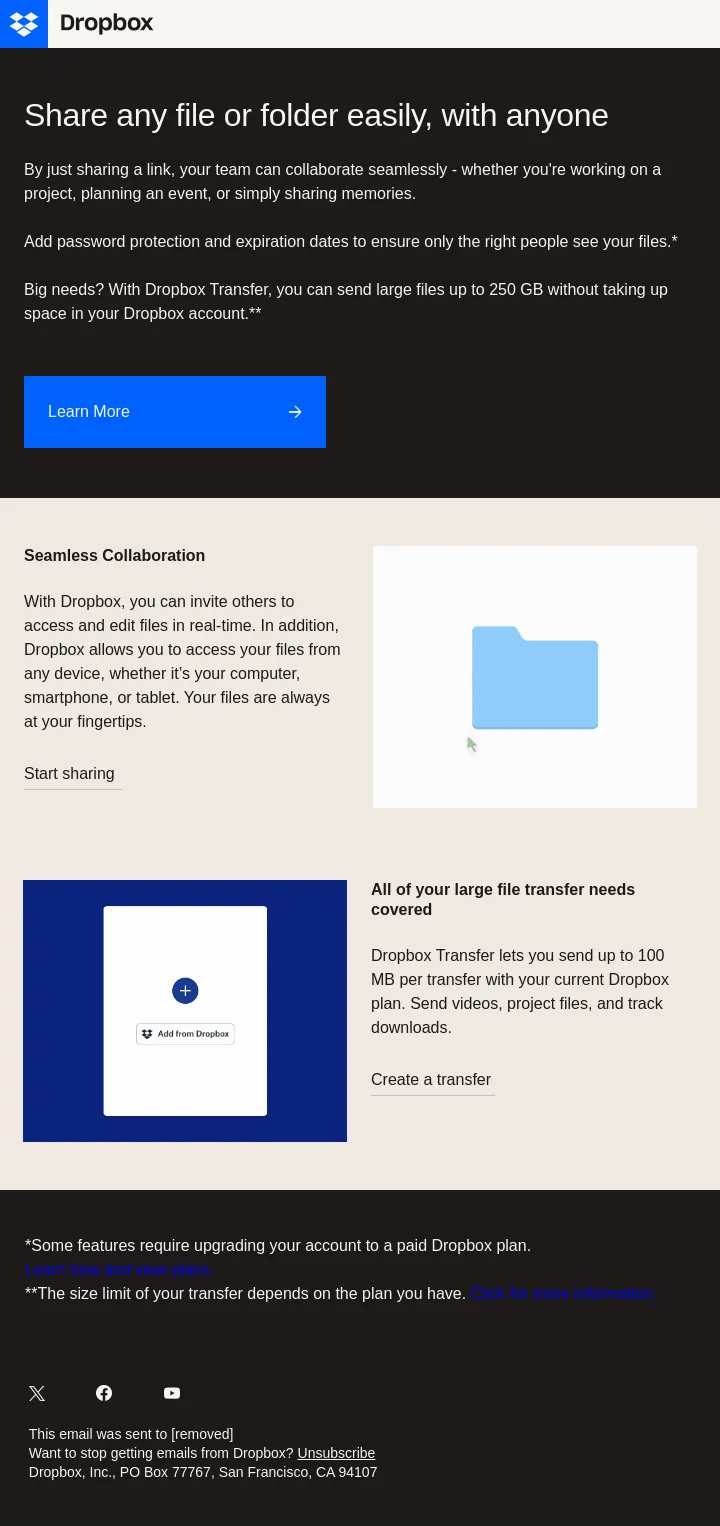
Skip the back-and-forth with a shared folder


 Working together is easier when you invite people to use a shared folder.
Users can add or edit files, leave comments, and always see the latest version
of everything inside.


Create a shared folder <https://www.dropbox.com/home>

 <https://www.dropbox.com/home>


 <http://www.dropbox.com/home?file_chooser_type=sharing>

Send files with a single link


Shared links <https://help.dropbox.com/share/create-and-share-link> are easy
to create, share, and use. Just drop these links in an email, text message, or
WhatsApp thread, and recipients don’t even need a Dropbox account to view or
download the file.


Generate a shared link <http://www.dropbox.com/home?file_chooser_type=sharing>


Hand off entire projects with ease


 Perfect for large files like videos, photos, or design assets, Dropbox
Transfer lets you securely deliver copies and track downloads. Depending on
your Dropbox plan, you can also set an expiration date so files are only
available for a limited time.


Create a Transfer <https://www.dropbox.com/transfer>

 <https://www.dropbox.com/transfer>


 <https://www.dropbox.com/requests>

Request files from others


Invite others to upload directly to you, with no Dropbox account required.
Best of all, everything arrives in one organized folder.


Send a request <https://www.dropbox.com/requests>


Add a password for extra security


Depending on your Dropbox plan, you can password-protect your shared links and
transfers for added peace of mind.


Learn more <https://www.dropbox.com/resources/how-to-password-protect-a-file>


<https://www.dropbox.com/resources/how-to-password-protect-a-file?_ad=Nmq2NaPgLiquqw9ent8uDuJELx8DIkIq&_camp=-12345&_tk=email&utm_campaign=p1_bo_co_al_ob_e_LCM_ActEng_All_MKTG_Onboarding_V1_SKU_Agnostic_Indv_OB_Sharing_mkg&utm_medium=email&utm_source=Iterable&utm_term=ja-ES>


 <https://www.twitter.com/Dropbox>  <https://www.facebook.com/Dropbox/>
<https://www.youtube.com/user/dropbox>

This email was sent to b-dropbox-jnkny4@mail.newslettersearchengine.com
Want to stop getting emails from Dropbox? Unsubscribe
<https://links.dropbox.com/e/eh?_t=60154b197d654466a40480a2b908d3b7&_m=39991cbcd72644a4b7b102c15a349595&_e=hGQdNd1MuN2TQHpJ8grQVKcIglTmgjFsSW0rsPu5ZOdh4ww9hjxXuyEMt2DLbZ-pBqzs3H3dJMKz9pQazxa9UeNKgfYunf_pxpAAKHF-QbCBn5BipgGmjCHEynd2OGLaq7BAjoSvjO8uD_Z14hIToK5v21H9yfhDnhlffz2o3r2P820BIW2uVpGwtyI0MS36454ygfrhZVd2TnBCECiRCw%3D%3D&dbx_unsub=16457220840172/1943975/174/AAA_frR-SHQKXob6nGX30hSC2QEmw9U7R-dXySWfxBuXiQ&dbx_campid=15586202&dbx_endpoint=send_email&dbx_env=prod>
Dropbox, Inc., PO Box 77767, San Francisco, CA 94107
- Accession
- nse/dropbox/2026-09-08/901
- From
- Dropbox · no-reply@em-s.dropbox.com
- Sent
- 8 September 2026 · 12:00 UTC