🟡 An easier way to recover involuntary churn
Decide what customers see when a payment fails.
- Product
- Churnkey
- Sent from
- churnkey.co
- Sent
Dark-mode styles present, but they keep this email light.
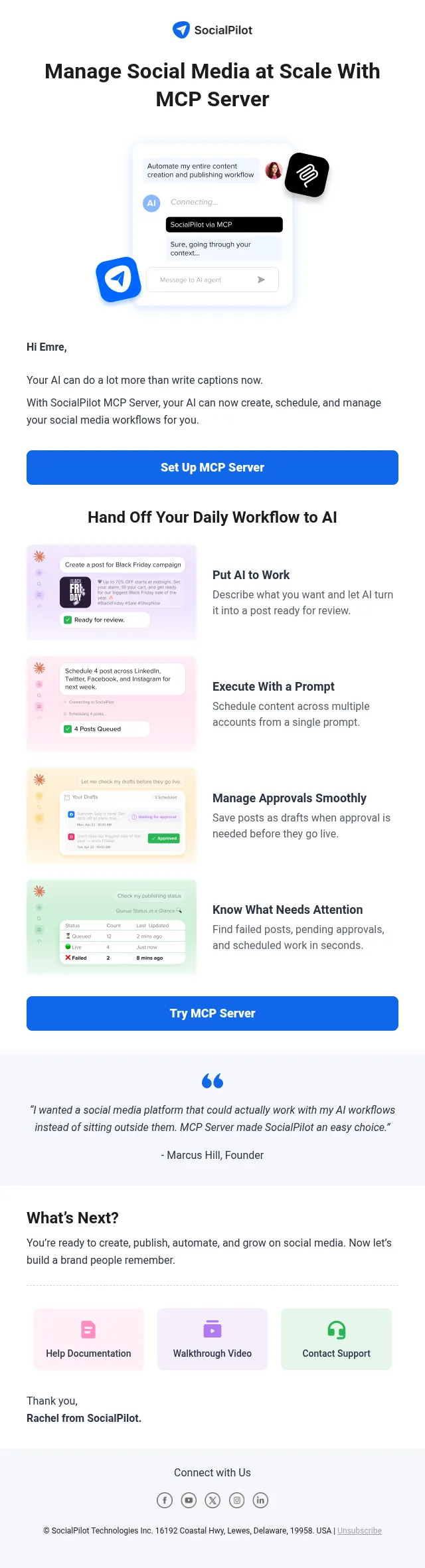
Decide what customers see when a payment fails.͏ ͏ ͏ ͏ ͏ ͏ ͏ ͏ [Image] [Image] Hi Emre, You can now build and manage your Payment Recovery Wall from the Churnkey dashboard. It is the in-product step of Payment Recovery, which recovers up to 89% of failed payments. [Image] From the dashboard, you can: [Image] Show different walls to different customers based on plan, price, country, or decline type [Image] Use a hard wall that stays until the card is updated, or a soft wall customers can close [Image] Add a grace period to a hard wall [Image] Edit the text, colors, buttons, and content order [Image] Preview your changes, then publish when you’re ready [Image] Restore an earlier version [Image] Your integration still decides when the wall appears. Once a primary campaign is live, its settings replace the wall options in your code. You’ll find it in the Payment Wall tab under Payment Recovery. Open the Payment Wall tab [Image] You’re receiving this because you have a Churnkey account. Unsubscribe
- Accession
- nse/churnkey/2026-11-06/6320
- From
- Scott from Churnkey · scott@churnkey.co
- Sent
- 6 November 2026 · 16:00 UTC