How is Anima going for you so far?
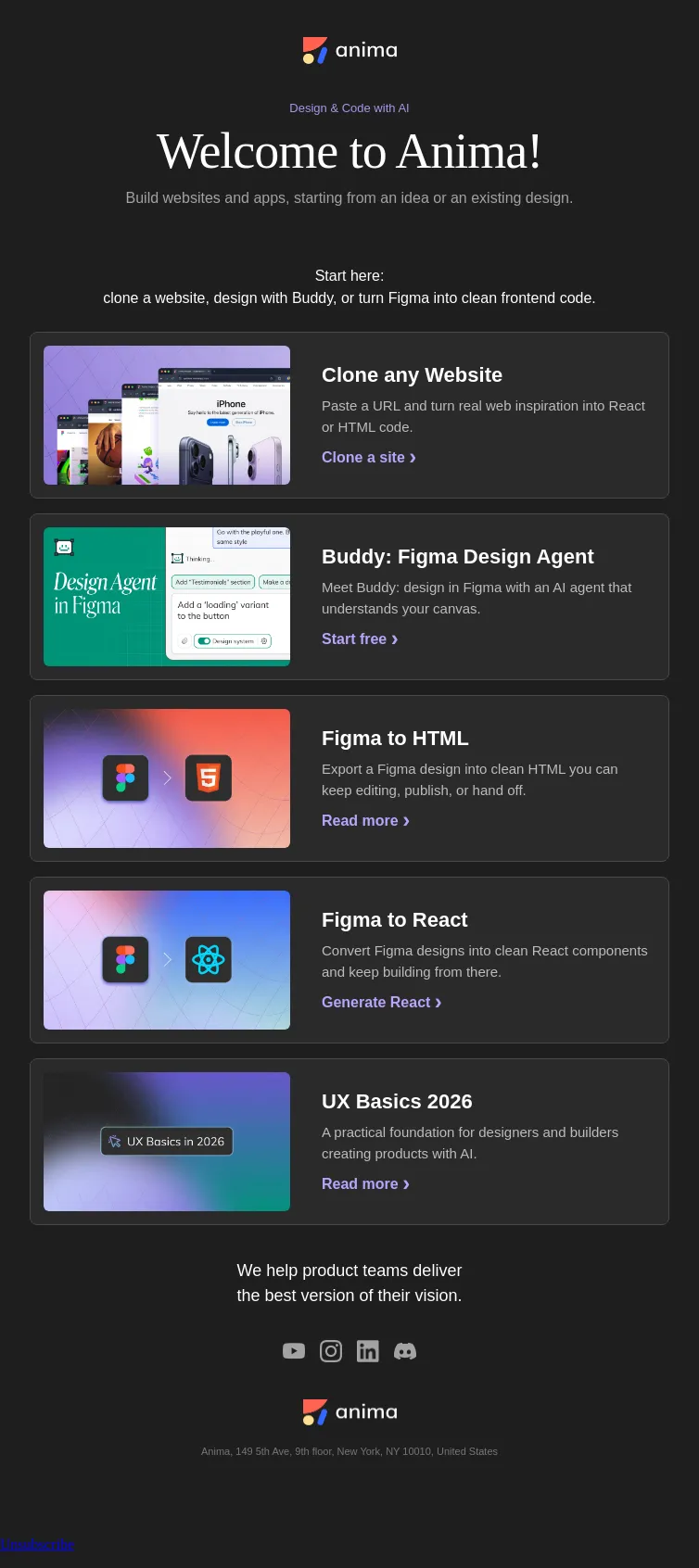
Clone any Website
- Product
- Anima
- Sent from
- animaapp.com
- Sent
No dark-mode styles — this email renders the same in a dark client.
Clone any Website
Clone any Website
Capture any page, bring it into Anima, and hand off editable design/code to Figma or your AI coding agent.
Use Anima as the bridge between websites, Figma, Claude, and coding agents.
Anima MCP: handoff to other agents
Connect AI coding agents to Anima Playground and Figma for smoother handoff.
Set up MCP ›
Capture Elements
Copy and paste elements and styles from any website into your workflow.
Capture elements ›
Copy code back to Figma
Bring generated UI back into Figma and keep design and code connected.
Copy to Figma ›
Claude Design to Figma
Move from Claude Design output into Figma for refinement and collaboration.
Send to Figma ›
Claude artifact to Figma
Import a Claude artifact or AI prototype into Figma using Anima.
Import artifact ›
AI Design 2026
A practical guide to designing with AI in the modern product workflow.
Read guide ›
We help product teams deliver
the best version of their vision.
Anima, 149 5th Ave, 9th floor, New York, NY 10010, United States
Unsubscribe
- Accession
- nse/anima/2026-10-26/5067
- From
- Team Anima · no-reply@animaapp.com
- Sent
- 26 October 2026 · 21:00 UTC