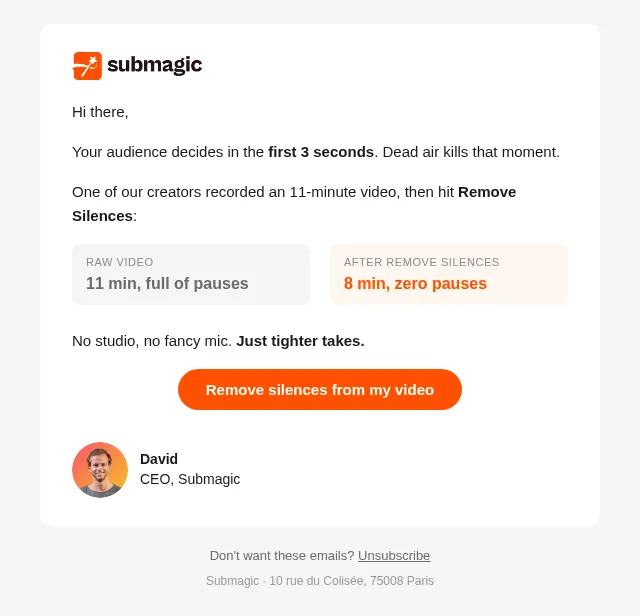
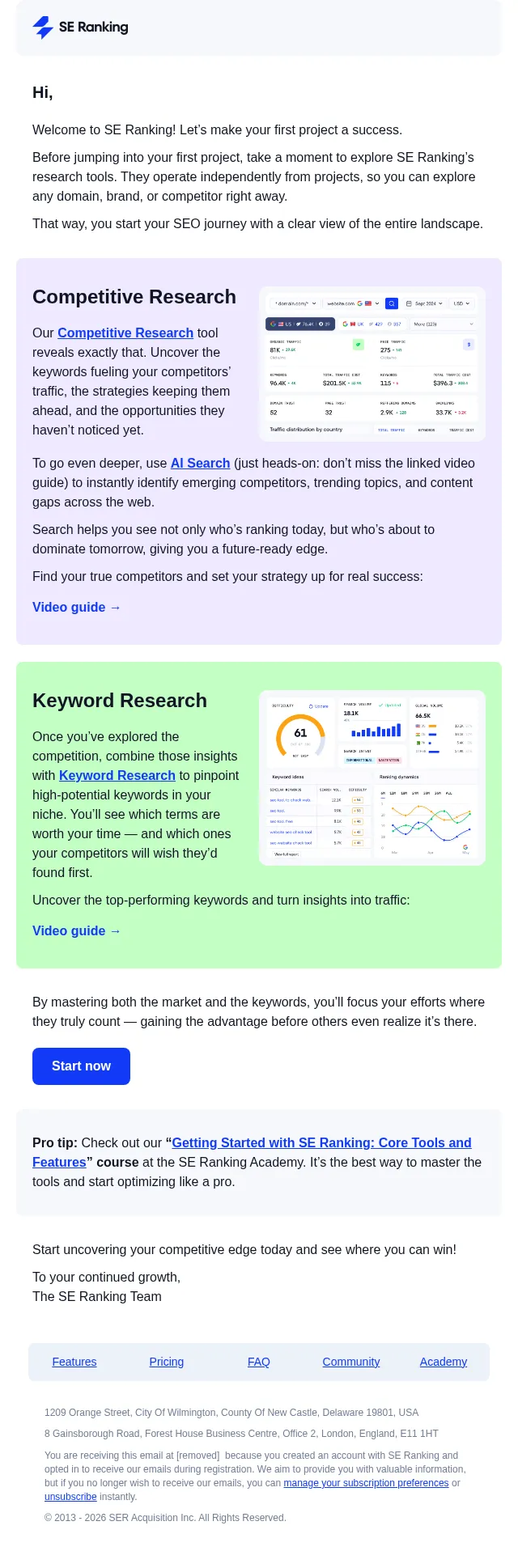
Welcome to Customer.io, Emre! (1/3)
We’re thrilled you’re here
- Product
- Customer.io
- Sent from
- customer.io
- Sent
No dark-mode styles — this email renders the same in a dark client.
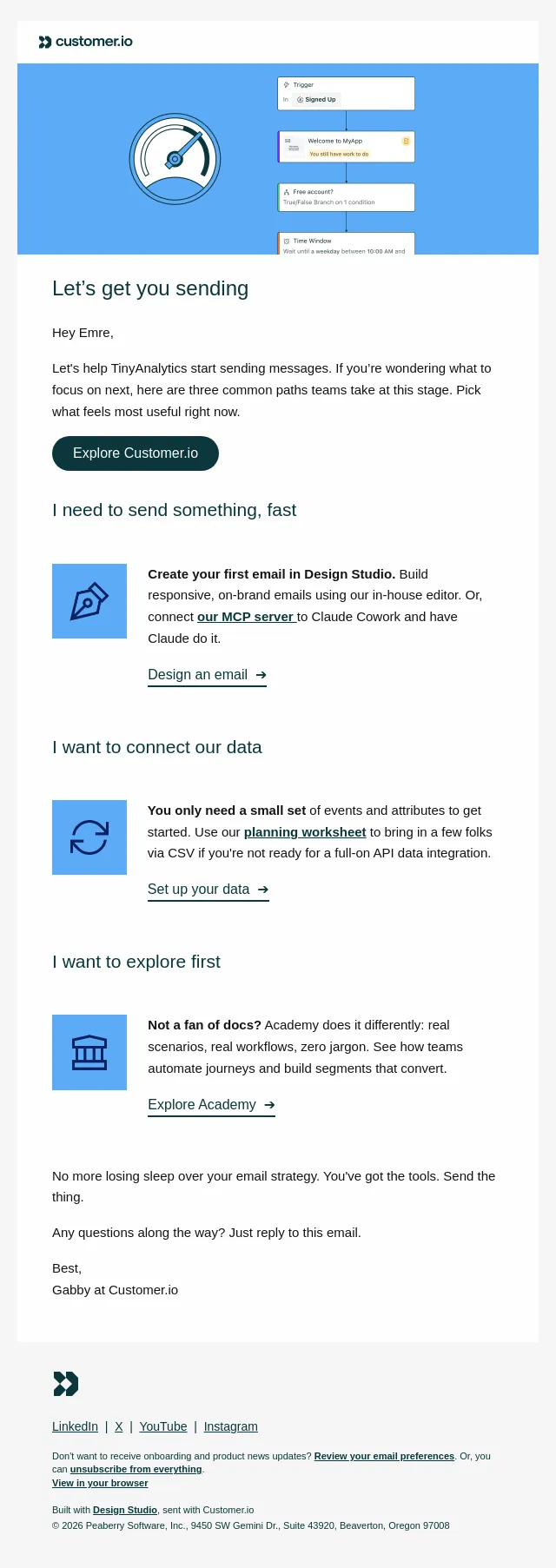
We’re thrilled you’re here Customer IO logo ( https://customer.io/ ) icon: peace sign of greeting ( https://fly.customer.io/workspaces/last/journeys/home ) *********************** Welcome to Customer.io! *********************** Hi Emre! Thanks for choosing us to send your messages. I’ll point you to a couple of fast tracks to get set up, and over the next few days I’ll share a few more cheat codes for getting the most out of the platform. Explore Customer.io ( https://fly.customer.io/workspaces/last/journeys/home ) --------------------------- I need to send emails, fast --------------------------- icon: truck ( https://fly.customer.io/workspaces/last/journeys/home/workspace-setup ) Verify your domain and account. Find the person on your team who manages your DNS or has admin access to your website hosting to grab your MX/DKIM/SPF records ( https://docs.customer.io/journeys/authentication/#set-up-domain-authentication ). And don't forget to safely warm up your sending domain. ( https://docs.customer.io/journeys/channels/email/deliverability/domain-warming/ ) Verify your domain ➔ ( https://fly.customer.io/workspaces/last/journeys/home/workspace-setup ) ---------------------- I want to connect data ---------------------- icon: wrench ( https://docs.customer.io/ai/mcp-server/ ) Use our MCP server to connect your AI tools (like Claude) to Customer.io. This together with your AI Agent can help guide you through how to connect your data to Customer.io. Set up your MCP server ➔ ( https://docs.customer.io/ai/mcp-server/ ) ----------------------- I want to explore first ----------------------- icon: compass ( https://academy.customer.io/pages/get-started ) Try Customer.io Academy. Here, you can learn the essentials in a course format, like how to send your first automation or set up your data. Enter the Academy ➔ ( https://academy.customer.io/pages/get-started ) icon: sparkle ( https://fly.customer.io/?ai-message=what%20should%20I%20do%20first%20to%20start%20sending%20fast ) Meet your AI Agent ------------------ Your AI Agent can create automations from a prompt, draft emails, build segments, and remember your workspace context. Try this prompt to get started ➔ ( https://fly.customer.io/?ai-message=I%20just%20created%20my%20Customer.io%20account%20and%20am%20not%20sure%20of%20the%20best%20place%20to%20start.%20Ask%20me%20whatever%20you%20need%20to%20know%20about%20my%20business%2C%20tech%20stack%2C%20and%20goals%2C%20then%20give%20me%20a%20prioritized%20list%20of%20the%20first%203%20things%20I%20should%20do%20to%20see%20real%20value%20fast.%20Thanks! ) Need help? Just reply to this email or visit the docs ( https://docs.customer.io/ ). Best, Gabby at Customer.io Customer IO logomark ( https://customer.io/ ) LinkedIn ( https://www.linkedin.com/company/customer-io/ ) | X ( https://x.com/customerio ) | YouTube ( https://www.youtube.com/@customerio ) | Instagram ( https://www.instagram.com/customer.io/ ) Don't want to receive onboarding and product news updates? Review your email preferences ( https://track.customer.io/manage_subscription_preferences/dgT6twgBAKqZOqmZOgGgU4n6SobGPq8z0CtJJsM= ). Or, you can unsubscribe from everything ( https://track.customer.io/unsubscribe/dgT6twgBAKqZOqmZOgGgU4n6SobGPq8z0CtJJsM= ). View in your browser ( https://track.customer.io/deliveries/dgT6twgBAKqZOqmZOgGgU4n6SobGPq8z0CtJJsM= ) Built with Design Studio ( https://customer.io/design-studio ), sent with Customer.io © 2026 Peaberry Software, Inc., 9450 SW Gemini Dr., Suite 43920, Beaverton, Oregon 97008
- Accession
- nse/customerio/2026-08-30/77
- From
- Gabby at Customer.io · welcome@customer.io
- Sent
- 30 August 2026 · 16:00 UTC