Unlock the power of Jitter to animate your content & interfaces
Here's an overview of what you'll be able to create with Jitter.
- Product
- Jitter
- Sent from
- m1.jitter.video
- Sent
No dark-mode styles — this email renders the same in a dark client.
Here's an overview of what you'll be able to create with Jitter.

**************************
Unlock the power of Jitter
**************************

Hi there,


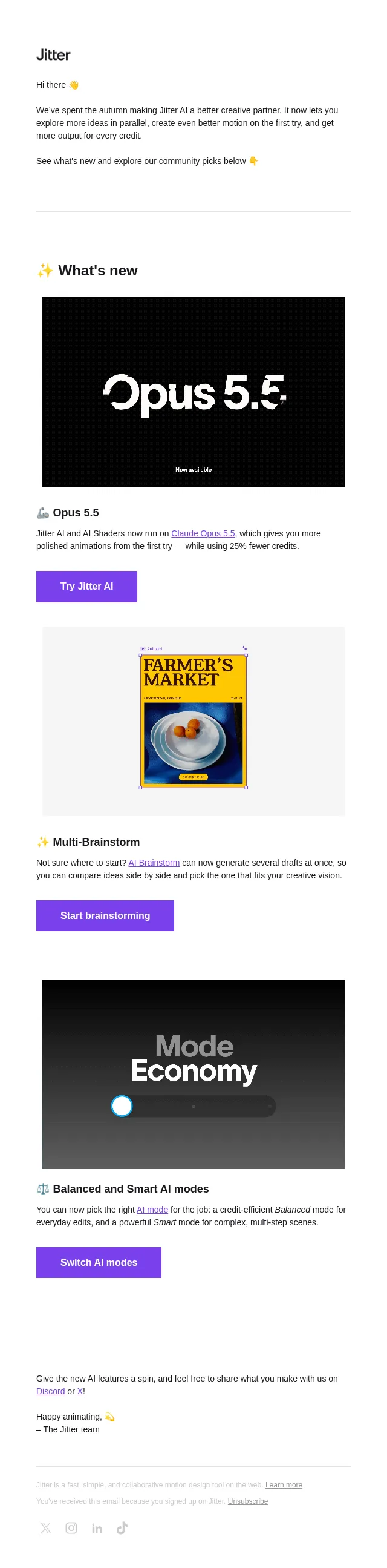
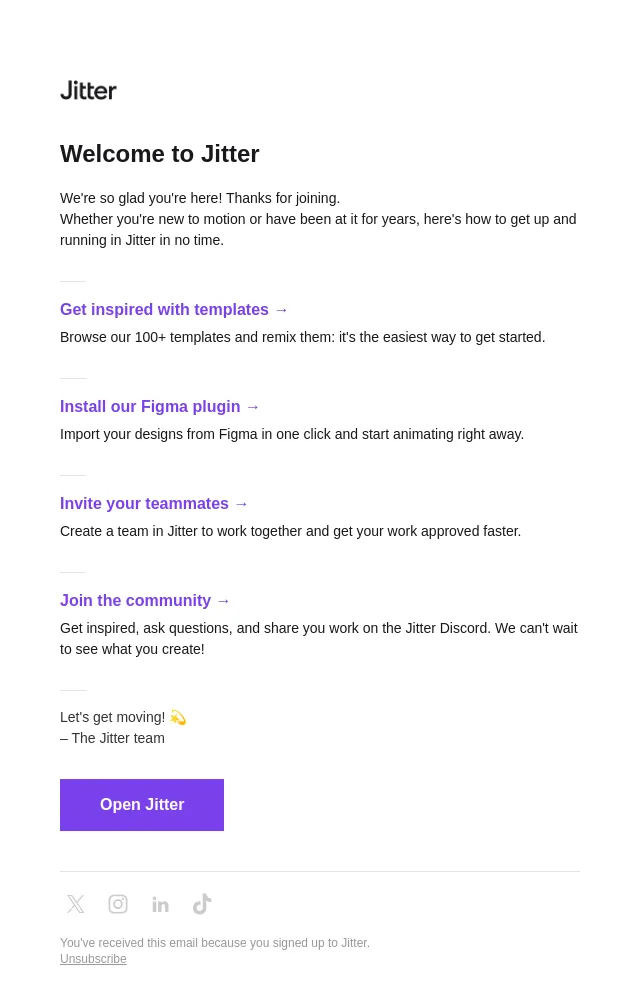
You've been with us for a while now, but it looks like you haven't explored all the possibilities Jitter can offer.


Here’s a quick summary of what Jitter enables you to do.


--------------------------
What can Jitter do for me?
--------------------------

Animate your content in seconds
-------------------------------

Jitter is fast and simple: you can produce animated content in just a few clicks, without spending hours on tutorials. To get started, you can import your designs from Figma, start from a template, or create everything from scratch.

Control every aspect of your brand’s animations
-------------------------------------------------

Jitter offers all the controls you need to build any project, and deliver better content for your brand. You can customize everything: animations, fonts, colors, easing functions… In fact, you can build your brand’s motion design system to produce consistent content faster and at scale.

Export in 4K video, GIF or Lottie formats
-----------------------------------------

4K video, GIF or Lottie export: we got you. Pick the format you prefer to share your content on social media, to include it in your apps & websites, or to collaborate with your teammates.

Get started ( https://jitter.video/files/ )


-----------------------------
I don’t know where to start
-----------------------------

Here's a quick video to help you get started with Jitter:

( https://www.youtube.com/watch?v=e1yf2MG3Pr8 )

You can also browse through our template gallery ( https://jitter.video/gallery/ ) and chose one to start with. You can then remix it and customize every aspect of the file: animations, presets, colors, duration…


If you want more ideas, you can visit our Youtube channel ( https://www.youtube.com/c/jittervideo ) to learn power moves, animation tutorials, and some tips & tricks to master Jitter.


----------
Need help?
----------

Check out our FAQs ( https://help.jitter.video/en/ ) to quickly find an answer to your questions. You can also contact us by replying to this email, or on Twitter ( https://twitter.com/jittervideo/ ), Instagram ( https://www.instagram.com/jitter.video/ ) or TikTok ( https://www.tiktok.com/@jitter.video/ ).


Cheers,

– The Jitter team


Twitter ( https://twitter.com/jittervideo ) Instagram ( https://www.instagram.com/jitter.video/ ) LinkedIn ( https://www.linkedin.com/company/jittervideo/ ) TikTok ( https://www.tiktok.com/@jitter.video )

You've received this email because you signed up on Jitter.
Unsubscribe ( https://track.customer.io/unsubscribe/dgSaxwcBAIX-kwOE_pMDAaE2zvOGD4kdfxnSm36nAg== )
- Accession
- nse/jitter/2026-10-13/4068
- From
- Jitter · team@m1.jitter.video
- Sent
- 13 October 2026 · 19:00 UTC